Studio or Garage? Picking your FrunkLab editor
FrunkLab now has two wrap editors: the template-first Studio and the 3D-first Garage. Same designs, same gallery, different philosophies. Here's an honest breakdown of which fits how you work.

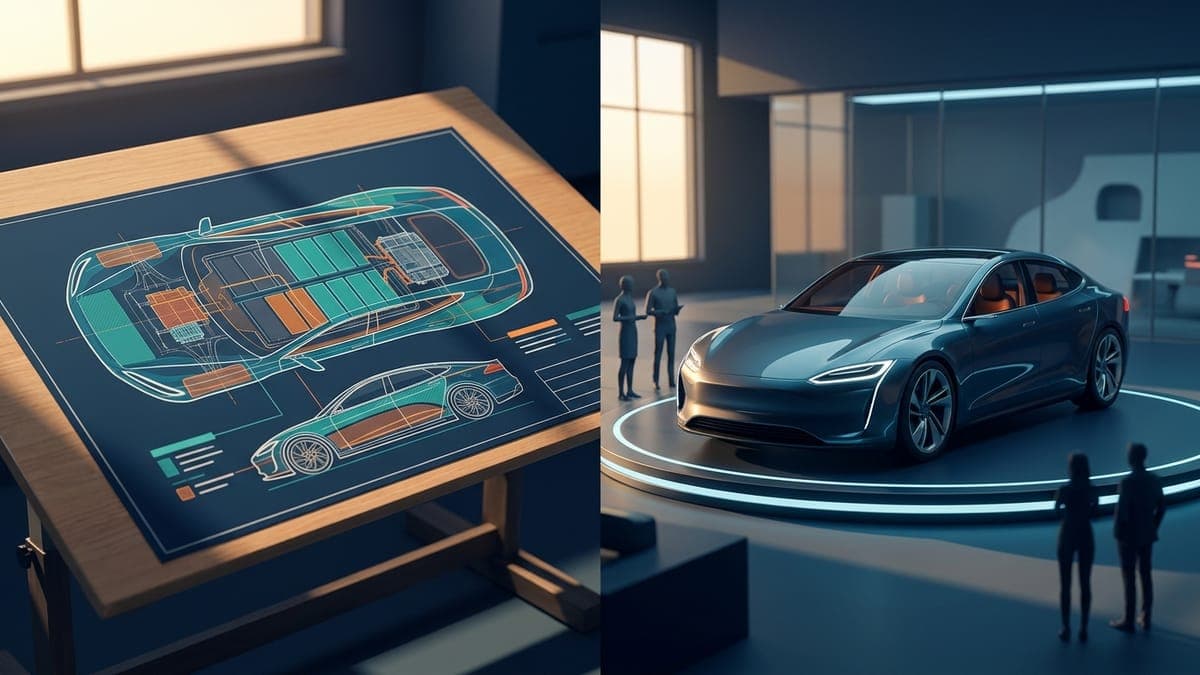
Since the Garage launched, the most common question in my inbox is some version of "so which one should I use?" Fair question. FrunkLab now ships two full wrap editors, and picking between them isn't obvious from the names.
The short answer: they're two doors into the same room. The long answer is more useful, so here it is.
The one fact that changes the question
Before comparing anything: designs are fully interchangeable. A wrap started in the Studio opens in the Garage and vice versa, same file, same layers, no export step, no conversion. Both save to the same Design Hub, feed the same community gallery, and download the same Tesla-ready file at the end.
So "which editor" is never a commitment. It's "which editor for the next twenty minutes," and you can change your mind mid-design. That reframes the whole comparison from choosing a camp to choosing a starting point.
The Studio: think in the template
The classic Studio shows you the flat, top-down template of your Tesla, the actual canvas your wrap file is built on. You work the way a print designer works: precise coordinates, layer panel, alignment, full toolbox always one click away.
The Studio is the right starting point when:
- Precision is the job. Lettering that must sit exactly 40 pixels from a panel edge, symmetric designs, anything with measurements. The flat template is the truth, and you're editing the truth directly.
- You're working from reference art. Dropping in a full-template image, tracing, or building around an uploaded logo is more natural on a flat canvas.
- You're on modest hardware or mobile. The Studio runs light. The Garage wants a desktop browser and a real GPU, and it isn't shy about it.
- You're designing for Model S or Model X. Both render in 3D in either editor since August 2026 (the which Tesla supports what guide has the matrix), so pick by workflow, not by model.
The trade-off is the translation step. You're painting a map of the car, and you carry the "where does this land in 3D" model in your head, checking the preview as you go. Powerful, precise, slightly abstract.
The Garage: think on the car
The Garage inverts the whole arrangement. The 3D car is the workspace: click the hood and text lands on the hood, rotated to read upright on that panel automatically. Drag things around the body. Flip lighting scenes with the number keys. The flat template still exists, docked in the Blueprint panel for surgical moments.
The Garage is the right starting point when:
- You're exploring. Base coats, gradients, stickers, patterns: the feedback loop of change-something-see-it-on-the-car is instant, and exploration is a feedback-loop game.
- Placement matters more than coordinates. "Does this read from ten feet away" is a 3D question. Answering it in the tool beats answering it in your head.
- You're remixing. The community browser renders gallery wraps live on your own car and forks them into an editable design in one click.
- You want the honest lighting answer. Seven scenes, instant switching. A wrap that survives the Showroom in light and dark mode and Neon Bay will survive a parking garage.
- You like to paint. The brush and eraser work directly on the 3D body now. Stroke across the hood, erase across a door, and it's still one clean undo step.
The trade-off is hardware and habit. It's a beta, it wants a GPU, and if you've got years of flat-canvas muscle memory, the first ten minutes feel like learning to write with your other hand. (The Garage walkthrough shortens that considerably.)
How I actually use them
My honest workflow, most designs: start in the Garage, finish in the Studio's mindset without leaving. Block out the design on the car, where the big decisions (palette, placement, scale) are cheap and visual. Then open the Blueprint panel for alignment and detail work, which is effectively the Studio living inside the Garage.
For logo-heavy or measurement-heavy designs I flip it: build precise in the Studio, then open the design in the Garage purely as a review room before submitting.
Neither of those workflows was possible when an editor was a silo. Interchangeability is the actual feature; the two editors are just its interface.
The cheat sheet
| You | Start in |
|---|---|
| First wrap ever | Garage (or the first-wrap tutorial) |
| Precise lettering, logos, symmetry | Studio |
| Exploring styles, no fixed idea | Garage |
| Model S or Model X | Studio |
| Remixing a gallery wrap | Garage |
| Laptop with integrated graphics | Studio |
| It's 11pm and you just want to make something cool | Garage, Neon Bay, key 2 |
Both are free to open and your designs follow you between them. Pick a door: Studio or Garage.
Put a custom wrap on your Tesla
Free community designs for every model, or make your own in the browser.