Guides
Evergreen explainers on Tesla wraps, colors, and the digital-first customization workflow.
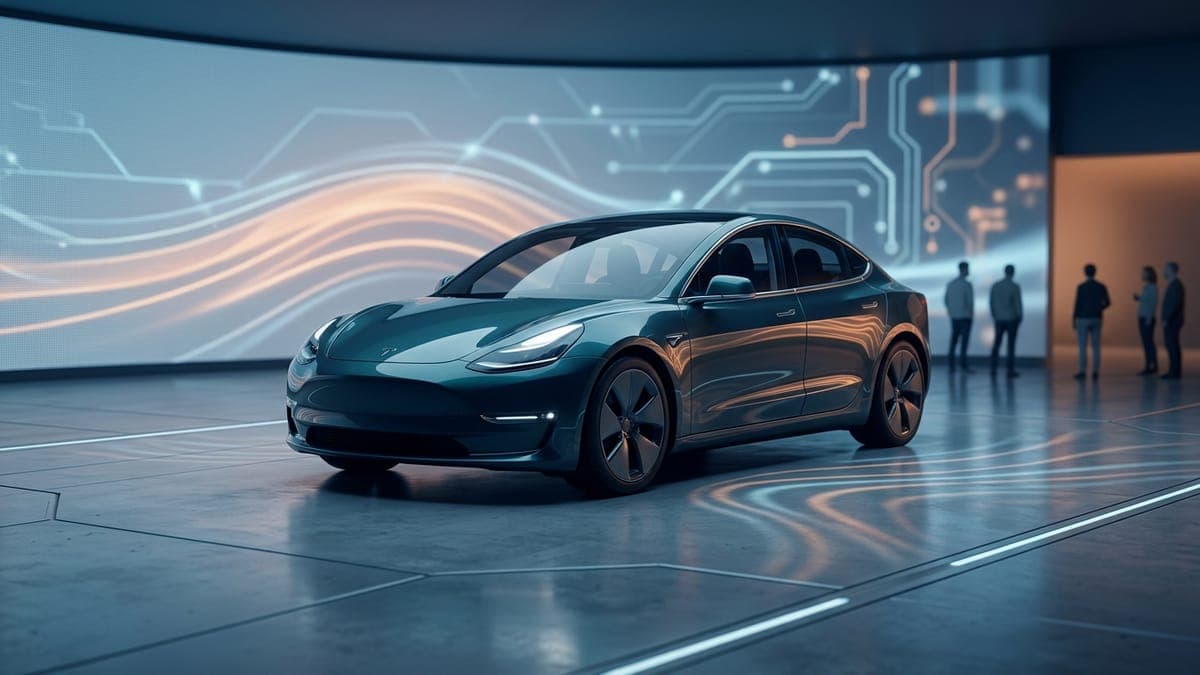
AI in car customization: where it actually helps in 2026
AI image gen is great for textures, patterns, and color schemes. It's mediocre at logos and bad at legible text. Here's what works and what doesn't, with real examples.
 Dex Moreno · Jun 3, 20268 min
Best Tesla lock chimes: 25 sounds owners actually use
The stock Tesla lock chirp is fine. These 25 are better. The most-downloaded lock chimes from the FrunkLab library by style, plus the 2-minute USB install, the AI chime generator, and how to pair a chime with your wrap.
 Sienna Park · Aug 11, 20266 min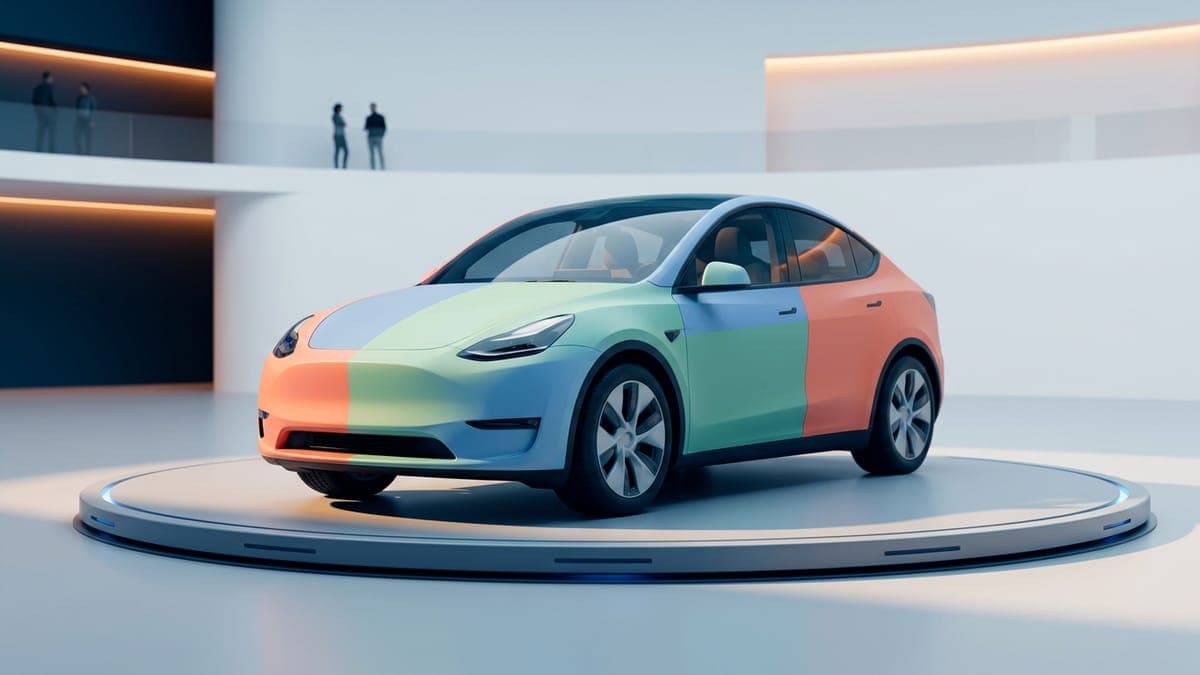
Can you design a Tesla wrap online for free?
Yes, and without a credit card. What FrunkLab's free tier actually includes (full editors, 3D preview, Tesla-ready export), what the one-time AI packs add, and how the free route compares to paying a designer or buying template software.
Dex Moreno · Jul 21, 20268 min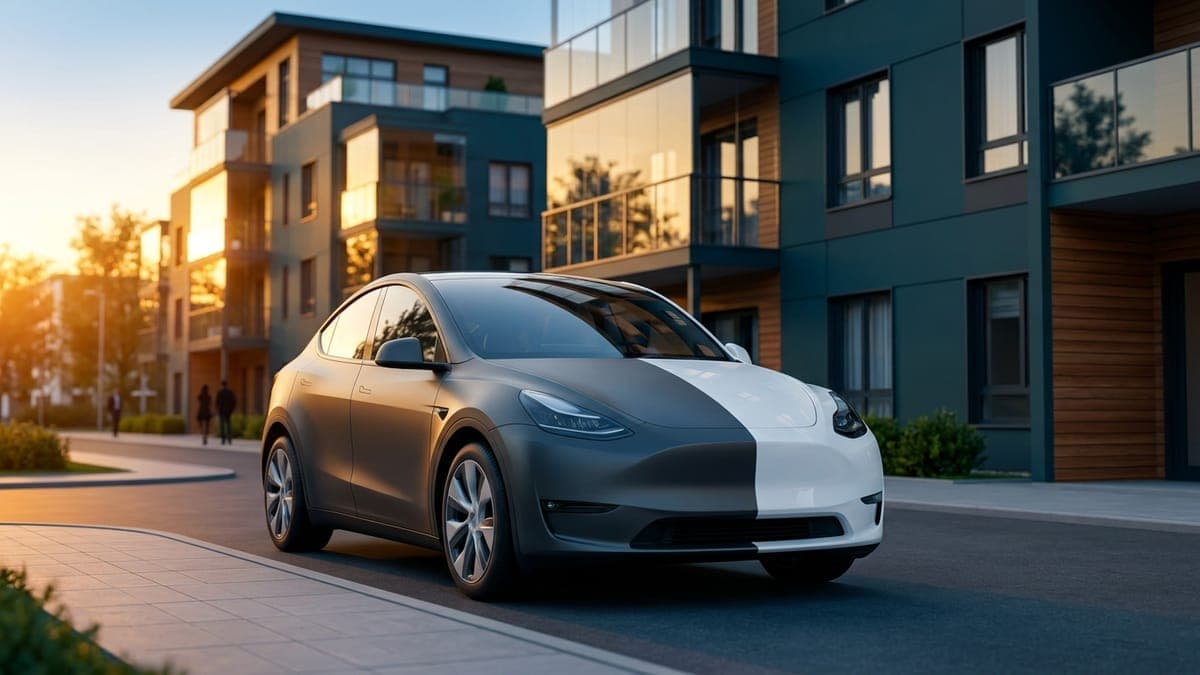
Can you wrap a leased Tesla?
Yes, you can vinyl wrap a leased Tesla as long as it comes off cleanly before return. But the zero-risk option is a digital wrap: free, fully reversible, and displayed on the car's own screens. Here's what each route means for your lease.
Dex Moreno · Aug 11, 20265 min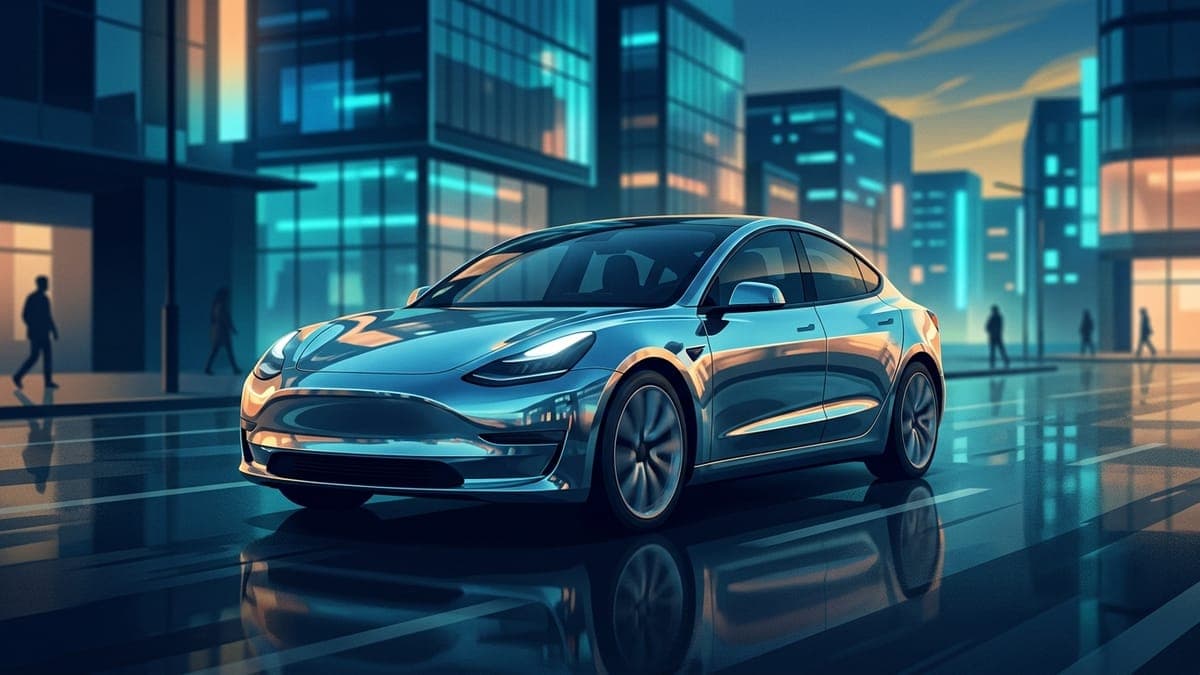
Chrome Tesla wrap: the mirror finish in Paint Shop, versus chrome vinyl
A chrome wrap is the most expensive vinyl you can put on a Tesla and the cheapest look you can put on its screen. How a mirror finish renders, why color-shift chrome beats plain silver, what the vinyl costs and where it is restricted, and free liquid chrome wraps for every model.
Sienna Park · Sep 17, 20266 min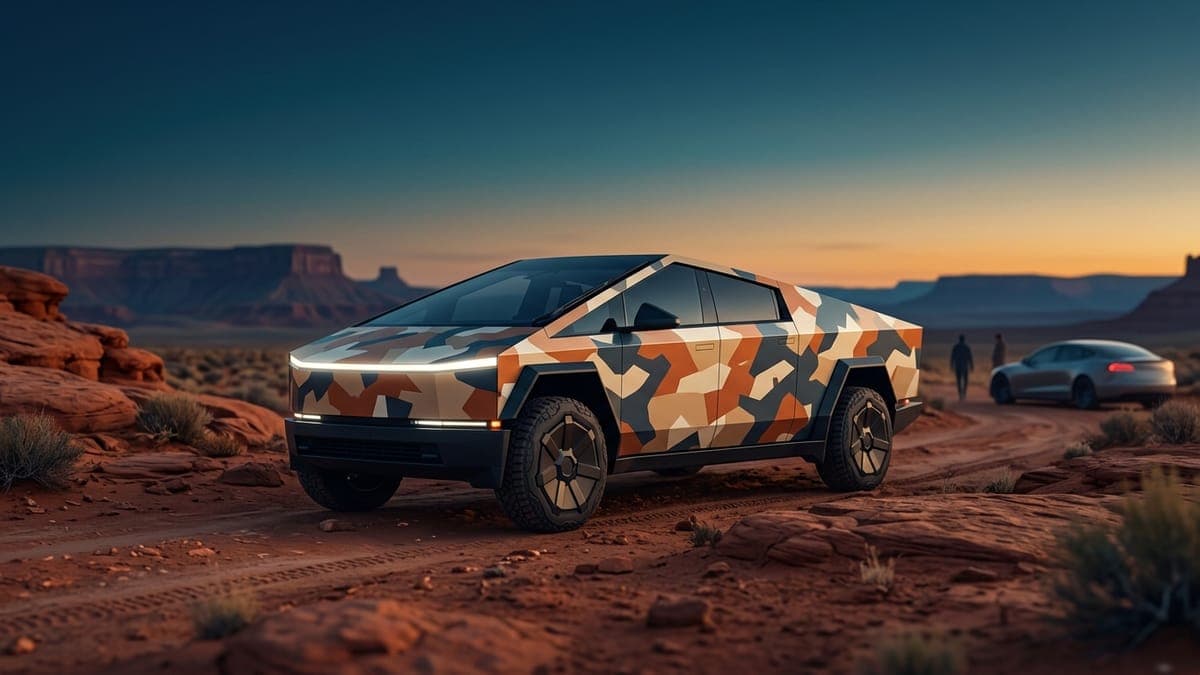
Cybertruck wrap ideas: designs that work on flat steel, from cyberpunk to camo
The Cybertruck is the easiest Tesla to wrap and the easiest to get wrong. Its flat panels take graphics with no distortion, and its stainless body makes the unwrapped truck a hard act to follow. Wrap ideas that suit the Cybertruck, and free Paint Shop files for each.
Sienna Park · Sep 23, 20266 min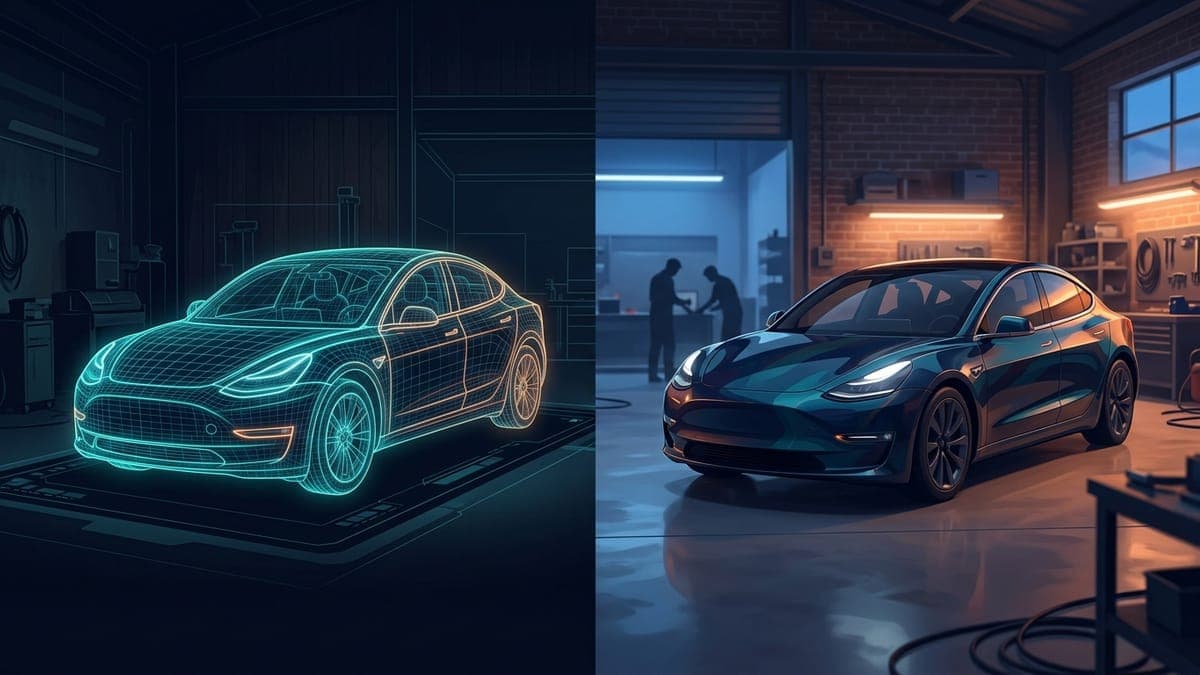
Digital vs vinyl Tesla wrap: which should you get?
A vinyl wrap changes the car everyone sees and stays on for years. A digital wrap changes your Tesla's screens, costs nothing and swaps by season. Here's the honest comparison.
Dex Moreno · Jun 3, 20267 min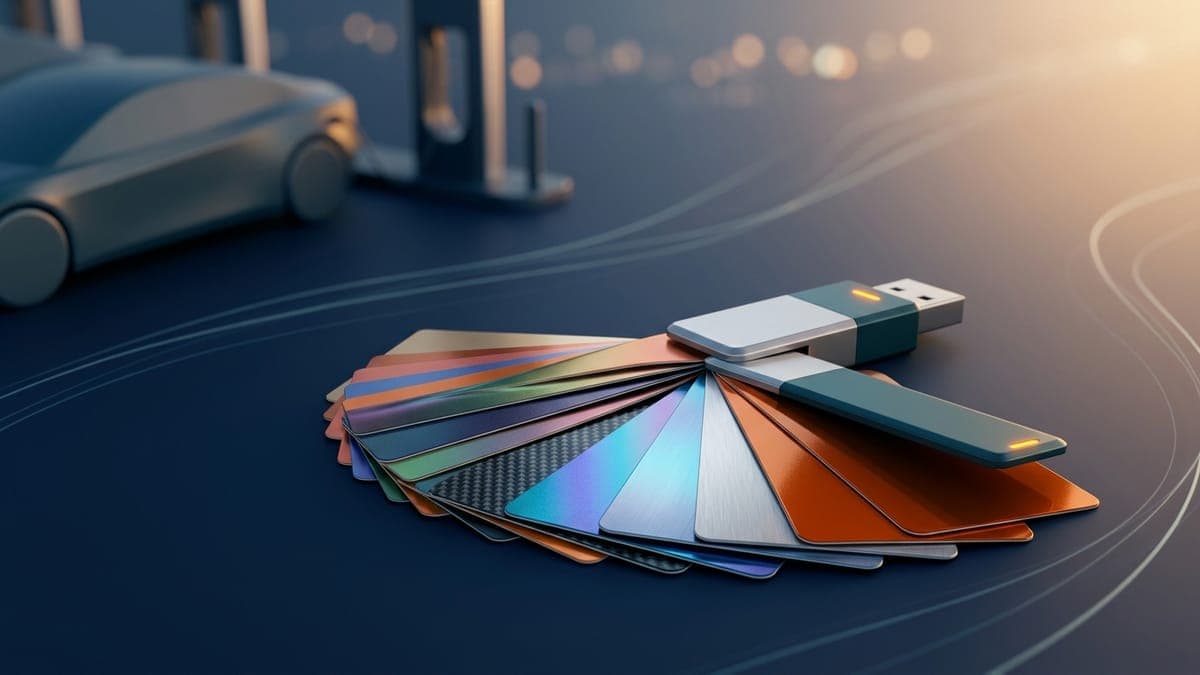
Downloading a Tesla wrap: which file your car needs and where to find one
What a Tesla wrap download actually is, which Paint Shop file each model needs, and where to find free community designs. No account, no watermark, no catch.
Dex Moreno · Sep 8, 20267 min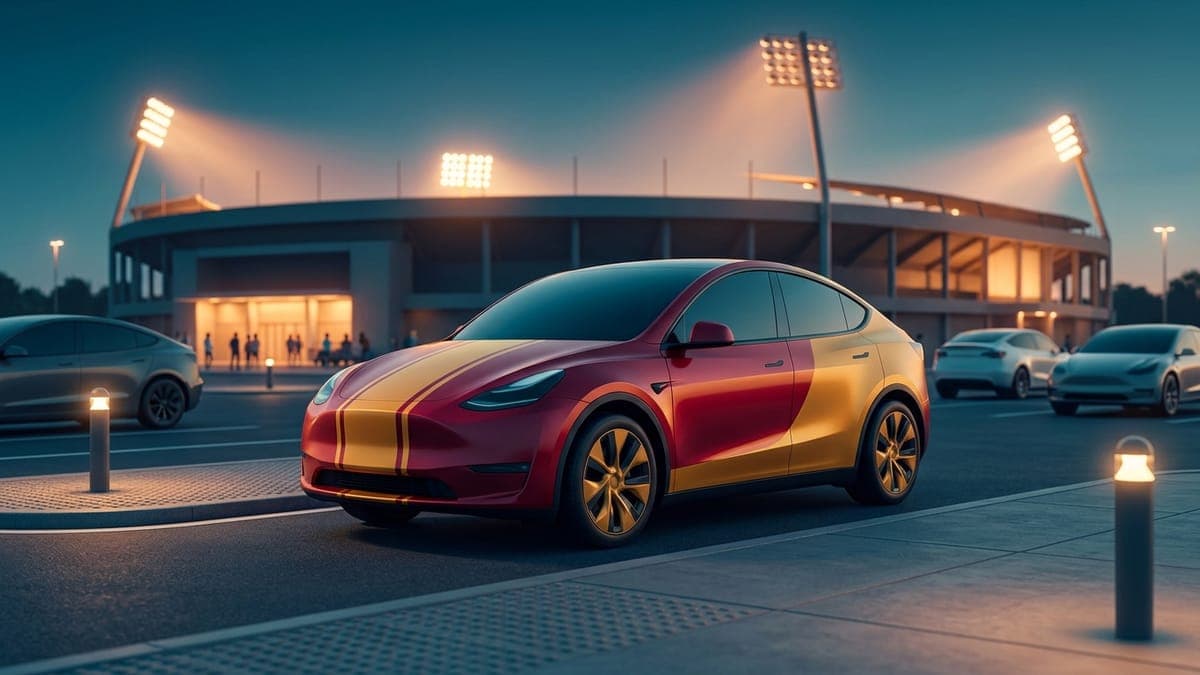
Gameday Tesla wrap ideas: your team's colors, without the logo
A team-colors wrap is a palette problem, not a logo problem: two colors, a clean divider and one diagonal slash on the doors read as gameday from across the lot. How the red-and-gold wrap was built, palettes for six cities, why logos stay off, and free wraps for every Tesla.
Sienna Park · Sep 17, 20266 min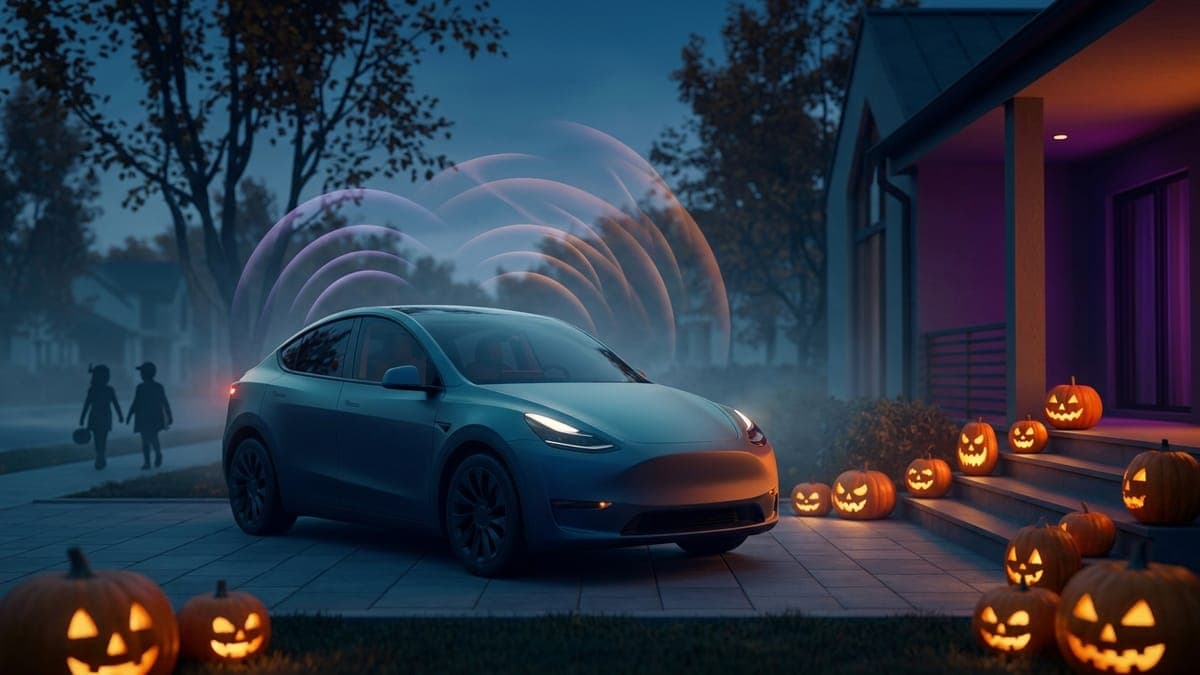
Halloween Tesla lock sounds: spooky lock chimes to download or make with AI
Give your Tesla a Halloween lock sound. Zombie moans, a monster roar, a creepy whisper and more, all free Tesla-ready WAV files, plus prompts for making your own spooky chime with AI and the two-minute USB install.
Sienna Park · Oct 1, 20265 min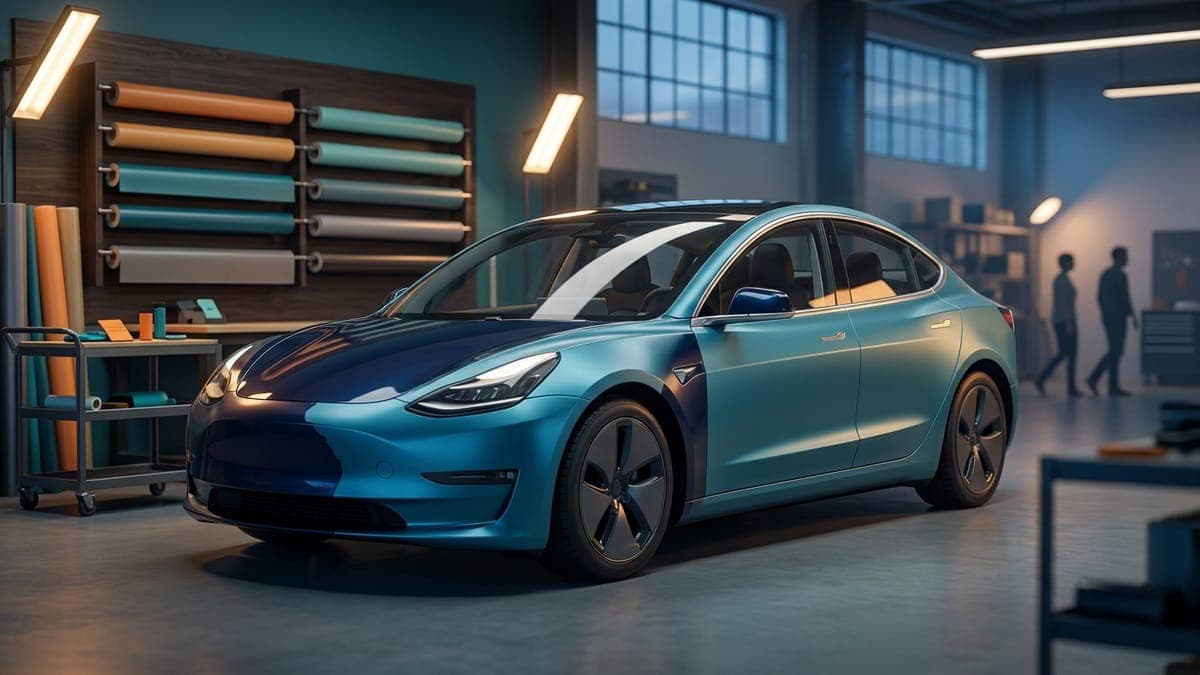
How much does a Tesla wrap cost in 2026?
Real numbers for wrapping a Tesla. Professional vinyl runs $2,000 to $6,000+ installed, DIY material costs hundreds, and the digital wrap your car can already display costs nothing. Here's the full math.
Dex Moreno · Jun 12, 202610 min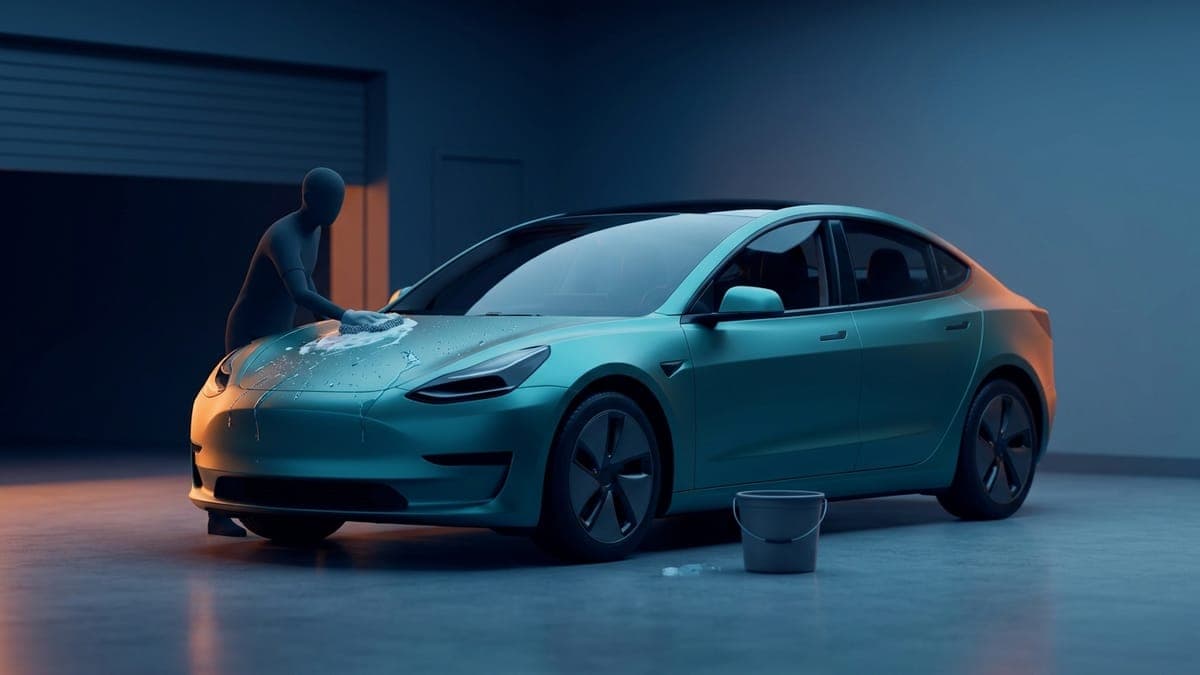
How to care for a wrapped Tesla: washing, pressure washers, coatings and what to avoid
A vinyl-wrapped Tesla needs gentler care than paint. Hand wash with a mild soap, keep a pressure washer at 12 inches or more and under the film maker's limit, never wax a matte wrap, and clean bird droppings fast. The full routine, by wrap brand.
Dex Moreno · Oct 1, 20265 min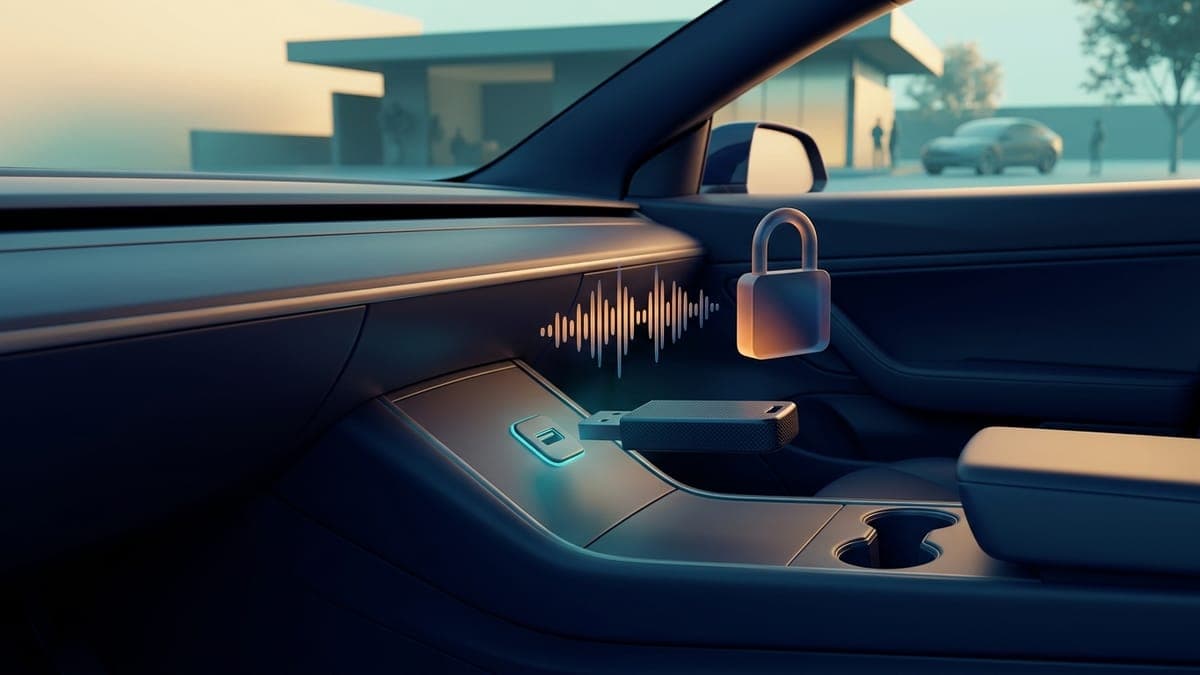
How to change your Tesla lock chime
Replace the stock Tesla lock sound with any custom chime in about five minutes. The exact file requirements (WAV, 5 seconds, 1MB), the USB steps, where the setting lives in the car, and the mistakes that make it silently fail.
Dex Moreno · Jul 21, 202611 min
How to design a Tesla wrap in Photoshop, Procreate, Canva or GIMP
Any image editor can make a Tesla Paint Shop wrap if it starts from the right template. The shared setup, the exact menus in Photoshop, Procreate, Canva and GIMP, how to keep the PNG under 1 MB, and how to check it on a 3D car before it goes to your Tesla.
Dex Moreno · Oct 8, 20269 min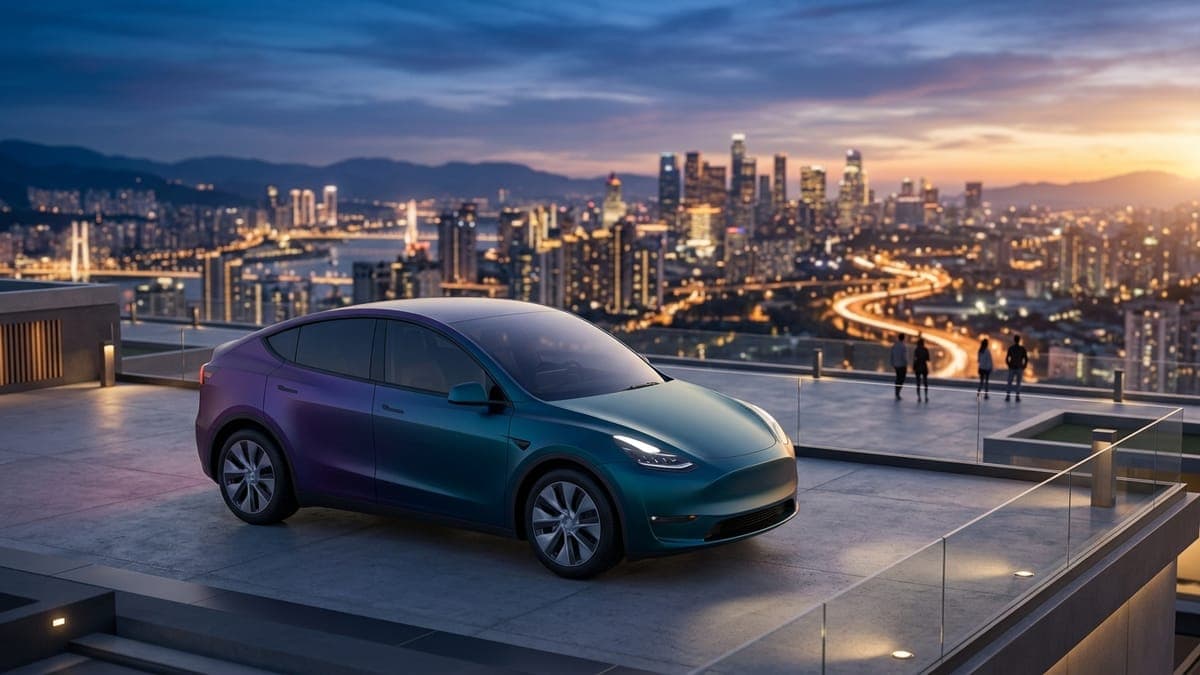
How to get a custom wrap for your Tesla
Every route to a custom Tesla wrap, in order of cost. Design a free digital wrap your car displays on its own screens, preview any look on a 3D model before spending money, and know exactly what to hand a vinyl shop if you go physical.
Dex Moreno · Aug 7, 20267 min
How to make a custom Tesla lock chime with AI
Describe a sound in plain words and get a Tesla-ready LockChime.wav in about ten seconds. Here's how the AI chime generator works, how to write prompts that produce great chimes, and how to get your sound onto the car.
Dex Moreno · Aug 13, 20267 min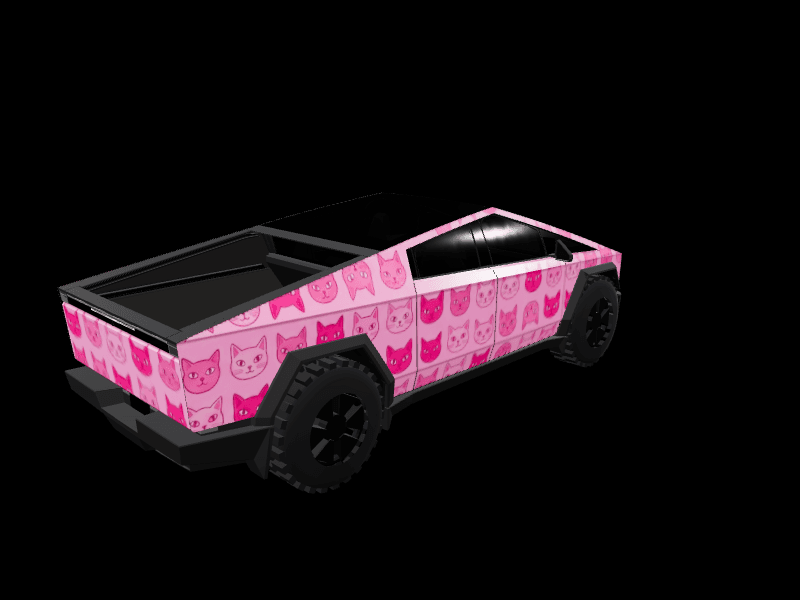
How to put a photo on your Tesla wrap without it looking scrambled
A pet, family or artwork photo looks scrambled as a Paint Shop wrap because Tesla's template is the car unfolded flat. How to place the photo on one panel the right way up, in the Garage, the studio or on a phone, then check and upload it.
Dex Moreno · Oct 8, 20269 min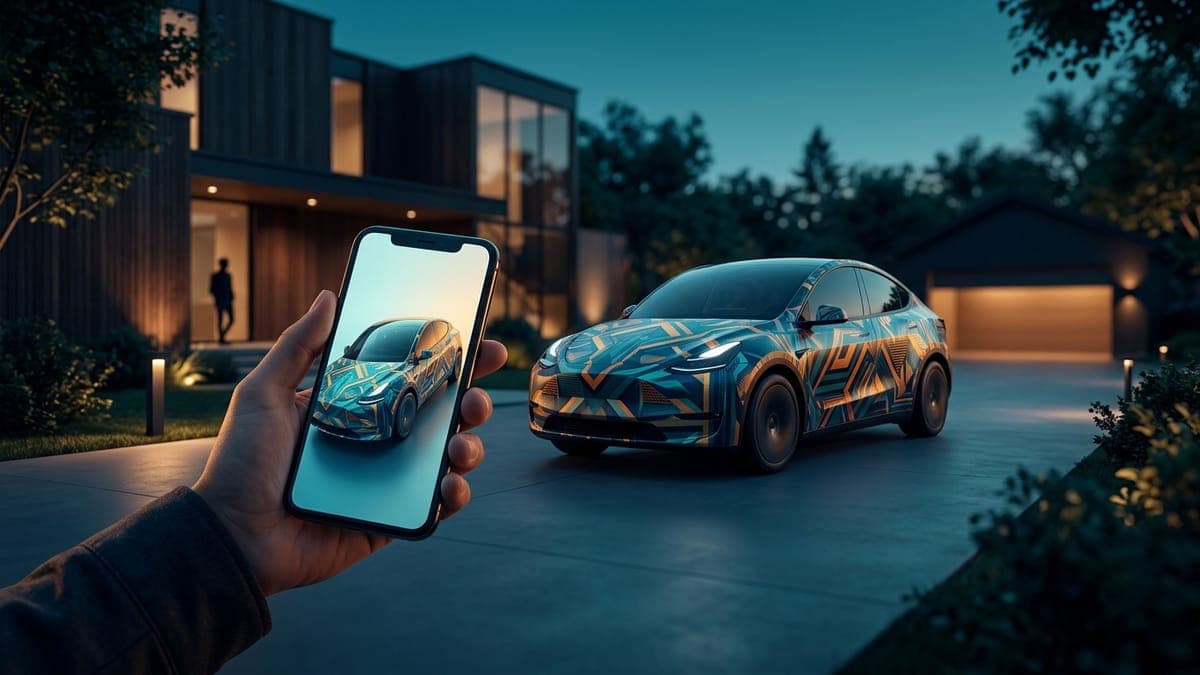
How to send a custom wrap to your Tesla from your phone (no USB, no computer)
Design a Paint Shop wrap on your phone, download the PNG, and upload it through the Tesla app under Creations > Wrap > Upload. The whole loop in three steps, the requirements that trip people up, and when you still need a USB drive.
Dex Moreno · Sep 12, 20267 min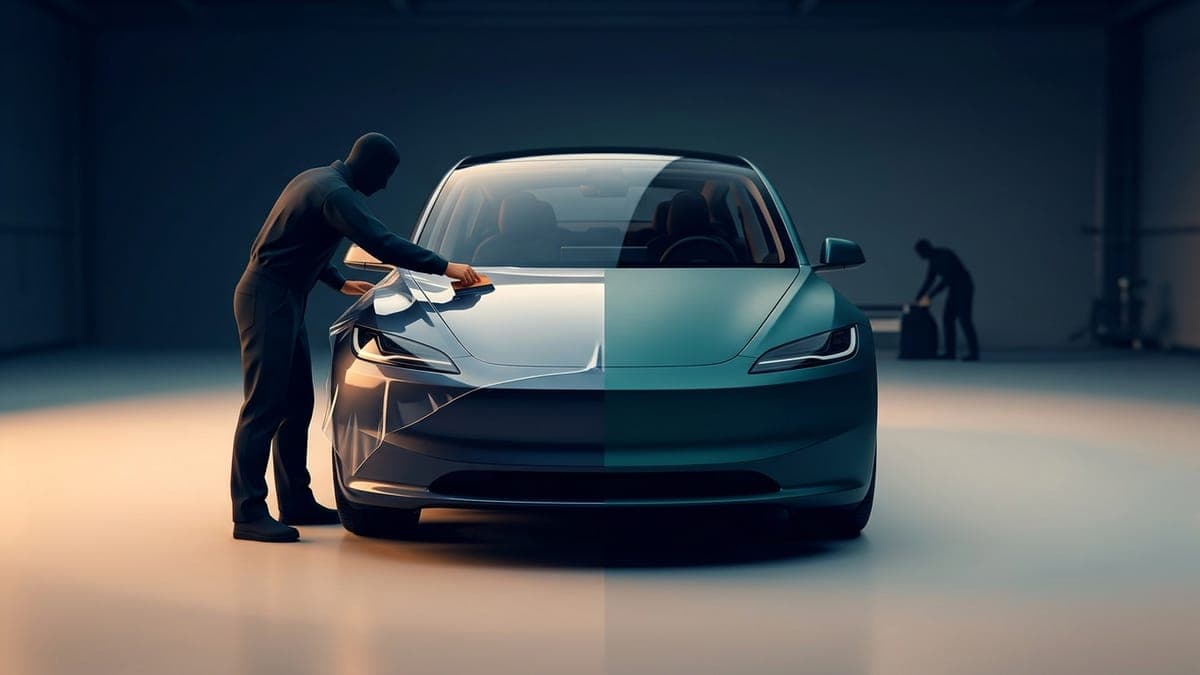
PPF vs vinyl wrap for your Tesla
Paint protection film and vinyl wrap solve different problems. PPF protects, vinyl styles, and a digital wrap lets you test any look for free before spending $2,000 or more on either. Here's how to pick.
Dex Moreno · Aug 11, 20266 min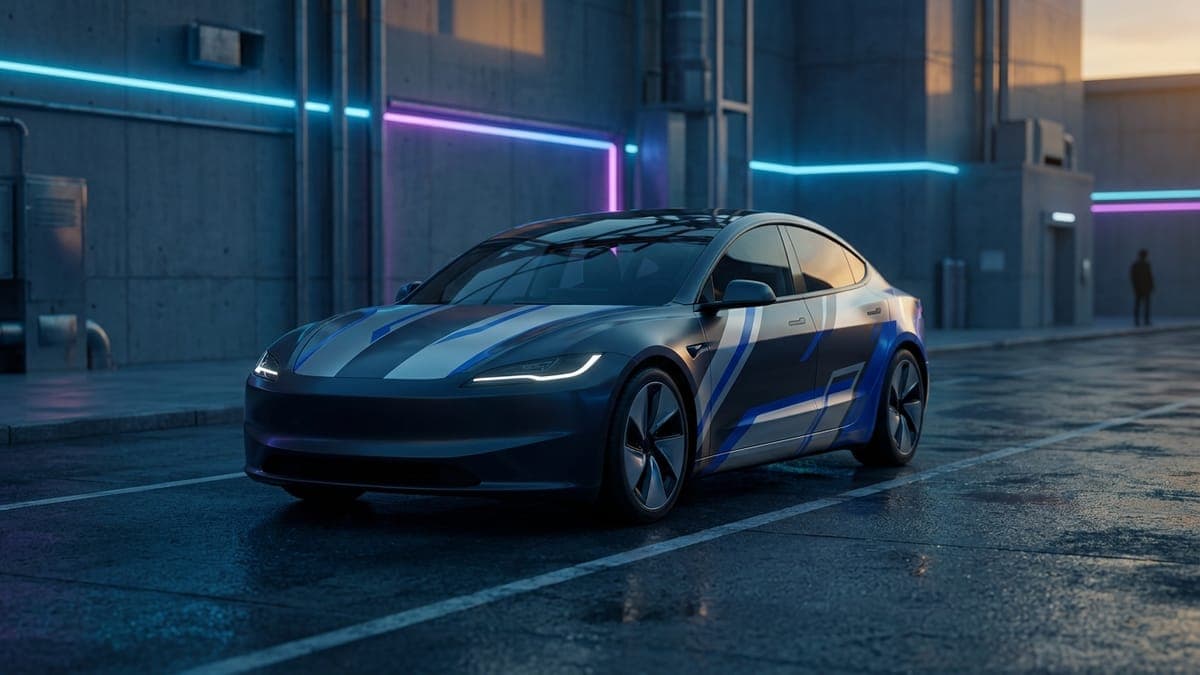
Street racing Tesla wrap ideas: the movie-livery look, no decals needed
The silver-and-blue street-racing livery from the movies works on a Tesla because it is three decisions, not fifty. Which base color, where the two racing lines go, and what one accent stripe does for the rest of the car. Free downloads for every model, and how to build your own.
Sienna Park · Sep 17, 20267 min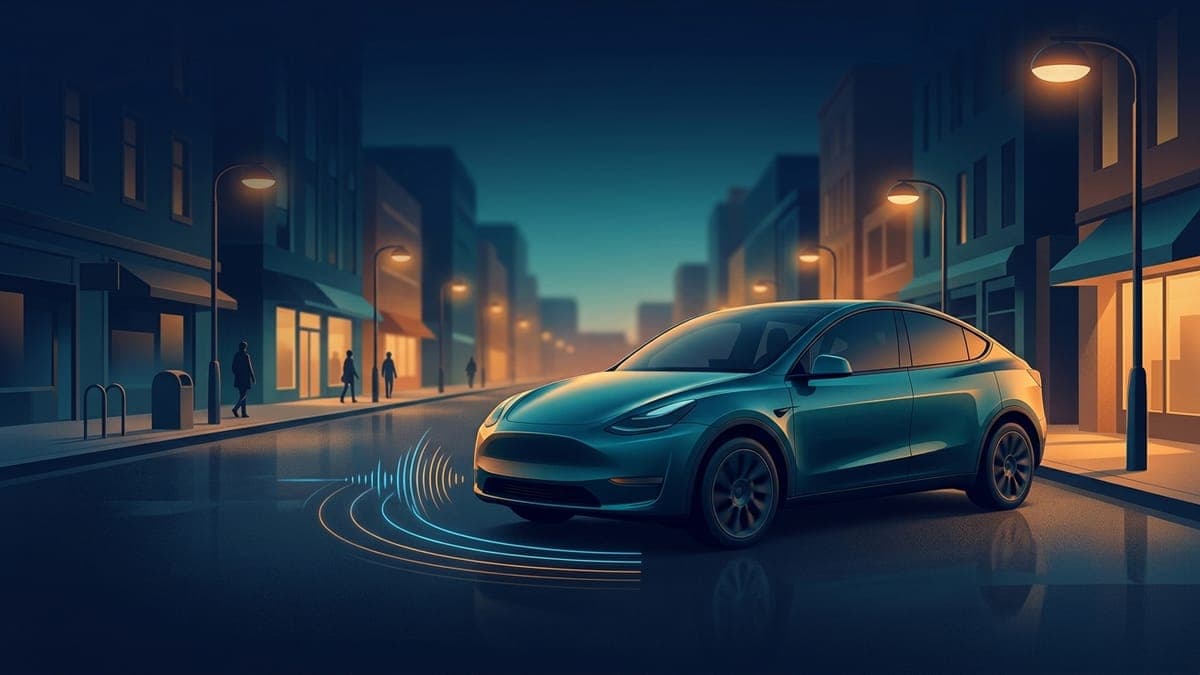
Tesla Boombox: how it works, which cars have it and how to add custom sounds
Boombox plays sounds through your Tesla's external Pedestrian Warning System speaker while the car is in Park. Here is which cars have it, how to make the horn play your sound, how to load your own WAV or MP3 sounds from a USB drive, and how it differs from a custom lock chime.
Dex Moreno · Oct 1, 20266 min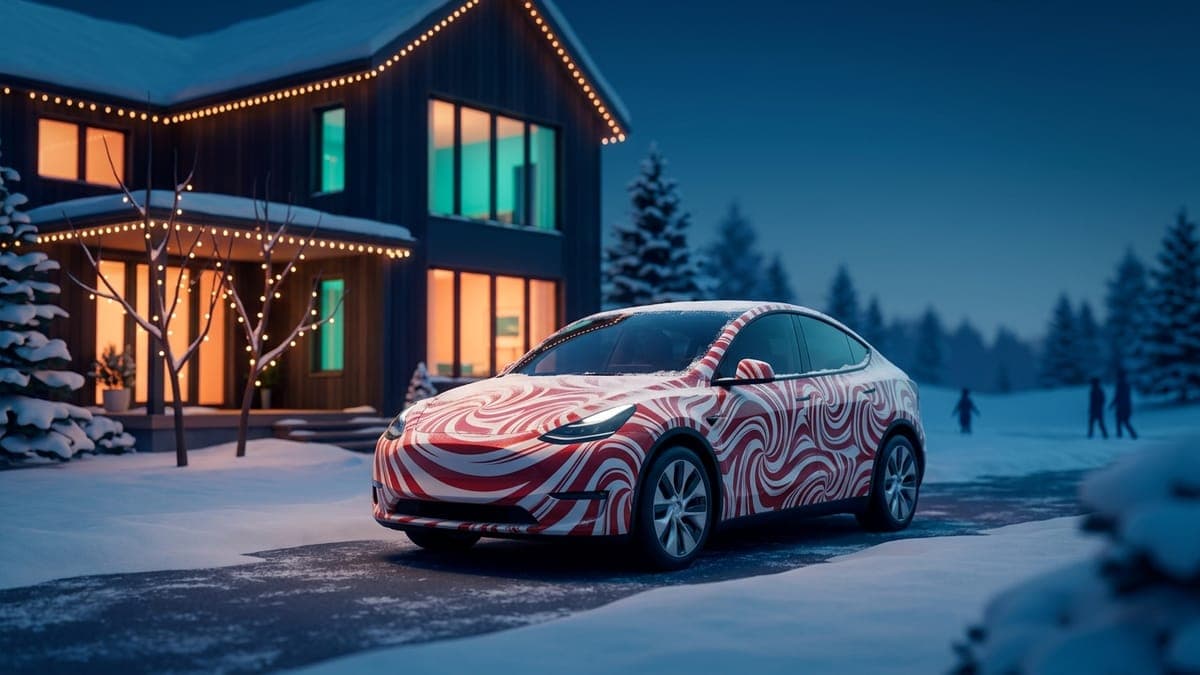
Tesla Christmas wrap ideas: festive Paint Shop designs for every model
A Christmas wrap is the most fun digital wrap of the year: candy-cane stripes or evergreen and gold on the car's screen for December, swapped back in January with one tap. Two free holiday collections for every Tesla, what makes a festive wrap read well, and prompts for your own.
Sienna Park · Sep 23, 20267 min
Tesla glossary: Paint Shop, Toybox, Creations, Boombox and 20-plus more terms explained
A plain-English glossary of Tesla terms owners actually run into, from Paint Shop, Toybox and Creations to Boombox, Sentry Mode, FSD (Supervised), Highland and Juniper. One or two sentences each, with links to the full guides.
Dex Moreno · Oct 1, 20264 min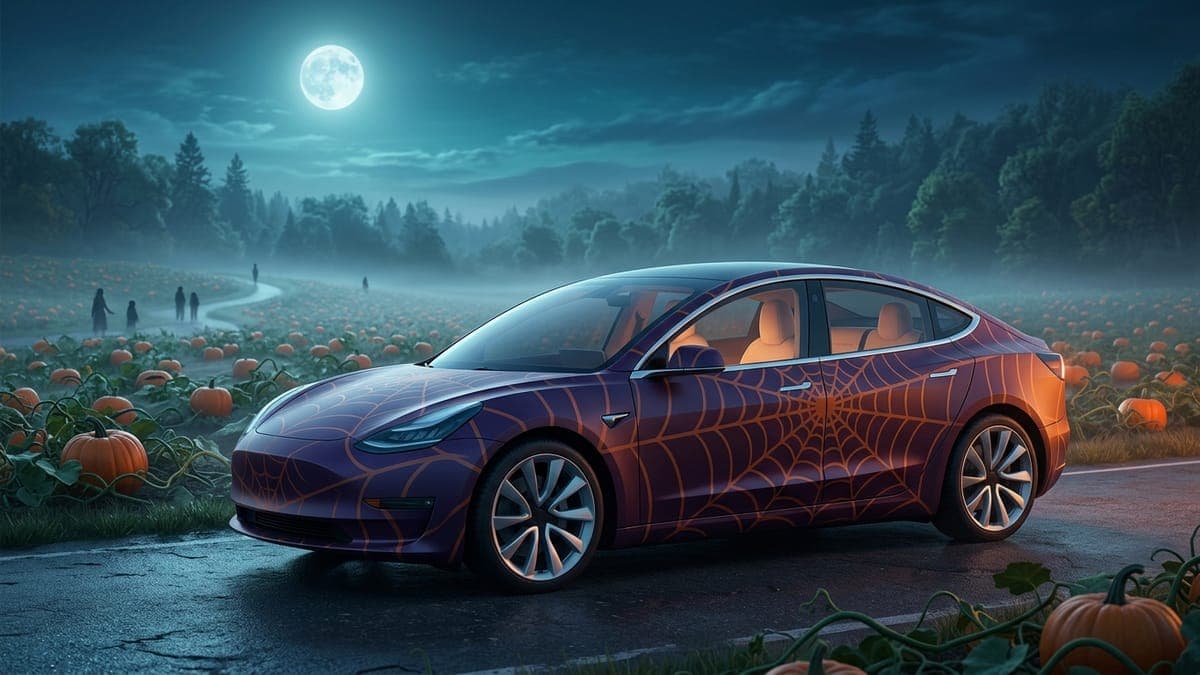
Tesla Halloween wrap ideas: spooky Paint Shop designs you can swap back in November
A Halloween wrap is the best argument for digital wraps: jack-o-lantern orange, purple fog and bat silhouettes on the car's screen for four weeks, gone in a tap on November 1. The palette that reads as spooky, what to leave out, wraps for every Tesla, and prompts for your own.
Sienna Park · Sep 17, 20268 min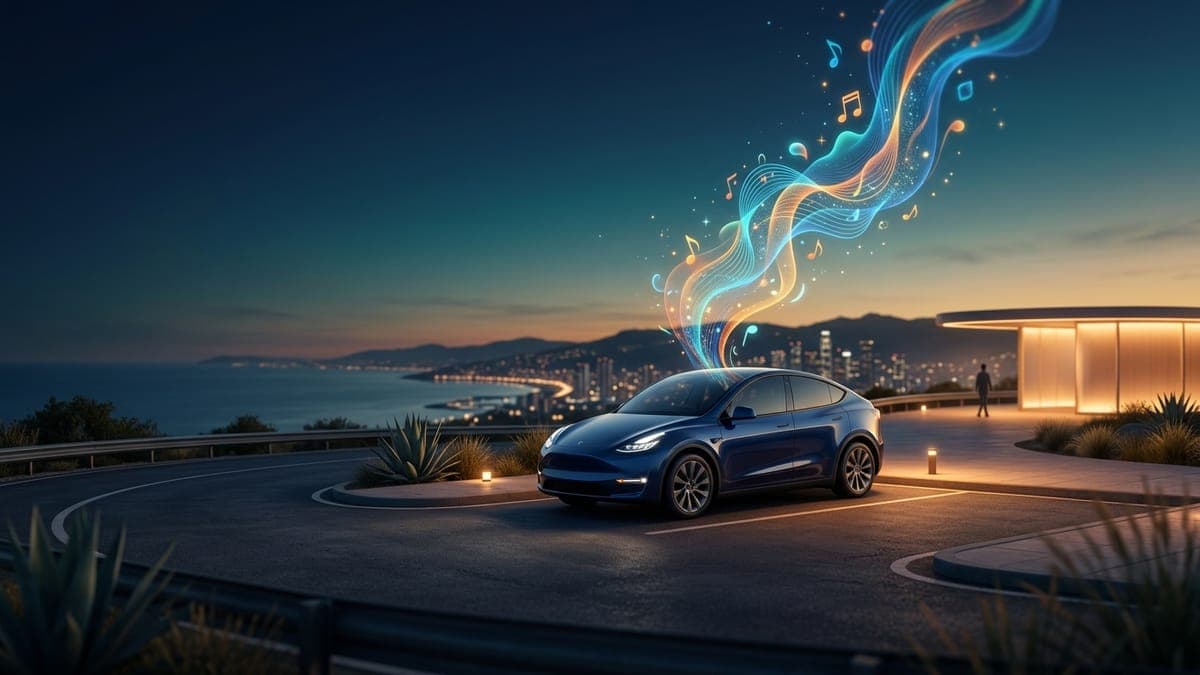
Tesla lock chime ideas: 30 prompts for the AI chime generator
Thirty lock chime ideas you can type into FrunkLab's AI chime generator, sorted by the kind of sound they produce: spoken lines, short jingles, and sound effects. Plus what each kind is good for, how to word a prompt, and the Tesla file limits every chime has to respect.
Sienna Park · Sep 10, 20266 min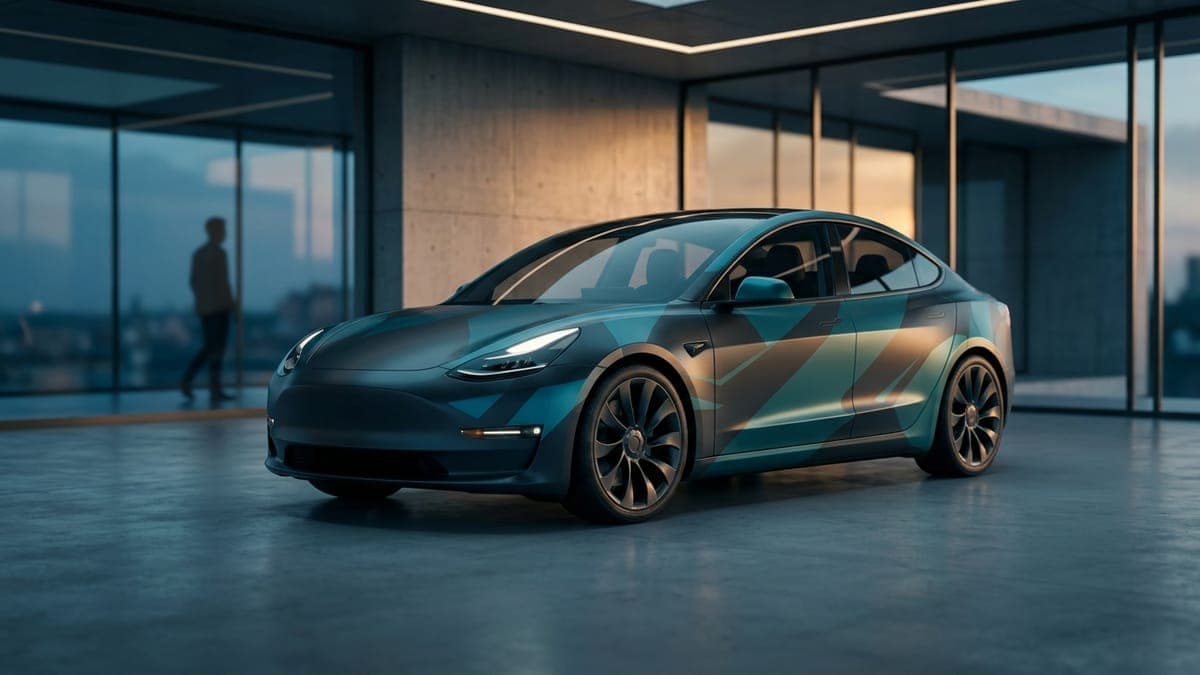
Tesla Model 3 Highland wraps: free Paint Shop designs for the 2024+ Model 3 and Performance
The Model 3 Highland has a new nose, new lights and a Performance version with its own front end, so it needs its own wrap files. Which Highland template fits your car, the designs that suit its sharper shape, and free Paint Shop wraps for the Highland and Highland Performance.
Sienna Park · Sep 24, 20265 min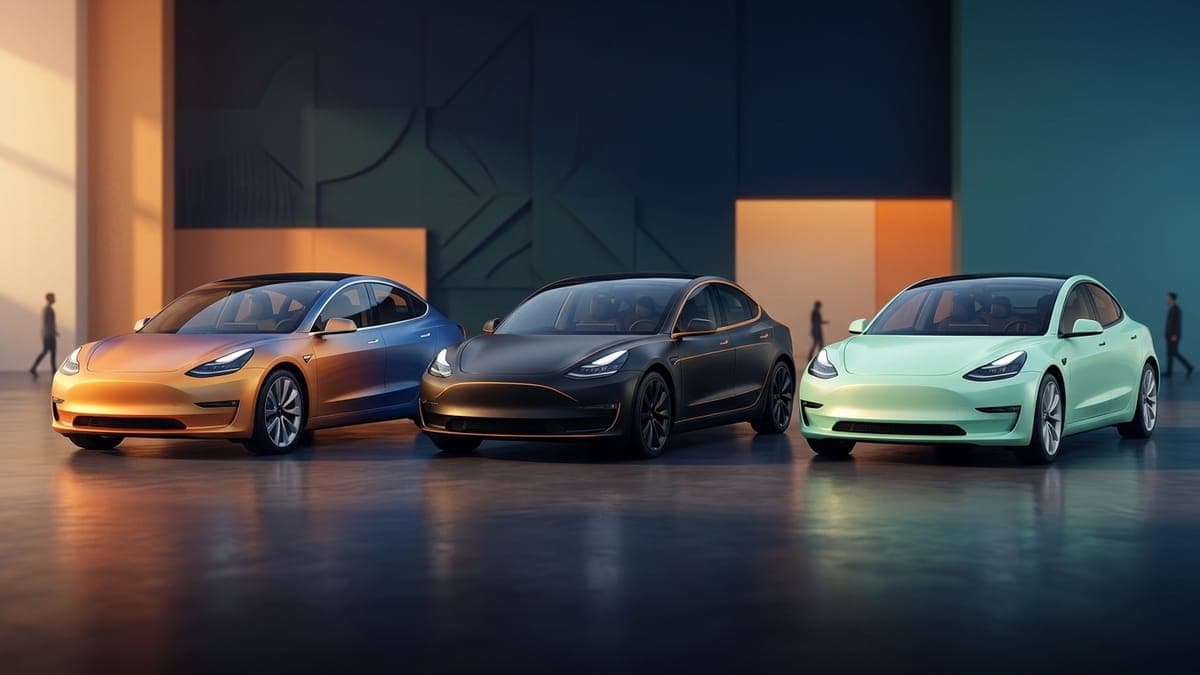
Tesla Model 3 wrap ideas: designs that suit the original, the Highland and the Performance
The Model 3 is a low, long sedan with a clean side profile, which makes it the best Tesla for racing stripes and liveries. Wrap ideas that work on it, how they change between the original, the Highland and the Highland Performance, and free Paint Shop files to try tonight.
Sienna Park · Sep 23, 20266 min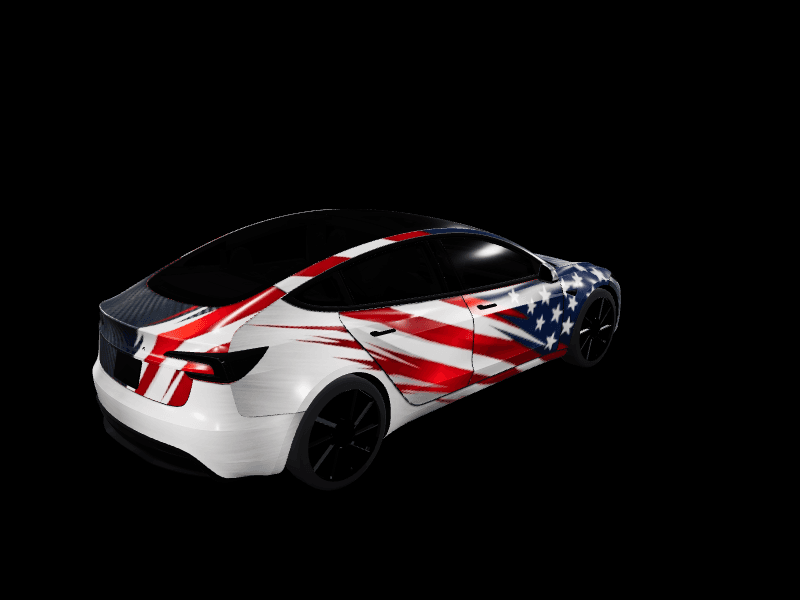
Tesla Model 3 wrap template: which one you need and how to use it
Every Model 3 has its own Paint Shop wrap template, and the Highland and the Highland Performance each moved the panels. Which template matches your Model 3, how the flat 1024x1024 layout maps onto the car, and how to go from a blank template to a wrap on your screen.
Dex Moreno · Oct 5, 20267 min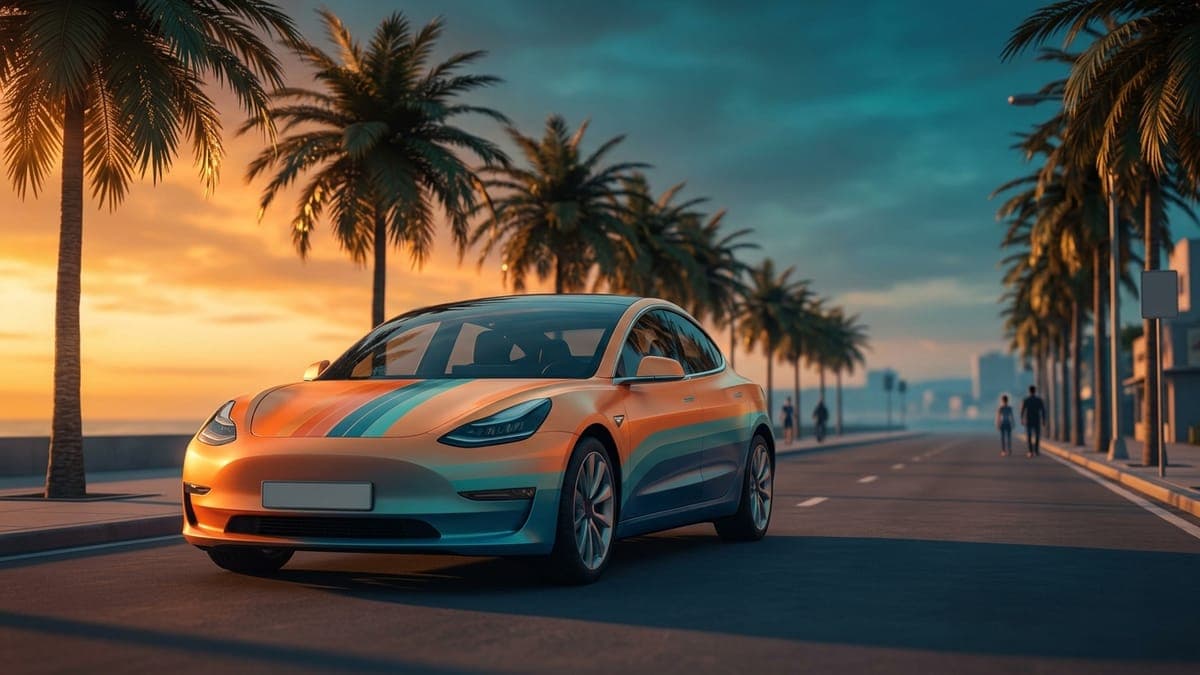
Tesla Model 3 wraps for the 2017 to 2023 Model 3: free Paint Shop designs
The original Model 3, built from 2017 to 2023, has its own Paint Shop template, and a Highland wrap won't line up on it. How to tell which Model 3 you have, the designs that suit the original shape, and free wraps made for it.
Sienna Park · Sep 28, 20265 min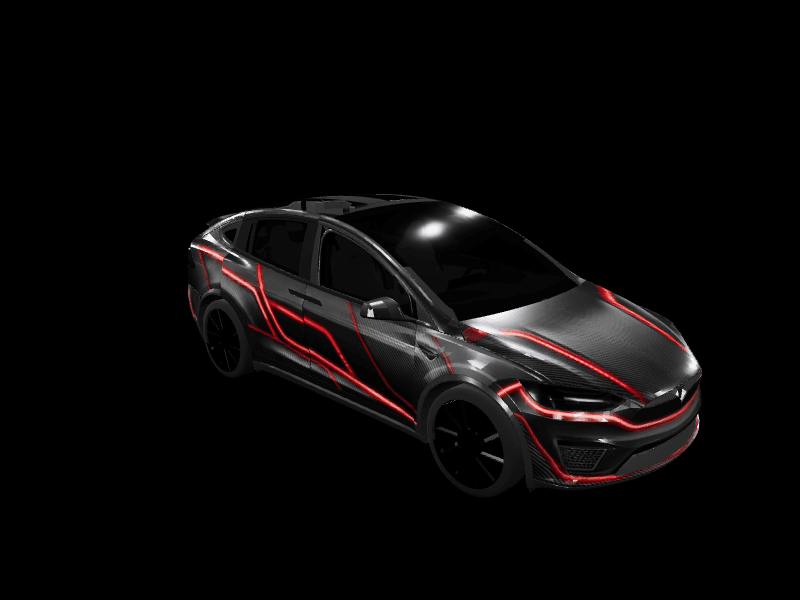
Tesla Model X wrap ideas: designs for a tall SUV with Falcon Wing doors
The Model X has a short hood, a long run of glass and four big painted panels down each side, so its wrap happens on the sides. Wrap ideas that suit it, how the Falcon Wing doors sit on Tesla's template, and free Paint Shop files to try tonight.
Sienna Park · Oct 8, 20269 min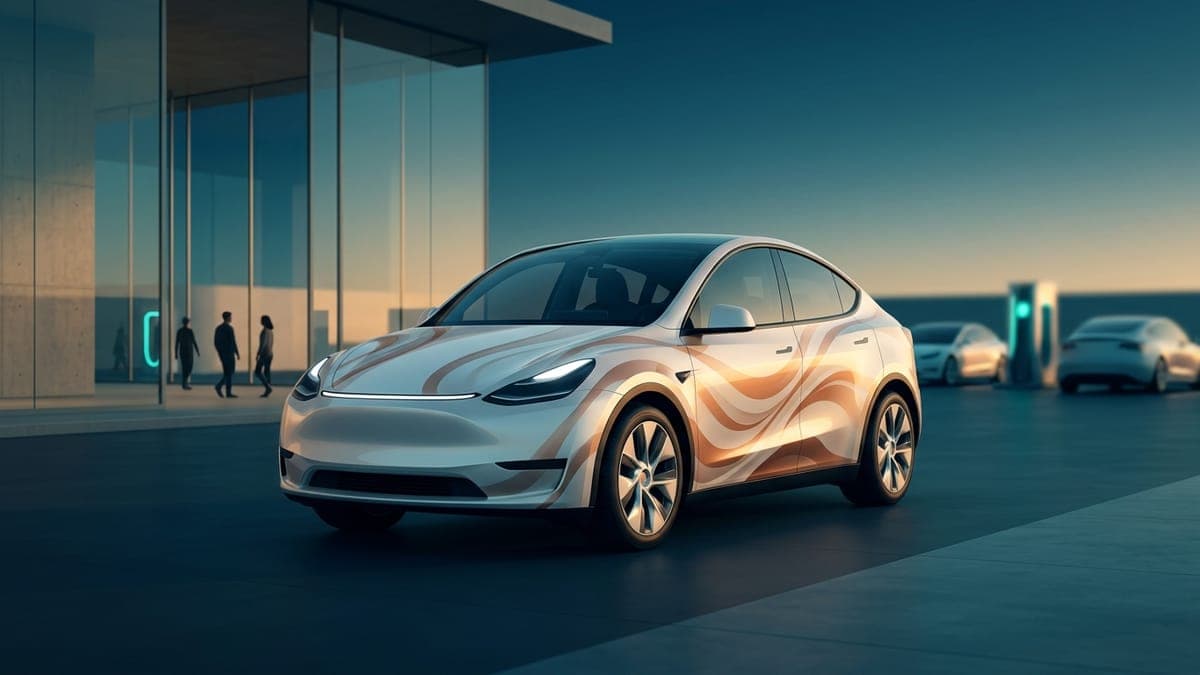
Tesla Model Y Juniper wraps: free Paint Shop designs for the 2025+ Model Y and Performance
The 2025 Model Y Juniper changed the front, the rear and the lights, so it needs its own wrap files. Which Juniper template fits your car, the designs that suit the new light bars, and free Paint Shop wraps for the Base, AWD, Premium and Performance.
Sienna Park · Sep 24, 20266 min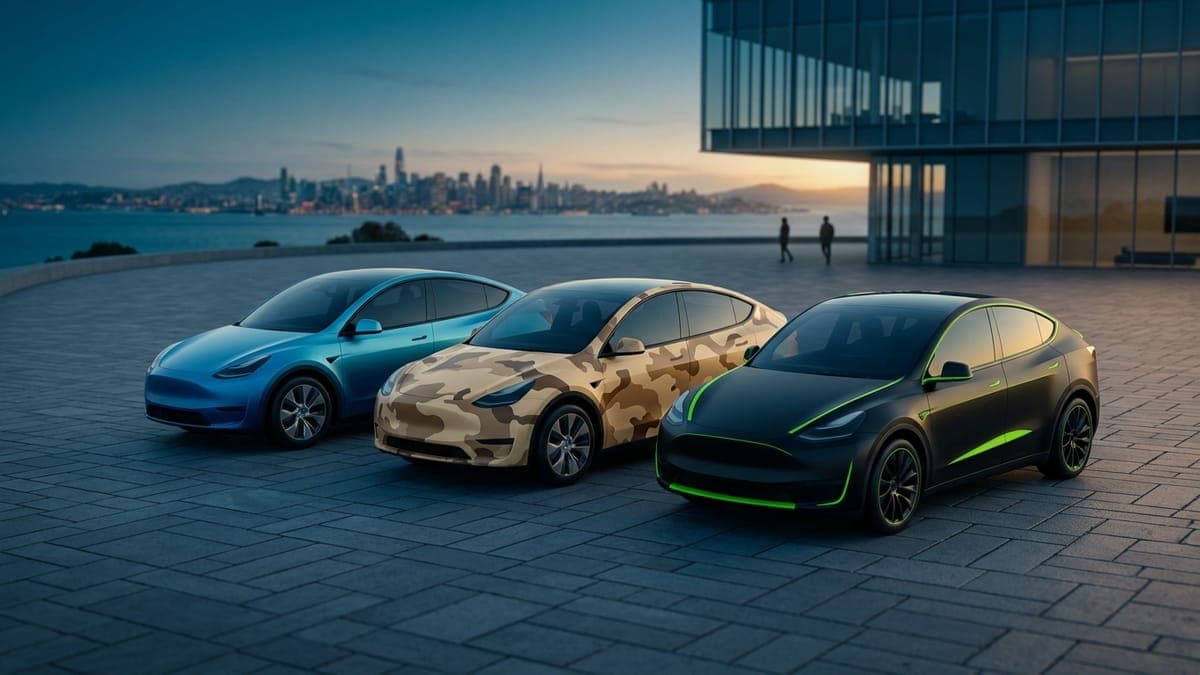
Tesla Model Y wrap ideas: designs that suit the original, the Juniper and the Performance
The Model Y is the most wrapped Tesla on the road, and its tall, rounded body rewards some ideas and punishes others. Wrap ideas that work on the Model Y, how they change across the original, the Juniper and the Performance, and free Paint Shop files you can load today.
Sienna Park · Sep 23, 20267 minTesla Model Y wrap template: which one you need and how to use it
Every Model Y has its own Paint Shop wrap template, and using the wrong one is the most common reason a custom wrap lands crooked. Which template matches your Model Y, how the flat layout maps onto the car, and a step-by-step way to go from template to a wrap on your screen.
Dex Moreno · Sep 23, 20267 min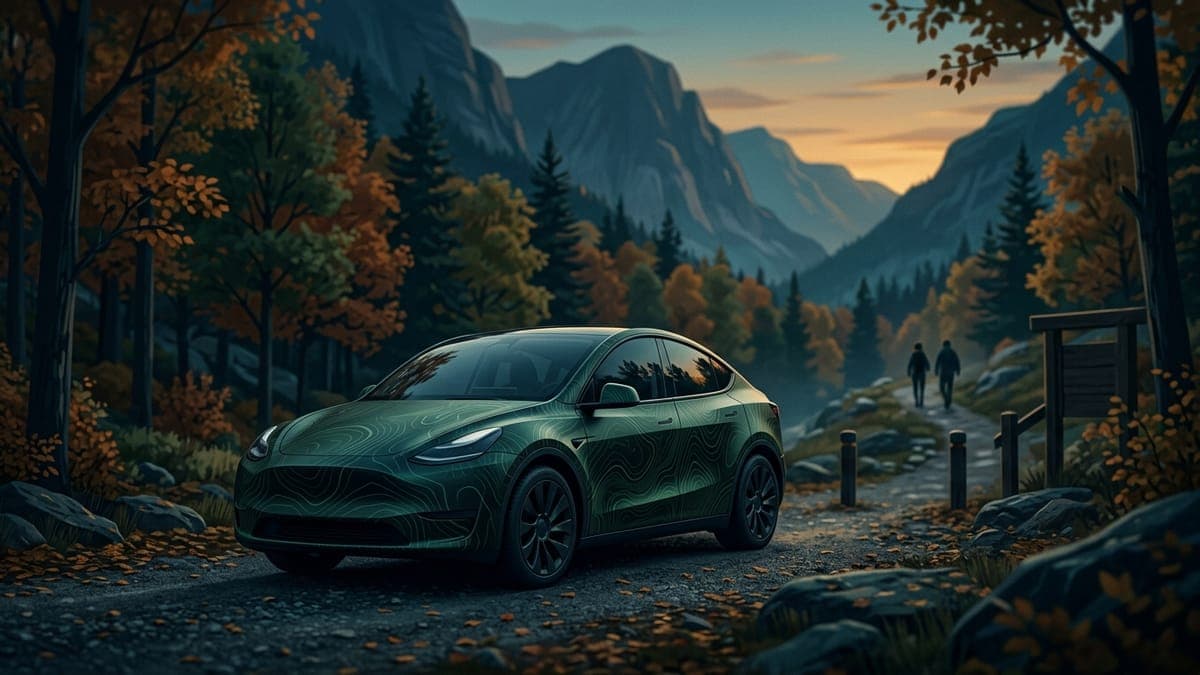
Tesla Model Y wraps for the 2020 to 2024 Model Y: free Paint Shop designs
The original Model Y, built from 2020 to 2024, is the most common Tesla on the road and it has its own Paint Shop template. How to tell it apart from the Juniper, the designs that suit it, and free wraps made for it.
Sienna Park · Sep 28, 20265 min
Tesla Paint Shop not working? Every fix for missing or rejected custom wraps
Wrap tab missing, file rejected, design landing in the wrong place, USB drive ignored. Every reason a Tesla refuses a custom wrap, in the order worth checking, with the exact requirement behind each one.
Dex Moreno · Sep 8, 20268 minTesla Toybox in 2026: every feature, and the five that use your own files
Every feature in Tesla's Toybox as of October 2026, from Paint Shop, Boombox and Light Show to Halloween Mode and Santa Mode, plus the five that can use a file you supply and exactly how to load each one.
Dex Moreno · Oct 8, 20269 min
Tesla wrap ideas: 12 designs that actually work
Twelve wrap concepts that hold up on a real Tesla body, from satin monochromes and two-tone splits to camo, retro racing stripes, and full-art panels. Why each works, which vehicles suit it, and how to build it yourself.
Sienna Park · Jul 21, 20268 min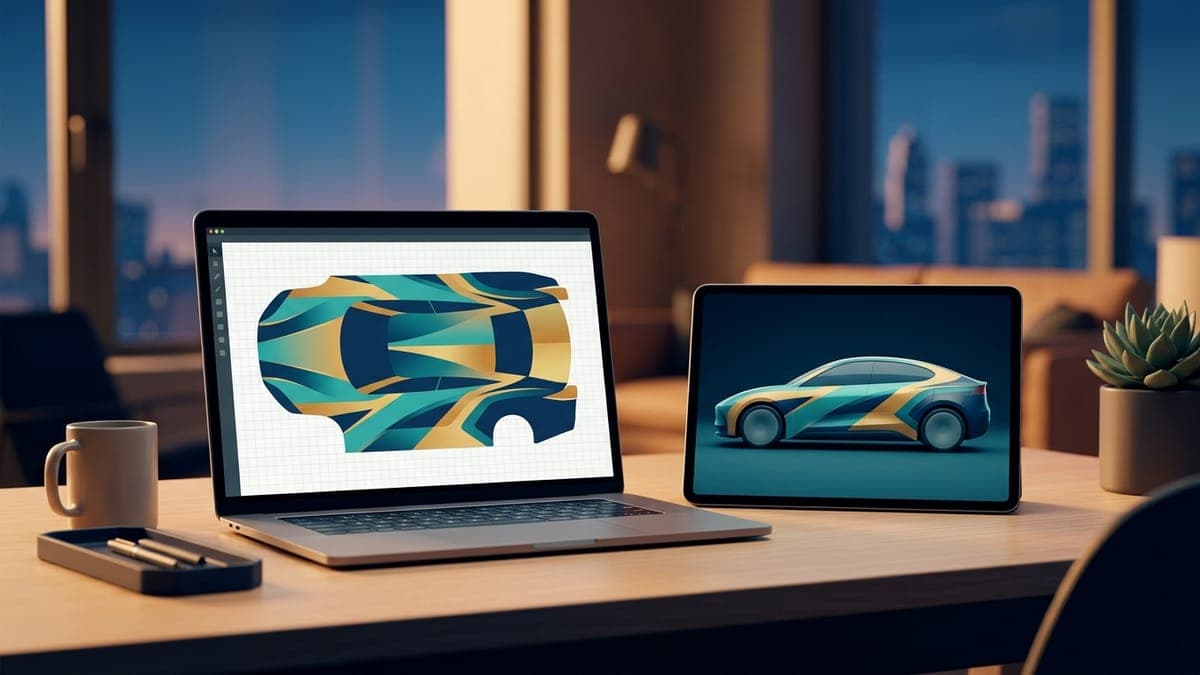
The digital-first car customization workflow
Design digitally, swap themes by season or mood, save physical wraps for the statement you actually commit to. Here's how to think about car customization in 2026.
Dex Moreno · Jun 3, 20267 min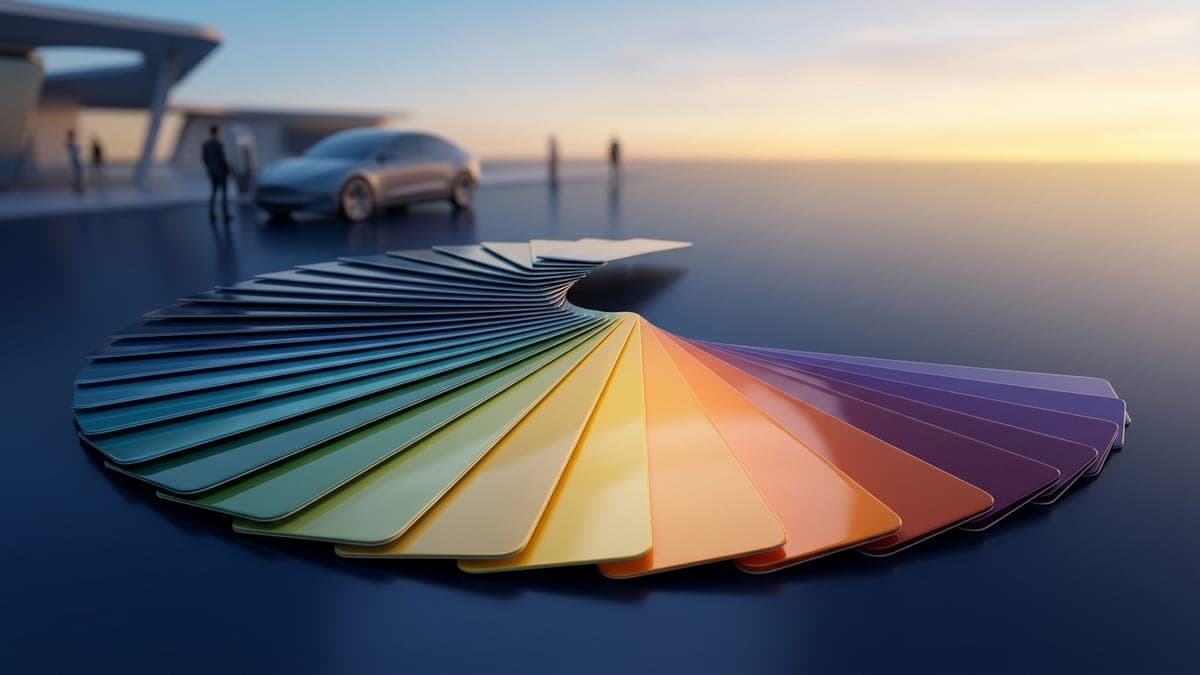
The Tesla wrap color guide: what actually looks good on each model
Some colors flatter the Model 3's curves; others fight them. Cybertruck's stainless body changes the rules. Here's what we've seen in the gallery over thousands of designs.
Sienna Park · Jun 3, 202610 min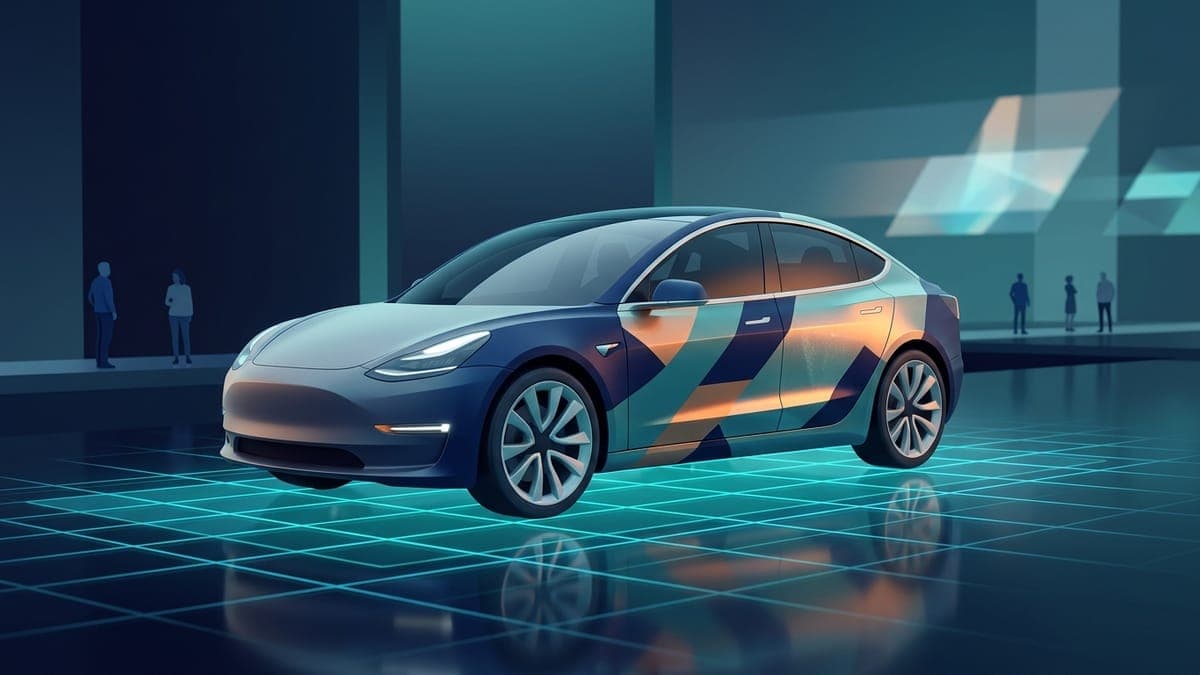
What is the best Tesla wrap visualizer?
Comparing every way to preview a wrap on a Tesla before you commit, from free browser tools with live 3D previews to wrap-shop mockups and DIY Photoshop. What each costs, what each shows you, and which fits your situation.
Dex Moreno · Jul 21, 20269 min
Which Tesla supports digital wraps in 2026 (and which doesn't)
Tesla shipped custom wrap support to specific models on specific software versions. Here's the current matrix: every supported model now gets a full 3D preview, and two ways to load the wrap.
Dex Moreno · Jun 3, 20267 min