Tesla Model S Wraps
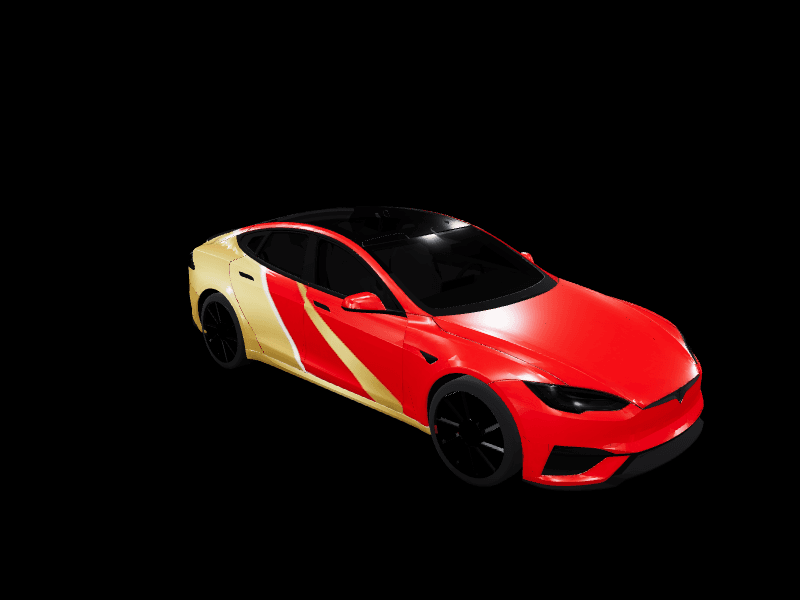
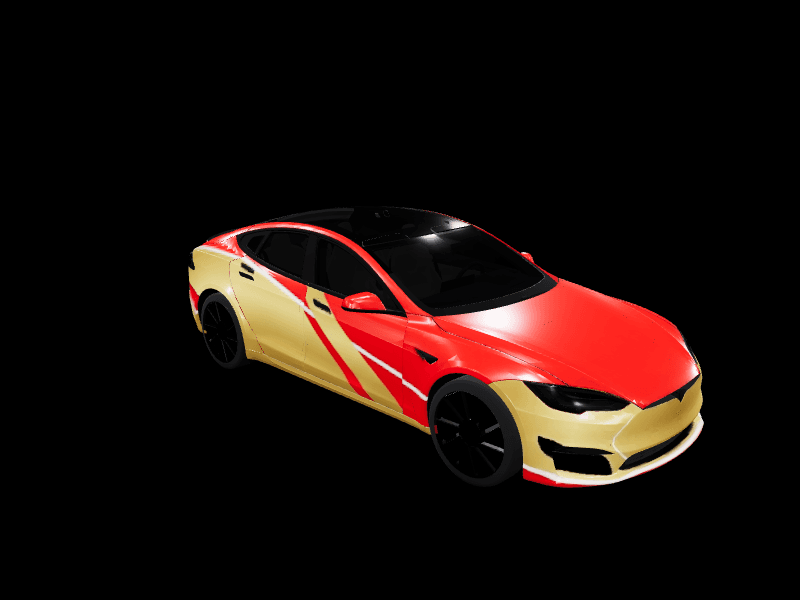
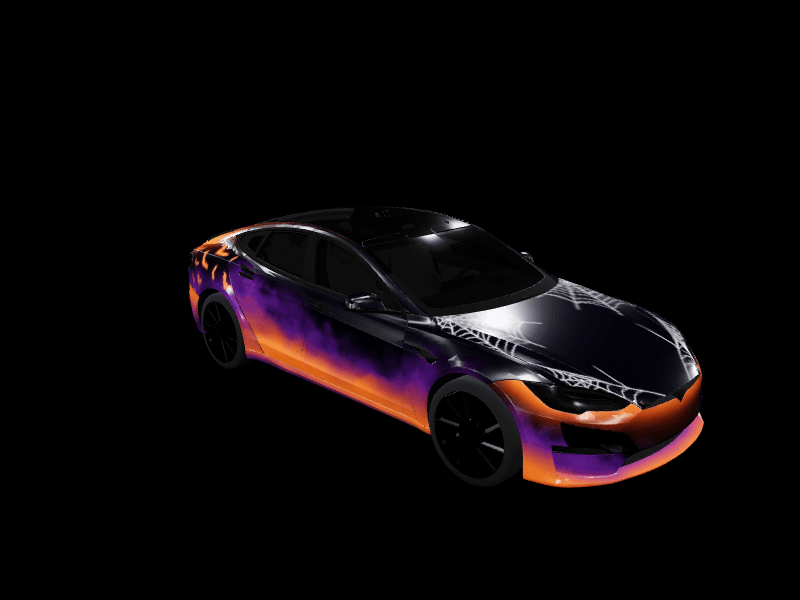
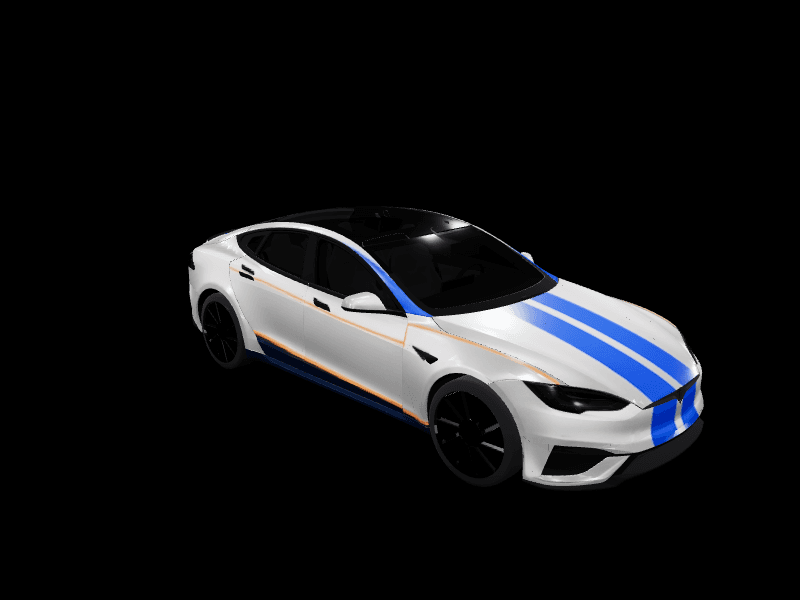
33 free designs, each one a Paint Shop-ready PNG
Community wrap designs for the Tesla Model S, built on Tesla's two Model S Paint Shop templates: the Model S (2021+) and the 2025+ Plaid. Every design previews on a rotating 3D Model S and exports in the exact format the car accepts from the Tesla app or USB. The long hood and low fastback give a design more length to work with than any other Tesla sedan.
Or describe your own Model S wrap and AI paints it
2 free AI wraps every month · No card · Ready for Paint Shop


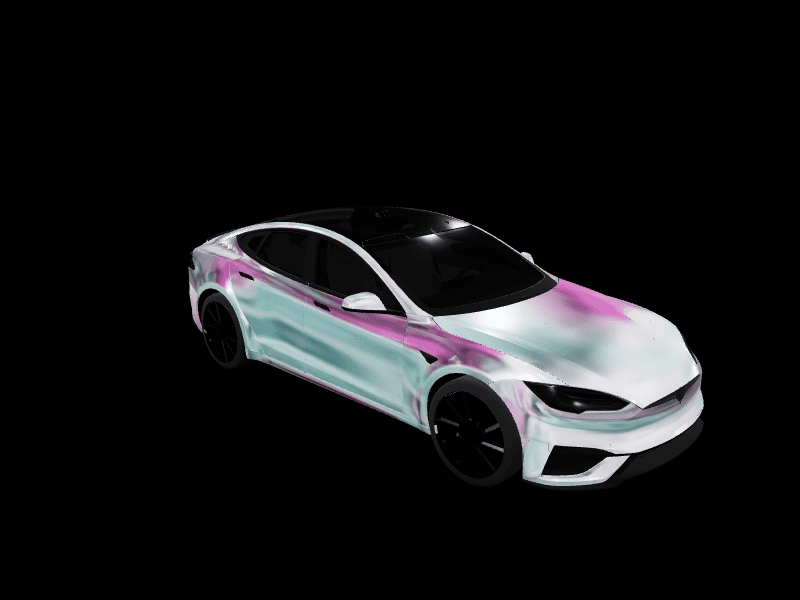
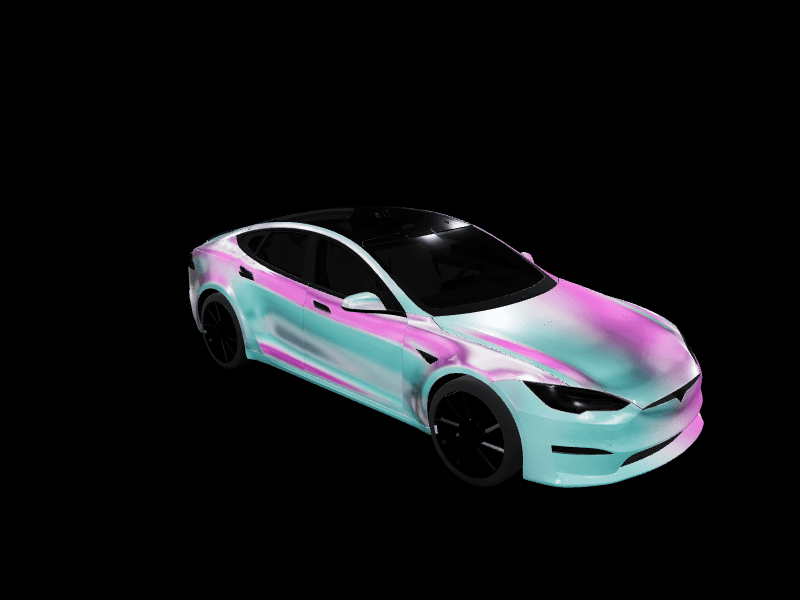
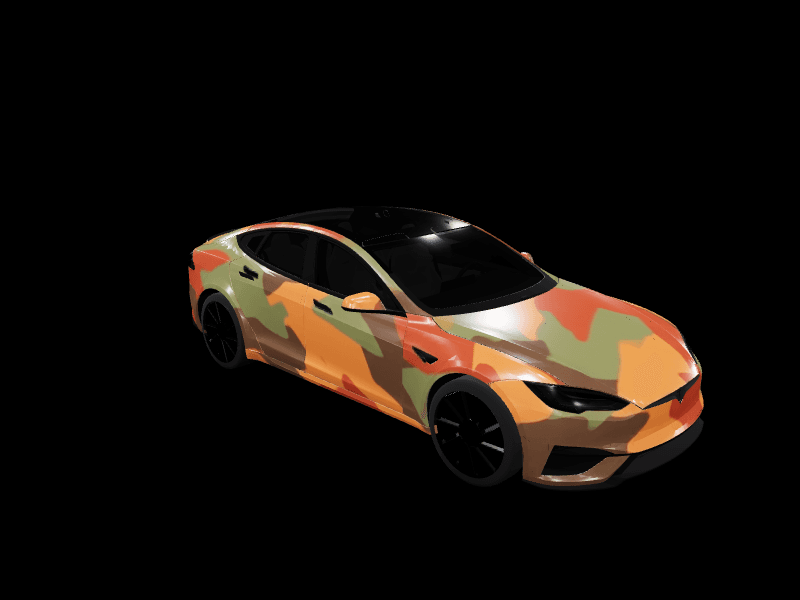
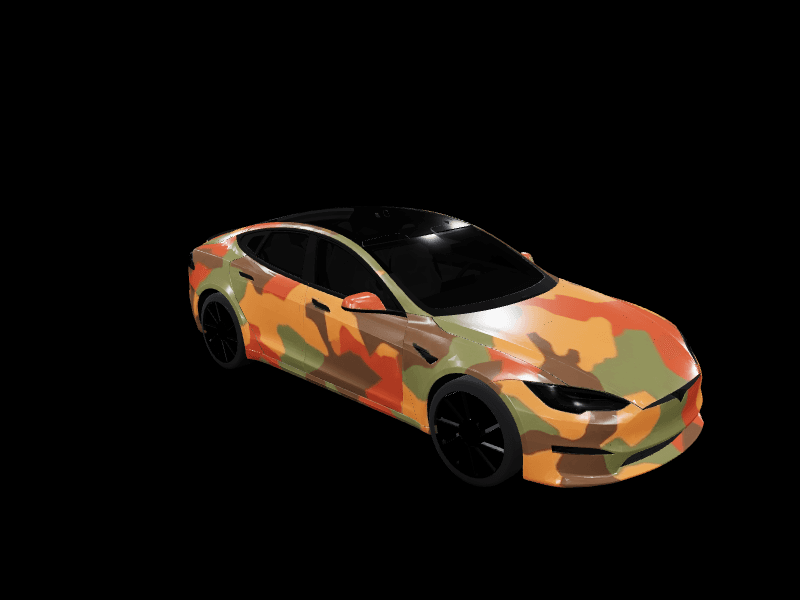
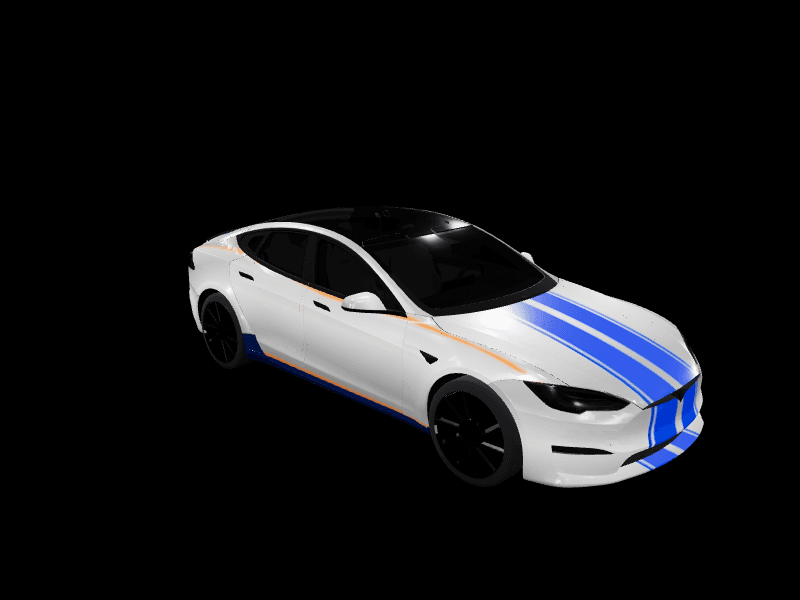
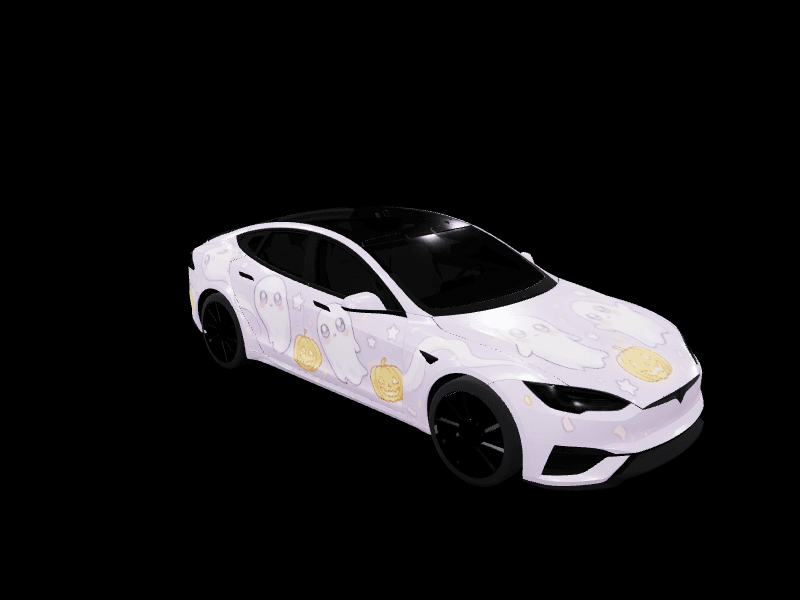
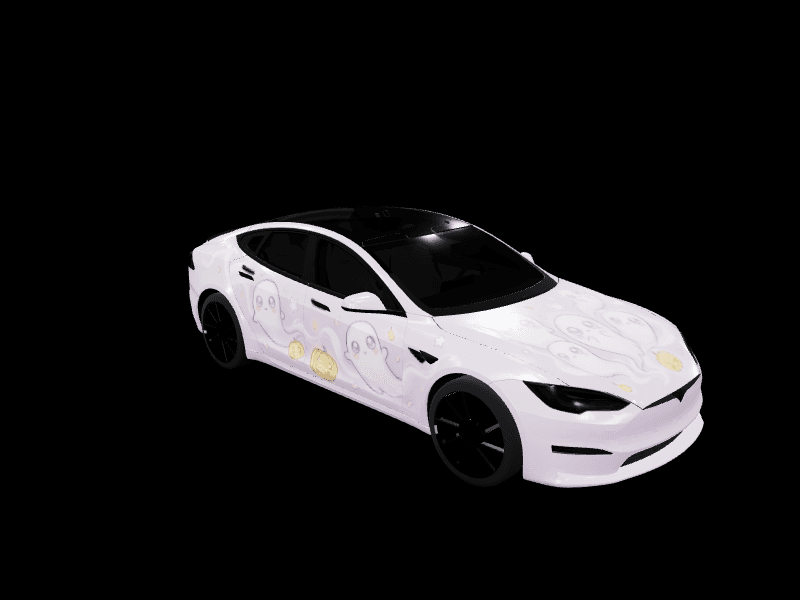
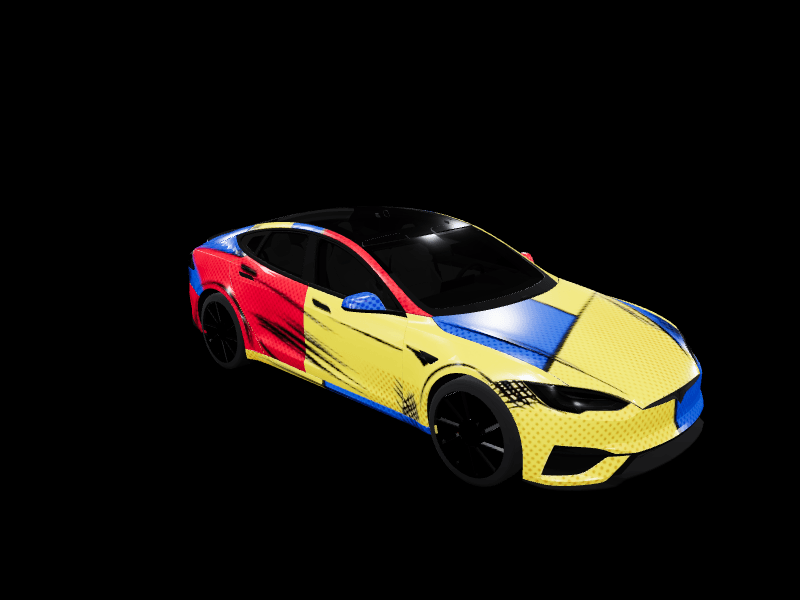
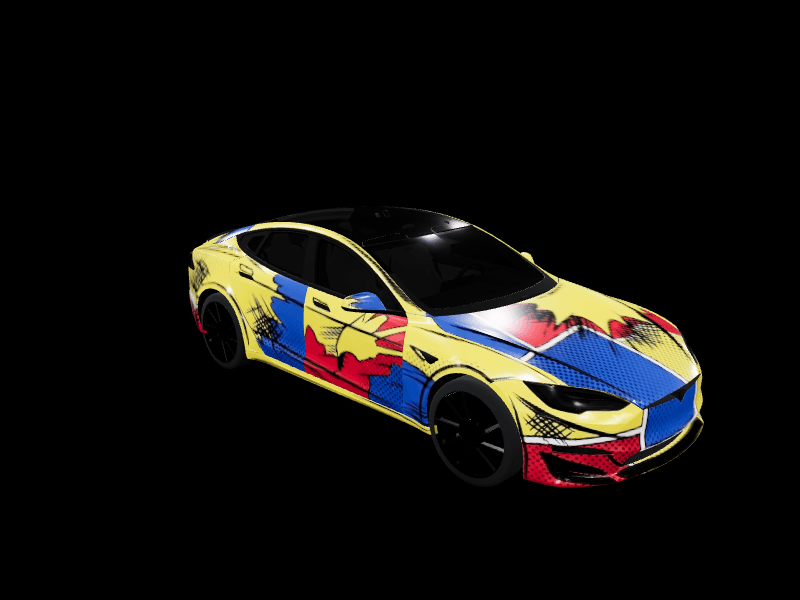
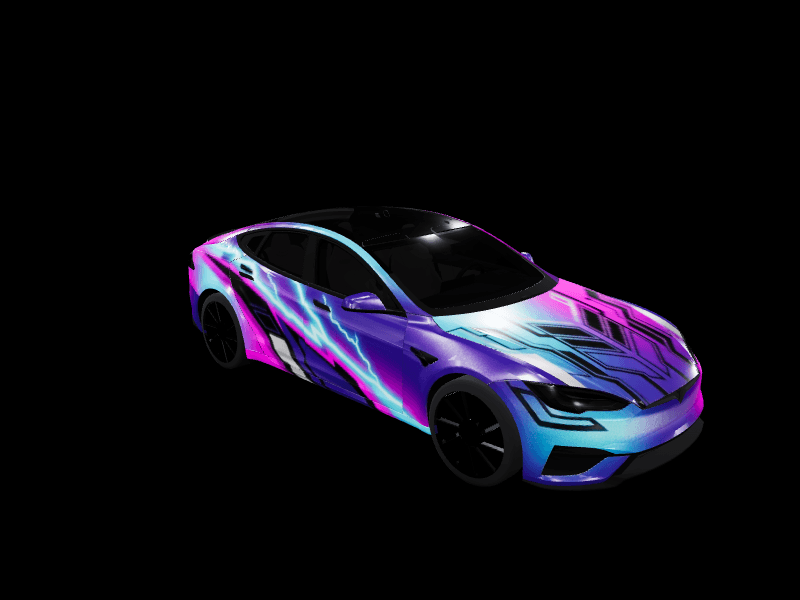
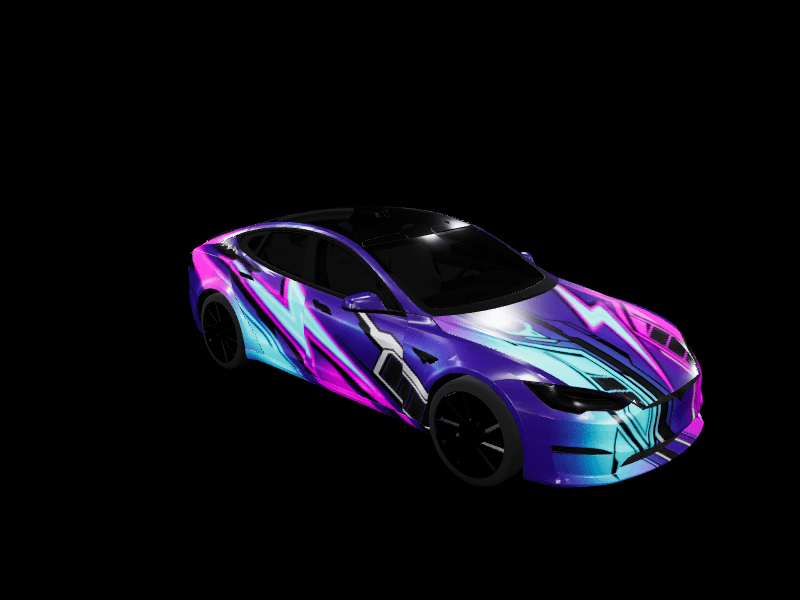
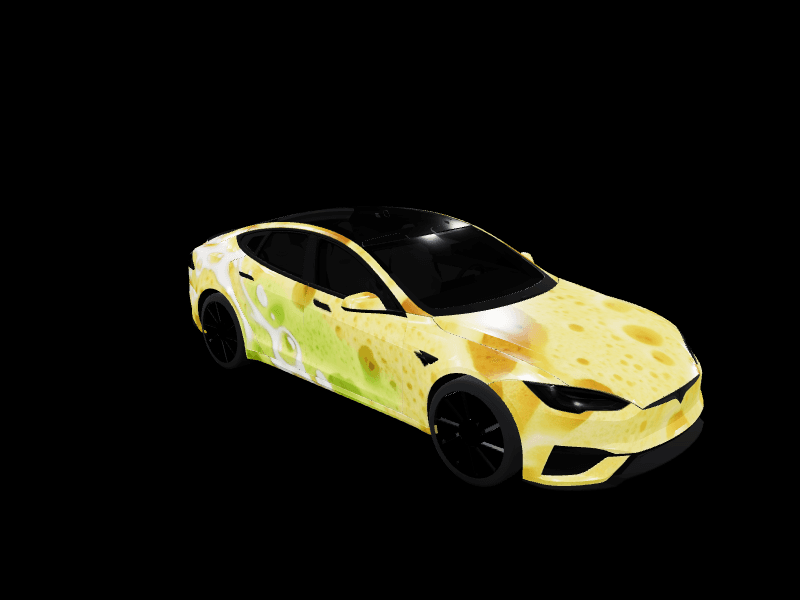
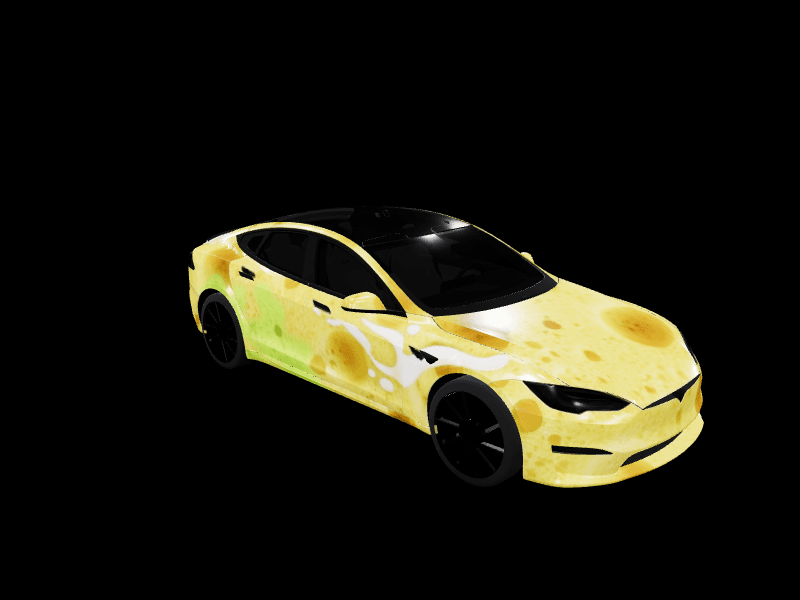
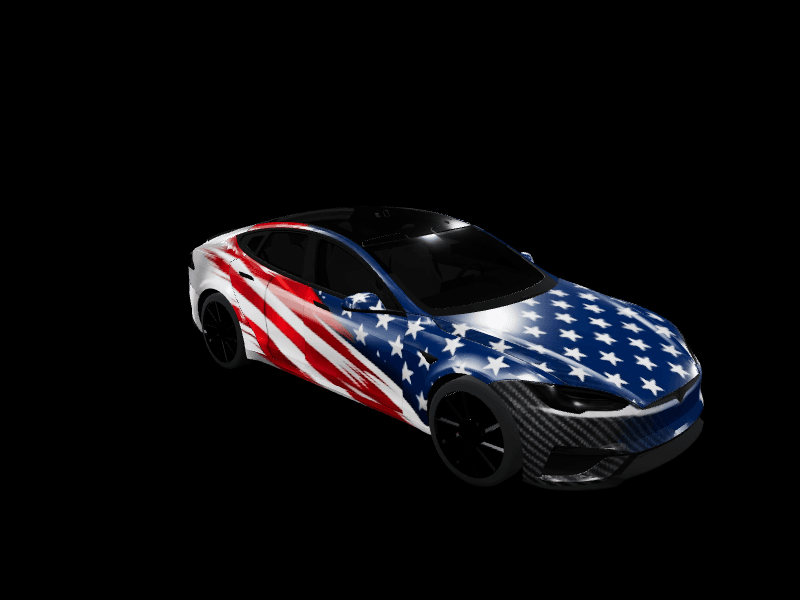
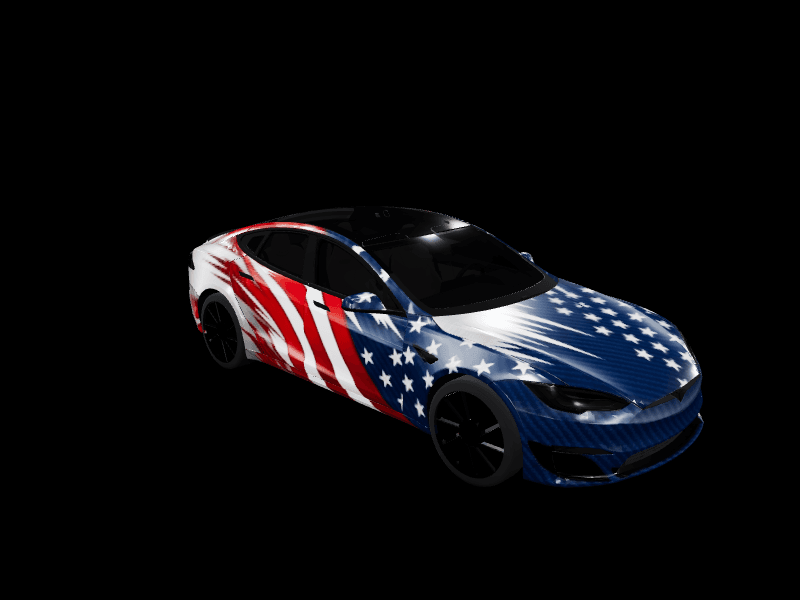
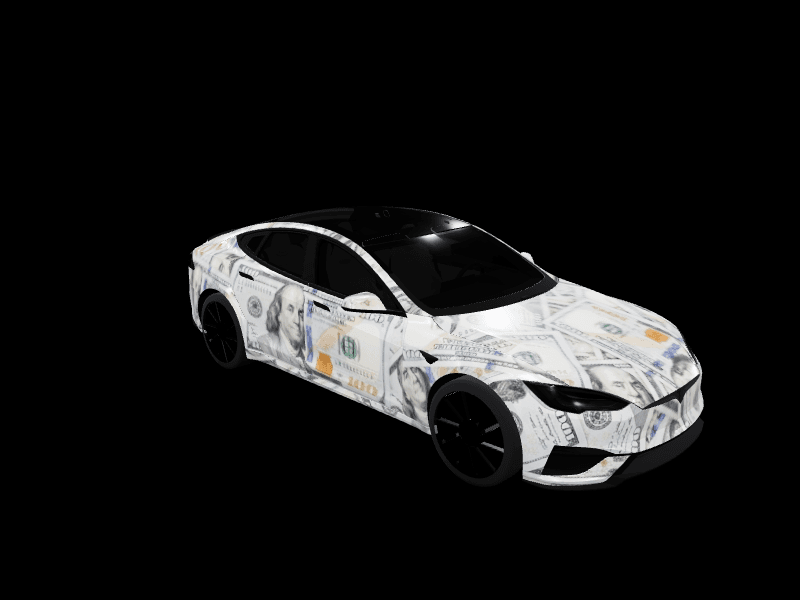
Design your own Model S wrap
Start from any design above or from a blank Tesla Model S template. Draw, drop in images, or describe what you want and let AI generate it. Free, in your browser, no design skills needed.
Tesla Model S wraps for every version
Tesla publishes two Model S templates, labeled Model S (2021+) and Model S (2025+) Plaid. They differ at the bumpers and lights, so a wrap made for one will not line up exactly on the other. Pick the file that matches your car; most designs here come in both versions.
Found a look that only exists for the other template? Open it in the studio and rebuild it on yours. The two cars share the same long side, so the work is mostly at the nose and tail.
The most popular Model S wrap styles
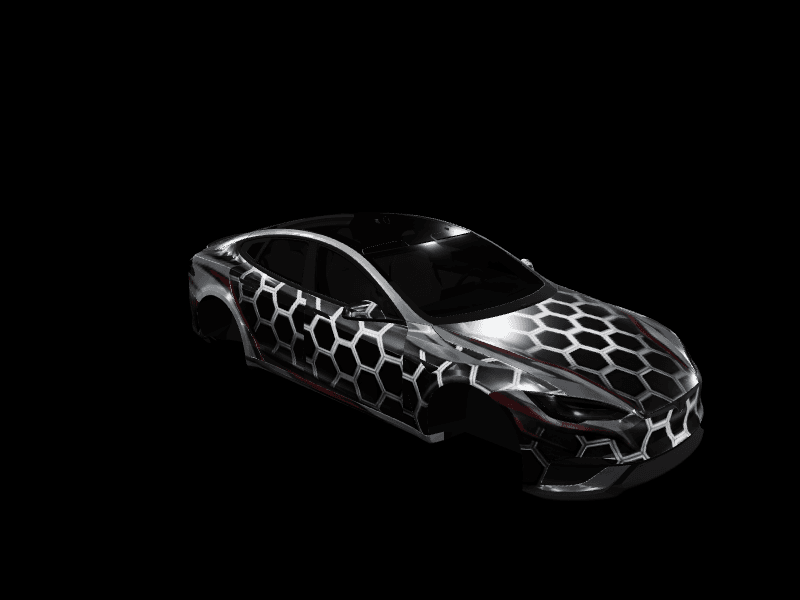
The Model S is a long, low executive sedan, so it suits wraps that look tailored: luxury two-tones, evergreen and gold, liquid chrome and a single metallic pinstripe from fender to tail. Racing stripes look right too, a little wider and further apart than on a Model 3 because the hood is longer.
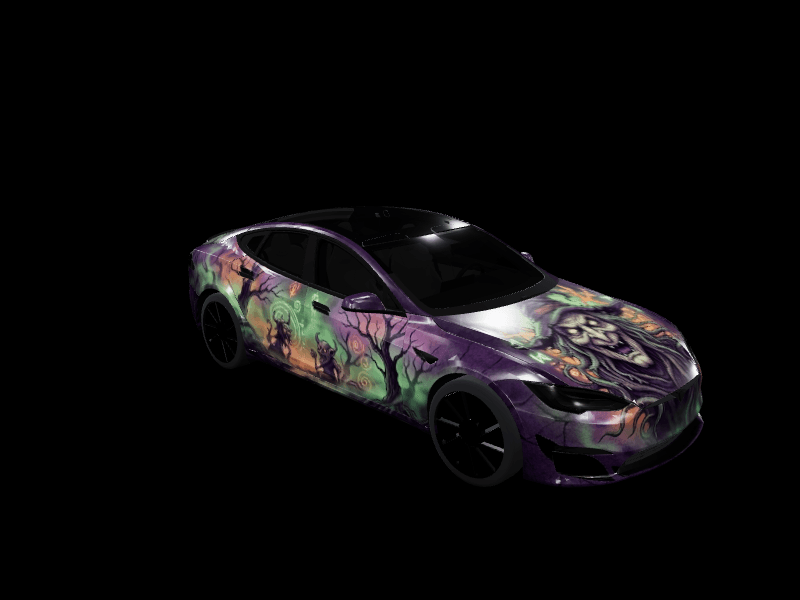
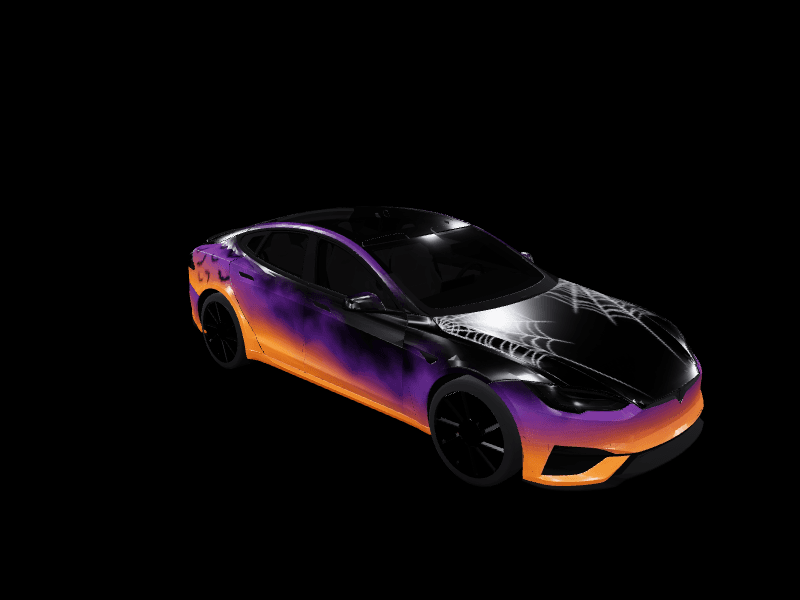
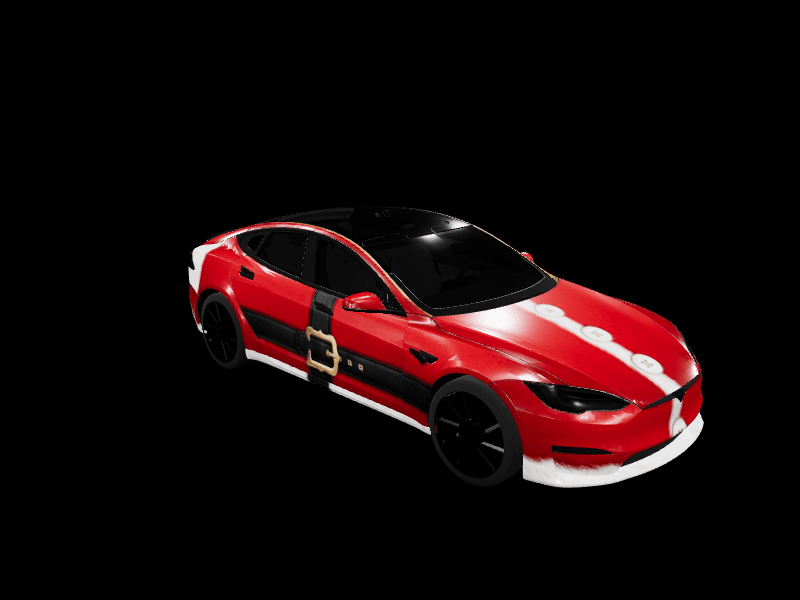
Seasonal sets come in Model S versions as well, from candy-cane Christmas stripes to autumn camo and Halloween fog. A darker lower body keeps the car looking low on the screen whatever the style.
Digital Model S wrap or real vinyl?
A full vinyl wrap on a Model S usually costs $3,000 to $5,500 at a professional shop, more for chrome or color-shift film. A digital wrap costs nothing: Paint Shop draws your design on the 3D Model S on the touchscreen and in the Tesla app, and you can change it whenever you like.
Try a color on the screen for a few weeks before you book a shop. If you still like it, the PNG makes a clear reference for the installer.
How to put a custom wrap on your Model S
Tesla's 2026 Spring Update brought the full Paint Shop to the Model S, and the Summer Update added uploads from the Tesla app. Download any design above, then in the Tesla app go to Creations, then Wrap, then Upload. You need Tesla app 4.59.1 or newer and car software 2026.26 or newer.
To use a USB drive instead, copy the PNG into a folder named Wraps at the root of an exFAT or FAT32 drive, plug it in, and open Toybox, then Paint Shop, then Wraps.
Tesla Model S wrap FAQ
Are these real vinyl wraps for the Tesla Model S?
These are digital wraps: Tesla's Paint Shop shows your design on the car drawn on the Tesla Model S's touchscreen and in the Tesla app. Design in the browser, export a PNG, and upload it from the Tesla app or over USB. Swap it anytime.
Does the Model S have a 3D preview?
Yes. Both Model S templates, the 2021+ Model S and the 2025+ Plaid, render on their own rotating 3D model in the studio and the Garage, so you see the wrap on real body panels before exporting.
Are Model S wraps free?
Yes. Browsing, designing and downloading wraps on FrunkLab is free. Paid plans add more AI generations per month.
Which Model S template do I need?
Tesla publishes two: Model S (2021+) and Model S (2025+) Plaid. They differ at the bumpers and lights, so download the version made for your car.
What is the best wrap for a Tesla Model S?
Luxury looks suit the Model S best: dark two-tones, evergreen and gold, chrome, and a thin metallic pinstripe along the long side. Racing stripes work well too, because the long hood gives them room.
What size is a Tesla Model S wrap file?
A Model S wrap is a PNG at 1024 by 1024 pixels, under 1 MB, with a filename of up to 30 letters, numbers, spaces, underscores or dashes.