Free to try
AI Tesla wrap generator
Updated
An AI Tesla wrap generator turns a sentence into a Paint Shop-ready wrap for your exact car. You describe the look, FrunkLab paints it onto that model's template, shows it on a rotating 3D car, and exports the PNG the Tesla app accepts. Every account gets 2 AI wraps a month free.
How it works
Step 1
Pick your Tesla
Choose the model and generation. The generator loads that car's Paint Shop template, so the art lands on the body panels and stays out of the glass.
Step 2
Describe the wrap
Colors, motifs, mood, finish. "Matte black with a copper pinstripe down the flank" works better than a paragraph. Add up to three reference photos if you have a look in mind.
Step 3
Generate and check it in 3D
The wrap appears on a rotating 3D model of your car in a few seconds. Tweak the prompt or edit the result with the text, shape and layer tools.
Step 4
Download and send it to the car
Export the Paint Shop PNG and upload it from the Tesla app (Creations > Wrap > Upload) or copy it to a USB drive. Apply it on the car under Toybox > Paint Shop > Wraps.
Prompt ideas that work
The generator is strongest at colors, textures, gradients and patterns. It does not paint legible text or logos; add those afterwards with the studio's text and shape tools.
- Matte black with a copper pinstripe and a brushed-metal roof
- Aurora gradient, deep violet fading to teal, soft grain
- Desert camo in sand and rust with orange accents
- Synthwave grid, hot pink and electric blue, horizon glow
- Carbon fiber weave with a glossy racing stripe
- Topographic contour lines in white on midnight navy
More phrasing that works, and prompts that failed and why, in the AI wrap prompt guide.
What it does well, and what it fumbles
The generator paints your car's template, the flattened top-down layout of its body panels, not a picture of a car. It is strong on surface and weak on structure: anything about how a material looks, it does well; anything that needs a specific thing in a specific place, you do yourself.
Good at
- Textures and materials. Carbon weave, brushed metal, matte finishes, hammered paint and color-shift sheens are its strongest suit by a distance.
- Color schemes and gradients. Give it a palette and it spreads the colors across the panels sensibly instead of dumping one flat fill.
- Patterns and abstract geometry. Camo, topographic lines, hex meshes and marbling. Repeating structure is easy for it and tedious by hand.
- Atmosphere. Prompts like "synthwave sunset" or "desert dusk" work because a mood comes down to palette plus texture.
Still fumbles
- Legible text. Ask for a word on the doors and you often get something that is nearly the word. Add real text afterwards with the studio's text tool, which stays sharp at any size.
- Logos and badges. Unreliable to draw, and the generator turns brand names into colors and shapes rather than badges. Original art in a similar spirit usually looks better.
- Exact placement. "A wolf's head centered on the hood" usually gets you a wolf. Where it lands is a coin flip, so generate the element and place it yourself.
- Symmetry. The left and right sides often come back a little different. Nobody notices on a busy graphic; everybody notices on a stripe.
So generate, then edit. Let the AI do the tedious part (the texture, the palette, the base composition), then open the result in the editor and fix the one thing that is off. That beats hitting generate again and hoping. The studio is the place for it: move and resize the art on the template while the live 3D car beside it shows every change.
Reference photos change the result more than adjectives
You can attach up to three reference photos alongside the prompt, and it is the biggest quality lever there is. "Teal" covers a hundred shades; a photo of the exact teal you mean removes the guesswork. The generator reads color, texture and pattern from the photo and puts that on the template. It does not paste the picture onto your car.
- Good references: a photo of a car wrap or paint job you like, a fabric swatch, a paint chip, a sunset, an album cover whose palette you like. From a car photo it takes the paint and livery, not the car's body or camera angle.
- Poor references: anything with prominent text or a logo. Marks are never copied, so they come back as plain shapes.
One reference gives the closest match: leave the prompt empty and the wrap follows its colors, finish and level of detail. Two or three push the generator toward what they have in common, and a palette photo plus a texture close-up is a reliable pair. You can also attach your current design to try variations on something you already like.
Judge it on the 3D car, not the flat file
A template is a flattened unwrap. A design that looks stretched at the edges of the square can sit perfectly on the car, and one that looks balanced flat can put its focal point on the roof where nobody sees it. Spin the 3D preview before you decide a generation failed. It differs by model too: the Cybertruck's flat panels show detail almost exactly as drawn, while a Model S curves anything that crosses its sides, so gradients read well and hard geometry can skew. Here is what to look for in the 3D preview.
Wraps the community made
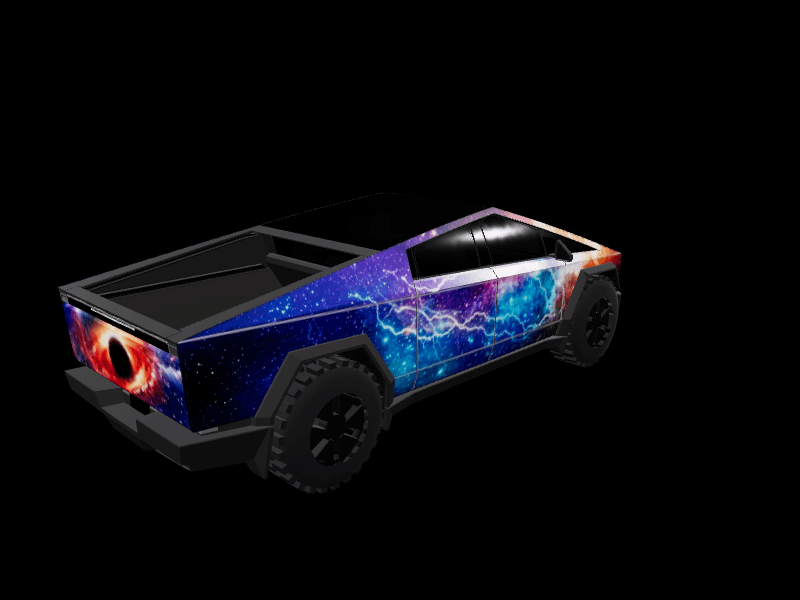
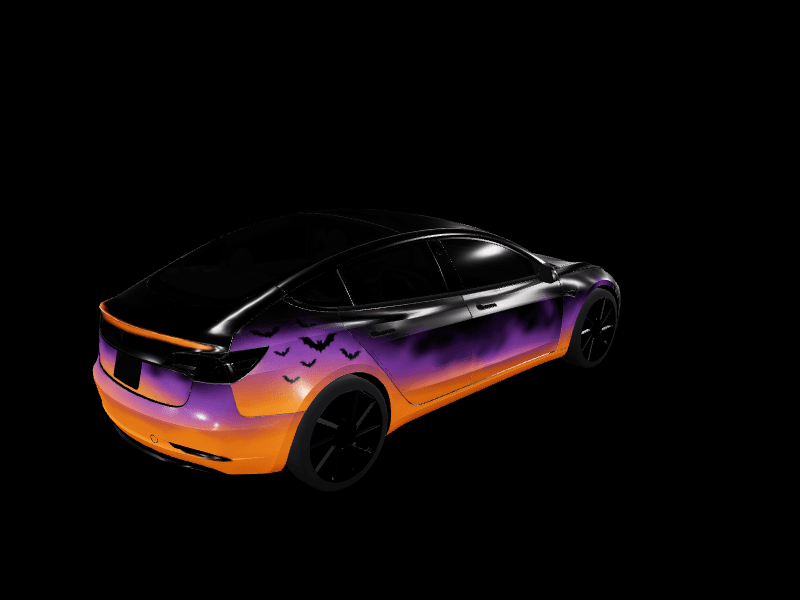
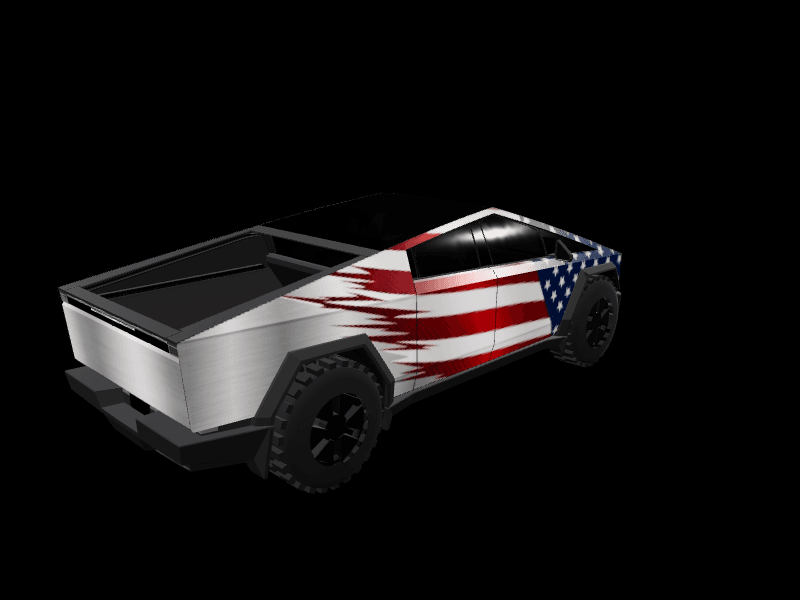
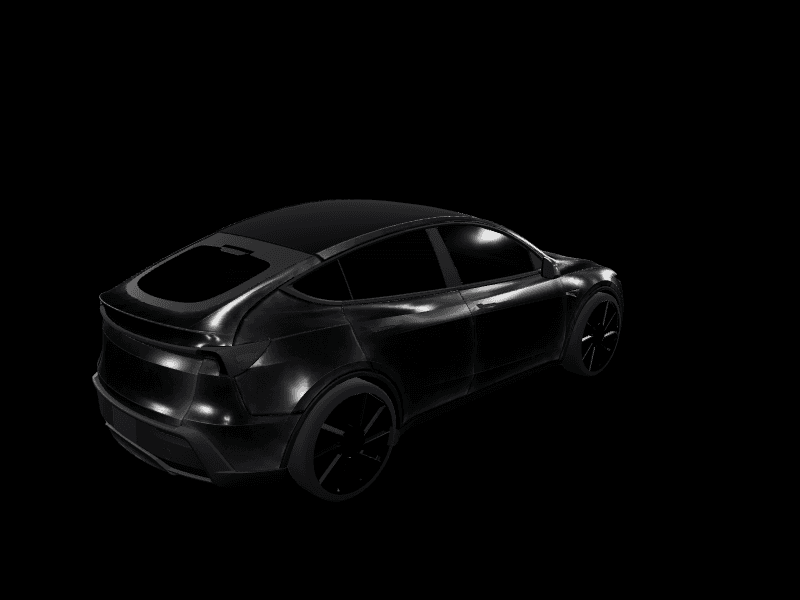
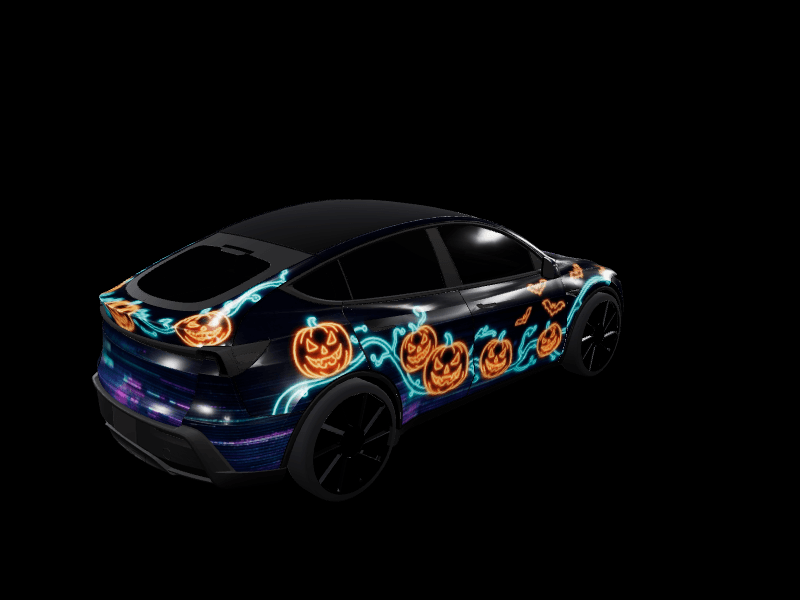
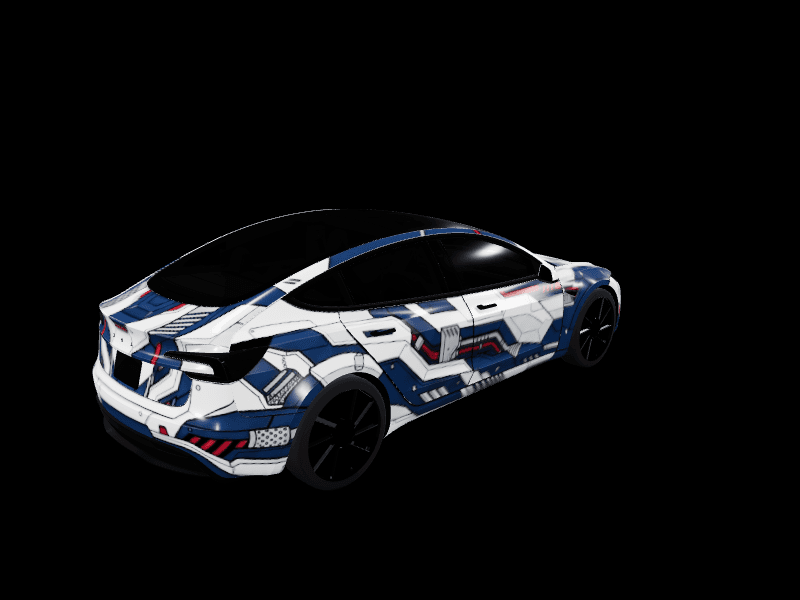
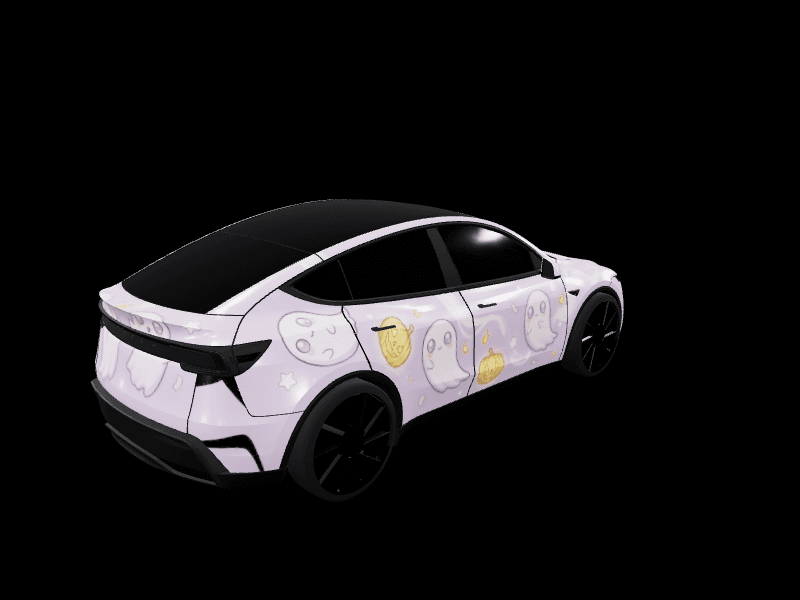
Popular designs from the gallery, most of them AI-generated and then refined. Open any of them to see it on the 3D car and download it for Paint Shop.





Wrap ideas by model
Make a matching lock chime
The same account can generate a lock chime to go with the wrap: describe a sound or a spoken line and the AI lock chime generator returns a Tesla-ready LockChime.wav. Or pick one of 405 sounds in the lock sound library.
Use it from your AI assistant
Connected to Claude, ChatGPT, Cursor or Claude Code, the generator works from a chat: ask for a wrap and it lands in your FrunkLab designs. Setup takes a minute on the AI assistants page, or follow the step-by-step connector tutorial.
AI wrap generator FAQ
What can the AI generate?
Two things. Wrap images: the AI is good at textures, patterns, gradients, and color schemes, and it knows each vehicle's template so the art lands on the body panels. It is not reliable at legible text or logos, so add those with the studio's text and shape tools after generating. Lock chimes: describe a short jingle, a spoken line in quotes, or a sound effect and the AI picks the matching engine (melody, voice, or sound effect) and returns a Tesla-ready LockChime.wav.
Writing AI wrap promptsCan I use a photo of my own car as a reference?
Yes. The AI wrap generator reads the color, finish and amount of detail from the photo and paints that onto your car's flat Paint Shop template. It takes the paint and livery, not the car's shape or camera angle. Leave the prompt empty to match the photo closely, or add a few words for what should change.
AI Tesla wrap generatorWhy did my AI wrap come back with letters on it?
Older prompts sometimes produced invented text. The generator now avoids lettering unless you put the exact words you want in quotes, and even then, add important text with the studio's text tool afterwards. Legible lettering is the one thing image generation still gets wrong at wrap size.
AI wrap prompt guideCan I use brand logos, characters, or celebrity faces?
Logos, no. The AI never paints logos, and a brand, character or celebrity name in a prompt becomes colors and shapes rather than a logo or a likeness. It adds lettering only when you put the exact words in quotes. Real company logos, sponsor decals and team crests are not accepted in the public gallery, so original art inspired by a look works best.
Is FrunkLab free?
Yes. Free includes unlimited designing, saving and downloads, 2 AI wraps a month, 5 melody or voice lock chimes a day and 2 sound-effect chimes a month. Need more AI wraps? One-time packs start at $4.99 for 10, never expire, and your first pack adds 5 bonus wraps. There is no subscription.
See pricingWhich Teslas are supported?
Model 3, Model Y, Cybertruck, Model S, and Model X all get the full studio with a rotating 3D preview, covering every generation Tesla's Paint Shop supports. Every supported Tesla can receive a wrap file on the car itself.
Which Tesla supports whatCan I use FrunkLab from ChatGPT or Claude?
Yes. FrunkLab has a remote MCP server. Connect it once in Claude, ChatGPT, Grok, Cursor, or Claude Code, sign in with your FrunkLab account, and ask the assistant to design a wrap or a lock chime. It uses the same monthly allowance as the website and the result lands in your designs.
Connect an AI assistantReady? Open the studio and describe your wrap.