Best Tesla lock chimes: 25 sounds owners actually use
The stock Tesla lock chirp is fine. These 25 are better. The most-downloaded lock chimes from the FrunkLab library by style, plus the 2-minute USB install, the AI chime generator, and how to pair a chime with your wrap.

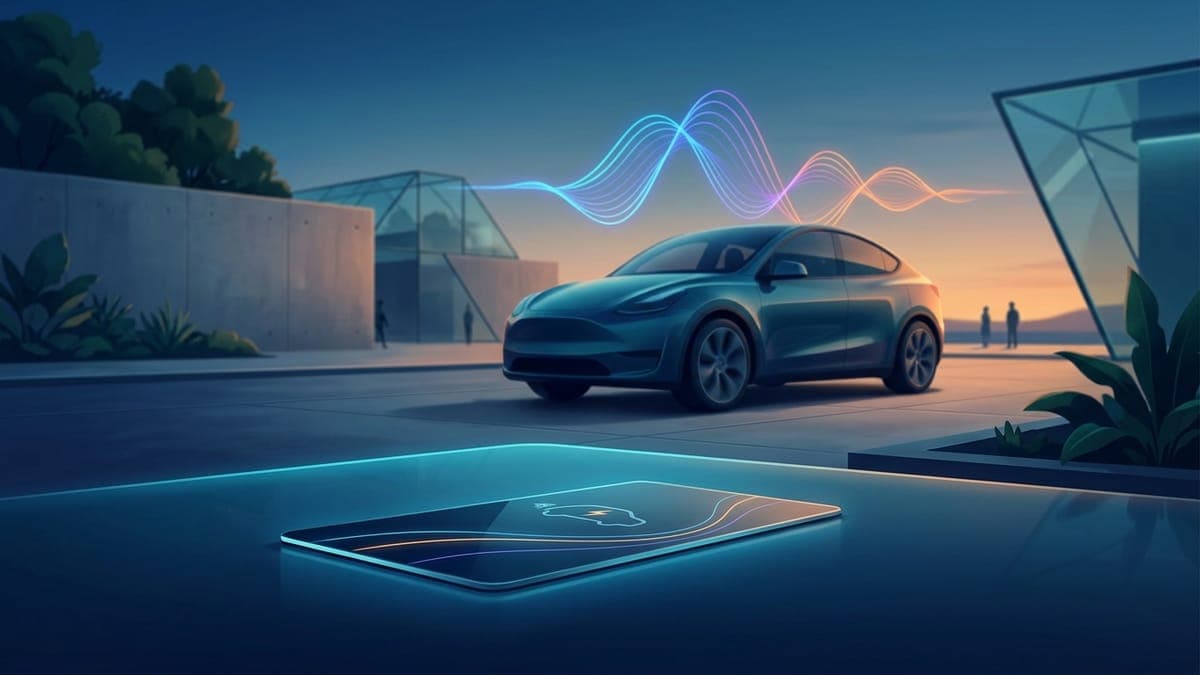
Your Tesla will play any sound you want when it locks. One WAV file named LockChime.wav, dropped on a USB drive, enabled once in the car, done. The stock chirp becomes a spaceship door, a game-over trombone, an owl in a parking garage, whatever fits the car. The whole FrunkLab lock sounds library is free to browse and download, every file already trimmed and formatted to Tesla's spec.
These are the chimes owners reach for most, by style, plus the install steps and one trick most people miss: matching the chime to your wrap.
What makes a good lock chime?
Three things, learned from a lot of parking lots:
- Short. Tesla caps the file at 5 seconds, but the best chimes land under 3. You lock the car and walk away; the sound shouldn't still be going when you're 10 feet gone.
- Recognizable instantly. The sound has one beat to land. A crisp chime or a clean sting beats a slow build every time.
- Tolerable 1,000 times. You'll hear this sound every single day. Screams and jump-scares are funny for a week. Pick something you'll still like in March.
Every sound below meets Tesla's requirements out of the box: WAV format, under 5 seconds, under 1MB.
Best clean and minimal lock chimes
For owners who want "premium car sound", not a bit:
- Elegant Bell 1. A single soft bell. The chime Tesla should have shipped.
- Car Lock Chime 1. A tight digital click-and-confirm. Reads as factory equipment.
- Quick Notification Ping. A modern two-tone ping, the kind your phone makes when good news arrives.
- Happy Bells. Bright without being loud. Nobody in the garage turns around.
- Flute Notification. A short woodwind phrase. Gentler than anything else on this list.
- Water Drop Echo. One drop, a little reverb, silence. Weirdly calming at 7am.
Best sci-fi and futuristic lock chimes
The car is electric and looks like the future. Lean in:
- Security Mode Chime. A robotic "sentry mode activated". The car announces it's on guard duty.
- Security Mode Goodbye. Same idea with a farewell. Politely menacing.
- Car of the Future. A synth swell that sounds like the car is powering down for warp.
- Point in Space. Ambient and spacey. The subtle pick of this category.
- Robotic Voice. A short synthetic voice tag. Pairs absurdly well with a cyberpunk wrap.
- Game Teleport Effect. You didn't park the car, you dematerialized it.
- Pew Pew Laser. Two tiny laser shots. Silly and over in half a second.
- Three Two One Countdown. Dramatic exit energy, every single time.
For the Cybertruck. The stainless truck can take something colder. Try the crackling Teleport Energy Burst, the flat robot voice of Login Denied Error, 10 Seconds to Self-Destruct for maximum drama, or the smooth, futuristic Car Lock Chime 4. Or describe your own to the AI chime generator: a heavy stainless steel door sealing with a low synth hum, short. Our lock chime guide covers where the file goes on the truck.
Best funny lock chimes
The crowd-pleasers. Test your tolerance before committing:
- Game Over Trombone. The sad wah-wah-wah. Objectively the funniest sound a locking car can make.
- Ta-Da Fanfare. The car congratulates you for parking.
- Screaming Goat. Loud, absurd, beloved. Maybe not for the office garage.
- Short Airhorn. One blast. Your passengers will ask you to change it, which is half the fun.
- Open Up Raid. A shouted warning as the locks drop. School-pickup famous.
- Cash Register. Cha-ching. Appropriate for a car this expensive.
- Your Captain Speaking. A calm airline PA voice signs you off. Business-trip energy.
- Bye Bye 1. A cheerful little "bye bye!". Kids wave back at the car.
Best animal and nature lock chimes
Quieter than the meme picks, more personality than a beep:
- Owl Hoot. Two soft hoots. The best night-time chime in the library.
- Cat Meow. One meow. Confuses everyone within 20 feet, delights cat people instantly.
- Hawk Screech. The big-sky screech. Correct for a Cybertruck.
Browse the rest at frunklab.com/audio: nearly 400 sounds across movie-style stings, arcade blips, retro tech, memes, and nature, all filterable by tag. For October, see our Halloween Tesla lock sounds.
Can't find the exact sound? Generate it
If the sound in your head isn't in the library, the AI Tesla lock chime generator builds it from a text description, and it also runs right on the lock sounds page. Type "deep cinematic brass hit with a soft tail" or "cheerful robot saying goodbye", pick a length, and you get a Tesla-ready WAV in about 10 seconds. Generated chimes save to your account, so you can iterate until the sound is exactly right, then download or attach it to a wrap. Melody and voice chimes are free, 5 a day; sound-effect chimes use the monthly allowance of 2 (see pricing). Stuck for a prompt? Start with these Tesla lock chime ideas. Already have the sound as an MP3 or a long clip? The free LockChime.wav converter trims it under 5 seconds and saves a Tesla-ready file in your browser.
How do I install a custom lock chime?
The 2-minute version:
- Download the sound you want from the library. It arrives already named
LockChime.wavand formatted to spec. - Copy it to the top level of a USB drive (not inside any folder). The drive must be formatted exFAT, FAT32, ext3, or ext4. NTFS won't work.
- Plug the drive into a front data port. On many cars built since late 2021 the console ports only charge, so use the glovebox port.
- In the car: open Toybox > Boombox, turn on Lock Sound and choose USB.
- Lock the car and enjoy the upgrade.
Lock Sound plays through the external Pedestrian Warning System speaker, which most Teslas built since late 2019 have. Full walkthrough with formatting help and troubleshooting: how to change your Tesla lock chime. If USB doesn't show up under Lock Sound, confirm the file is at the top level of the drive and the name is exactly LockChime.wav, case-sensitive.
One drive can serve double duty: your lock chime at the root and your custom wrap design alongside it. If you haven't set up a wrap yet, exporting your wrap to USB covers that half.
How do I match a chime to my wrap?
This is the underrated move. A wrap and a chime that share a theme turn the car into a complete idea: a synthwave wrap plus a synth power-down, military camo plus a countdown, a minimal white design plus one soft bell.
FrunkLab links the two directly. Every wrap in the community gallery can carry an attached lock chime, so grabbing a themed design gets you both halves at once. And when you make your own in the studio, save it: the design page's Attach a Lock Chime section suggests sounds that match your design's tags, and you can attach any other chime from the library there too. New to the studio? Your first Tesla wrap gets you to a saved design in minutes.
Pick the chime, pick the wrap, put both on one drive, and your Tesla locks like no one else's: start with the library or design the wrap half first.
Find your Tesla lock sound
Free lock chimes that download already named LockChime.wav, or describe your own and let the AI make it.