Tesla Cybertruck Wraps
143 free designs, each one a Paint Shop-ready PNG
The flat stainless panels on the Cybertruck make it the best canvas Tesla ships: designs land crisp with no curves to fight. These community wraps are digital, so load one from the Tesla app or over USB and the truck screen shows it wearing the design. The Cybertruck uses a landscape 1024x768 Paint Shop template, and every design below already fits it.
Or describe your own Cybertruck wrap and AI paints it
2 free AI wraps every month · No card · Ready for Paint Shop
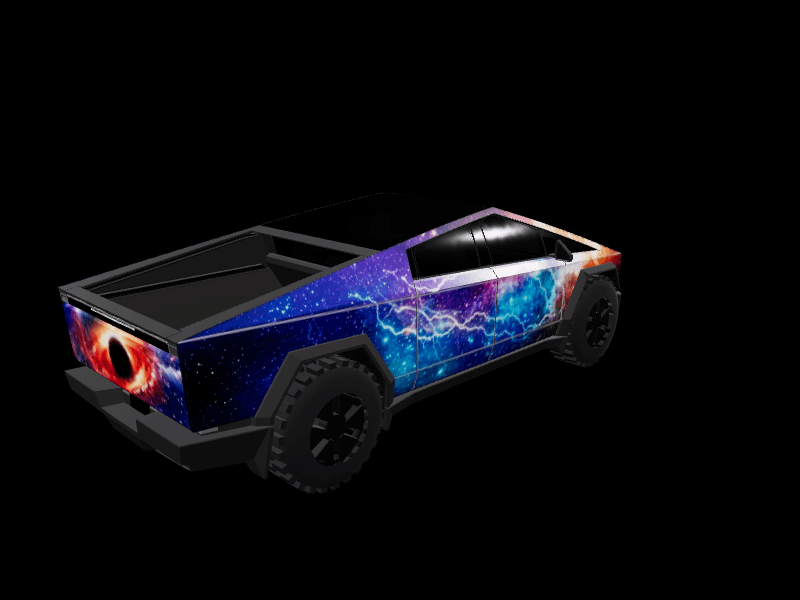
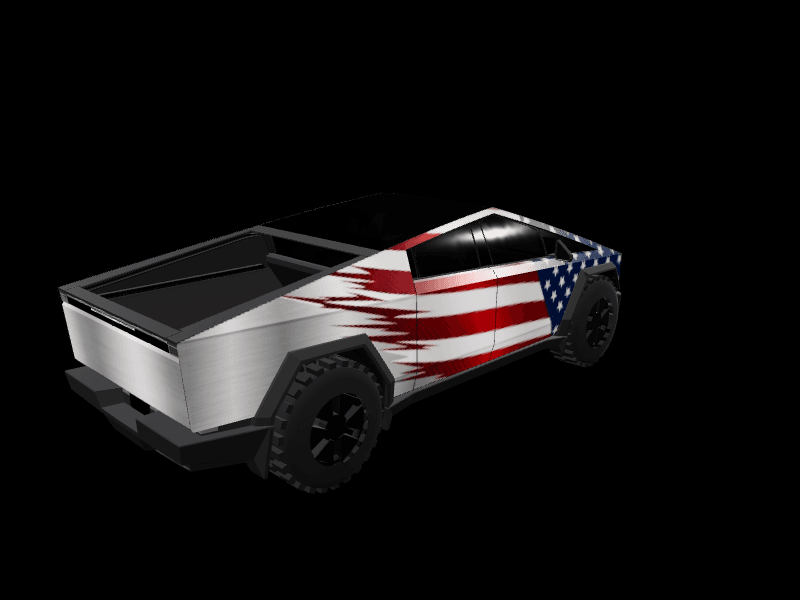


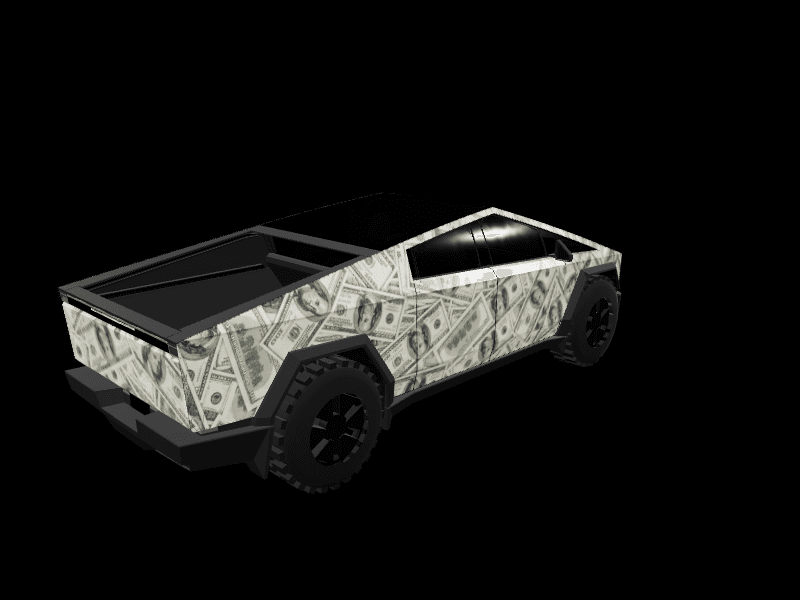
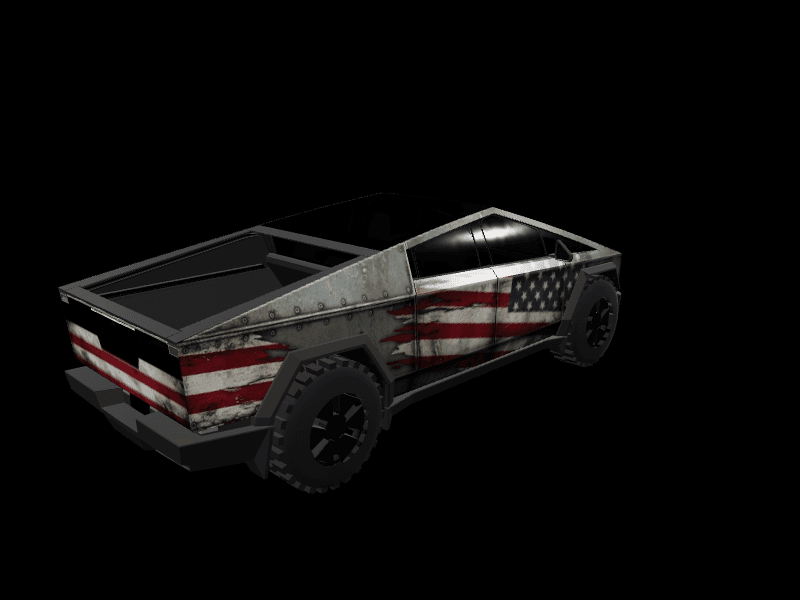
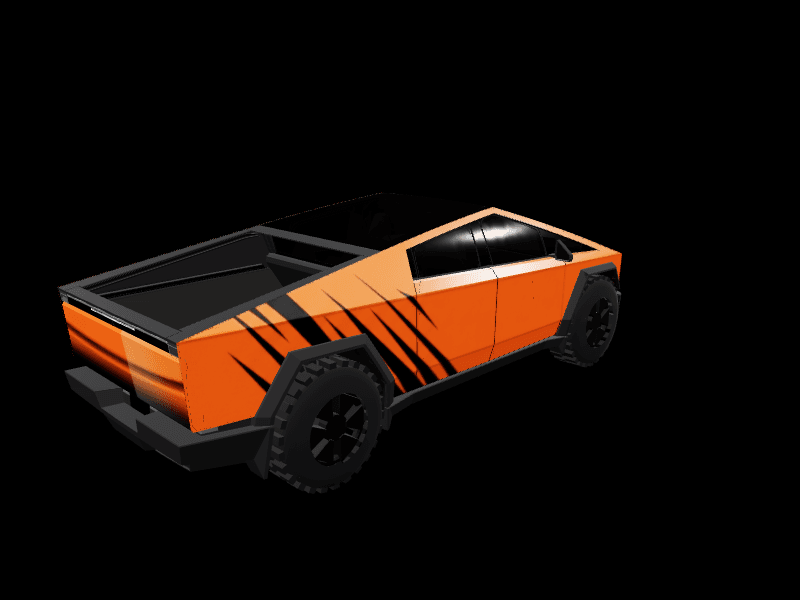
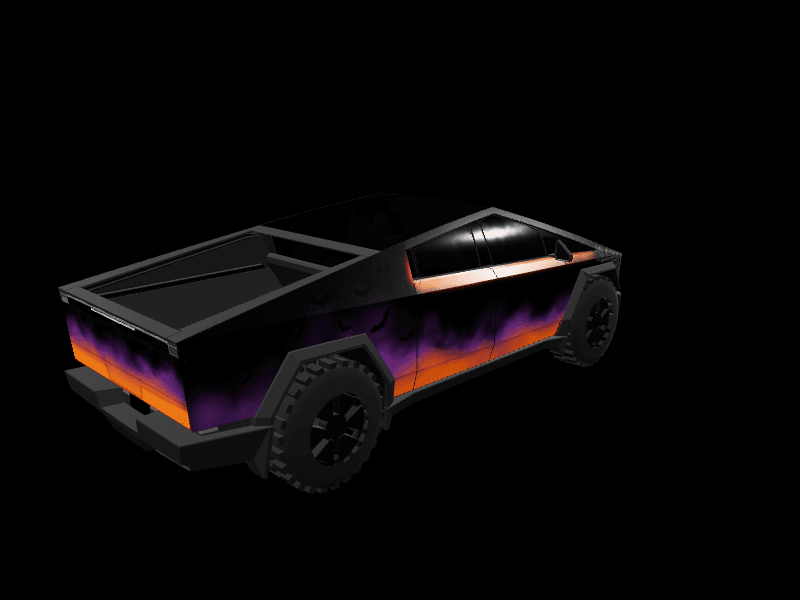
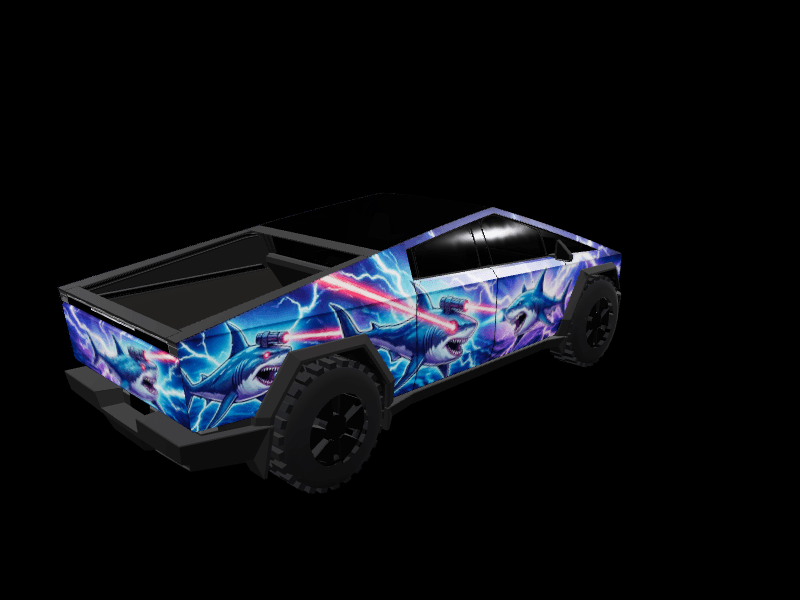
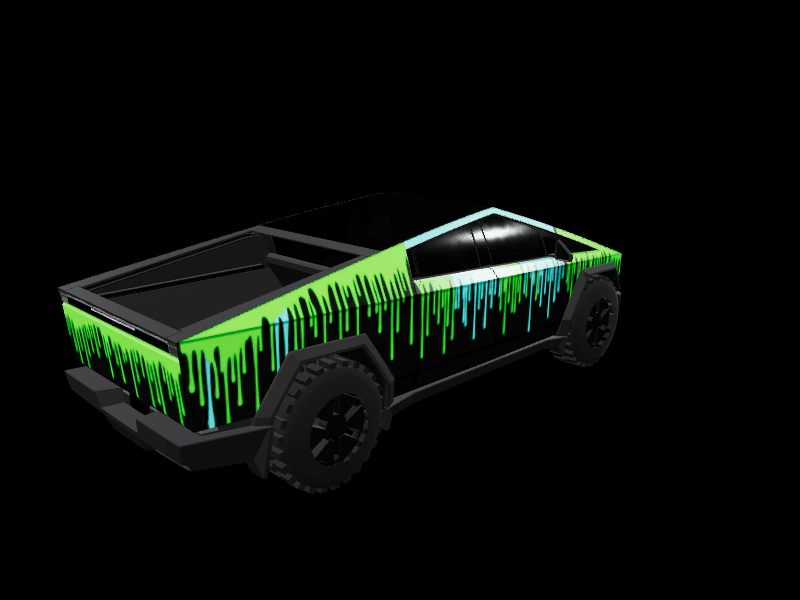
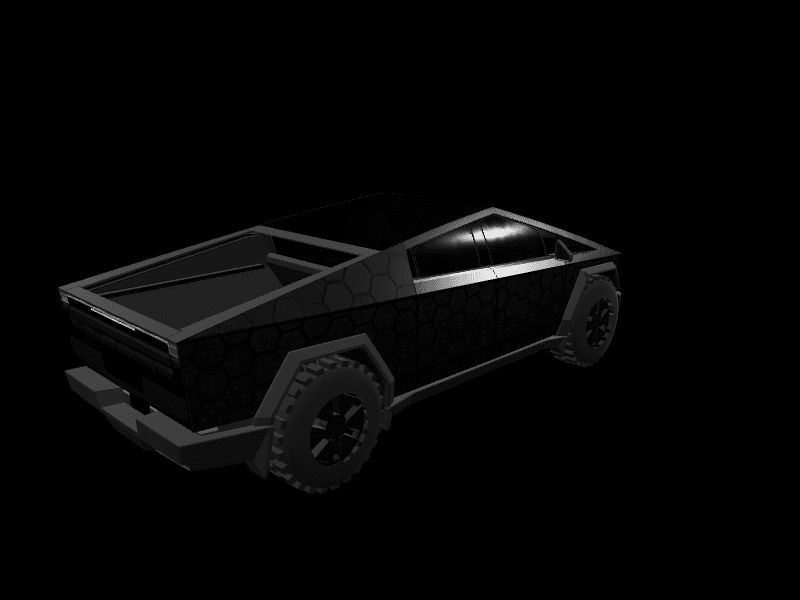


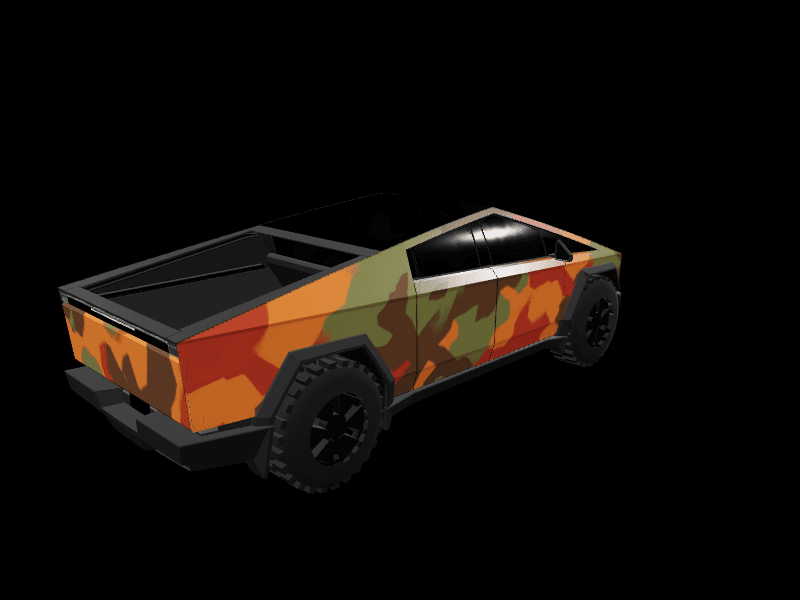
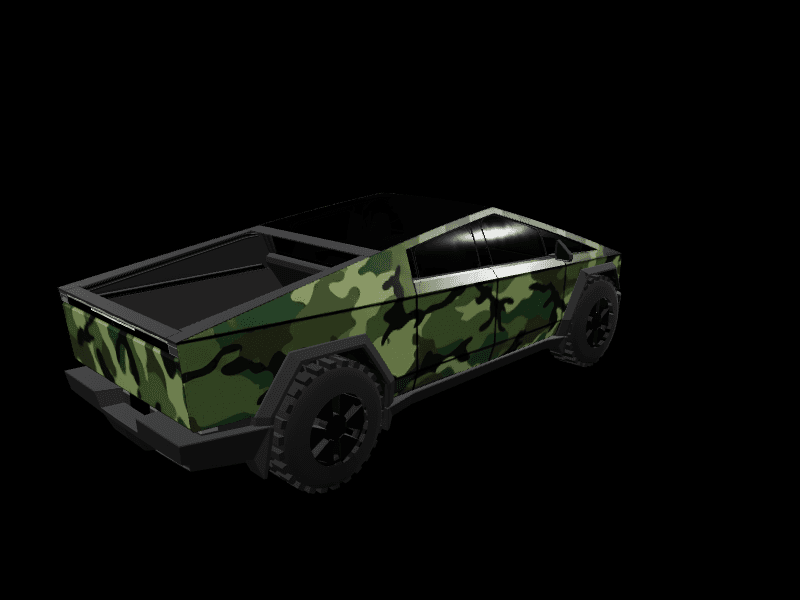
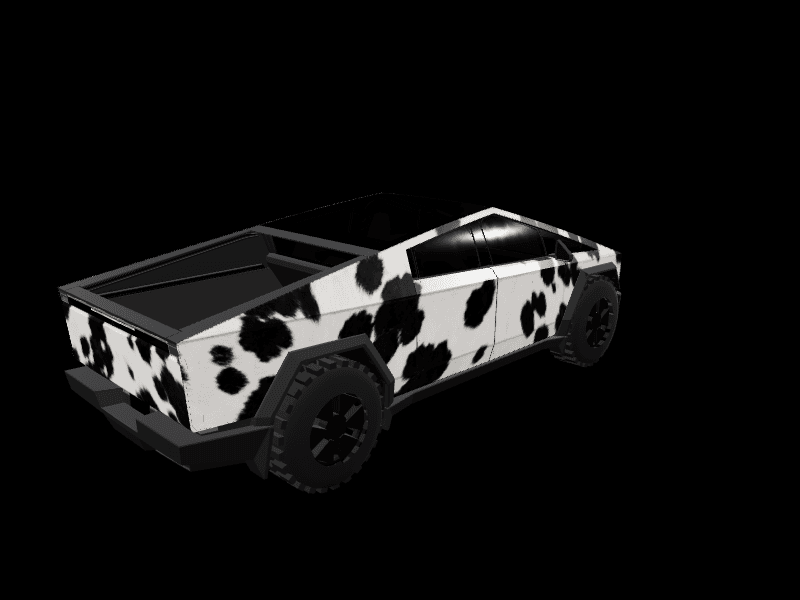
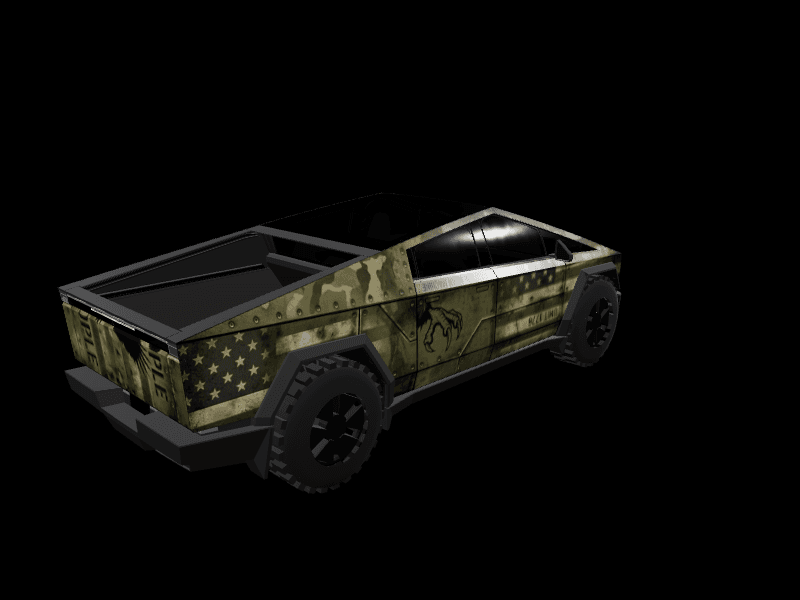
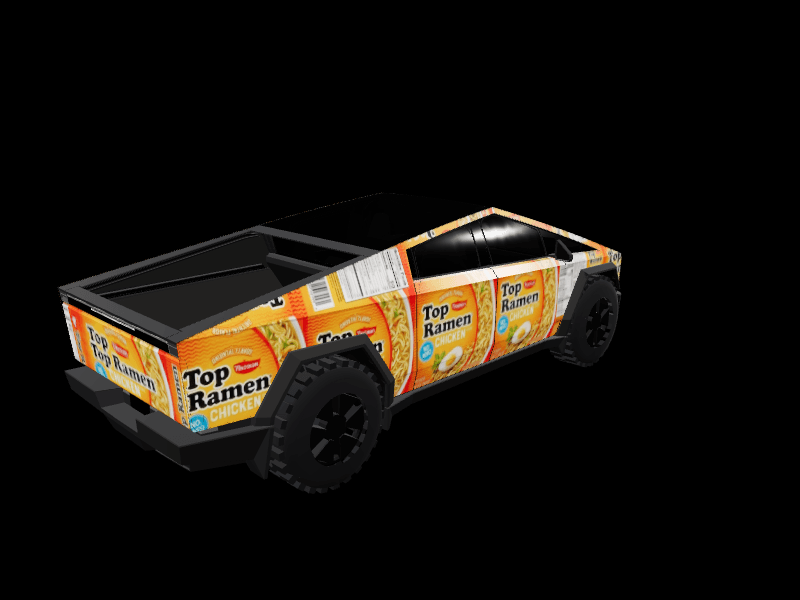
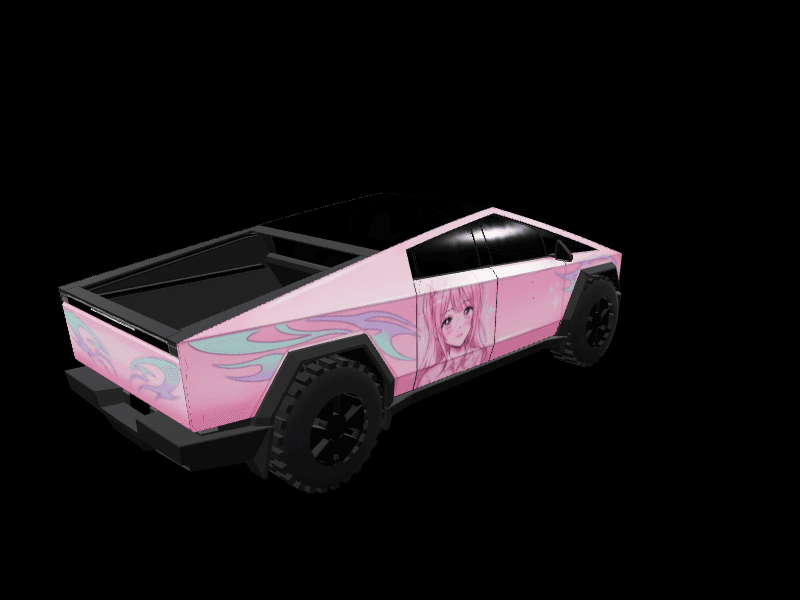
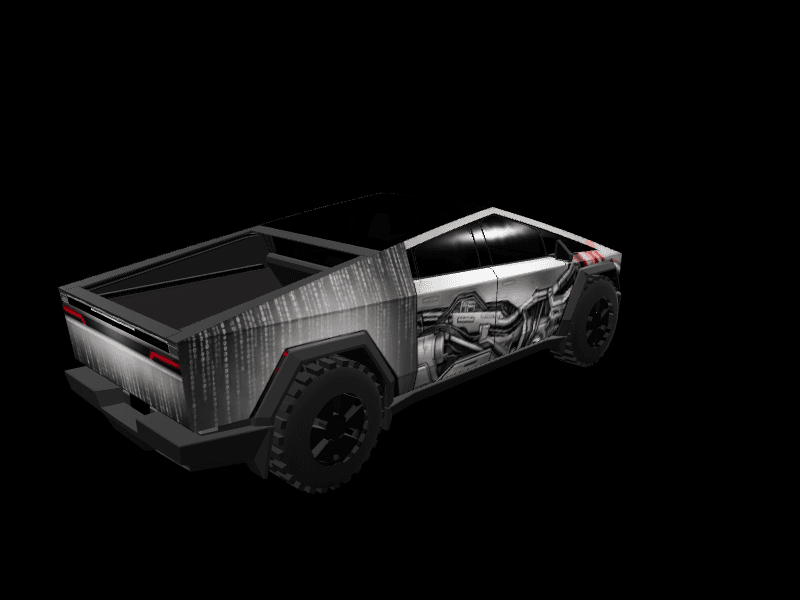
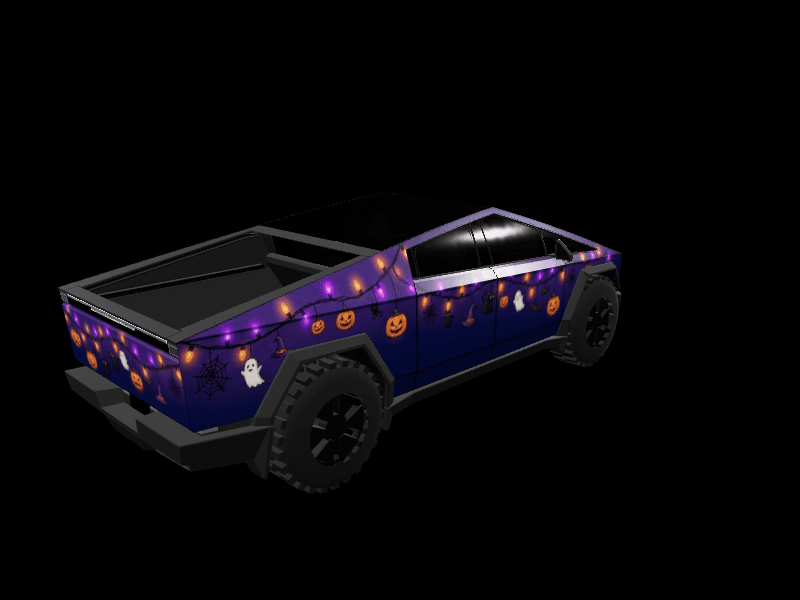
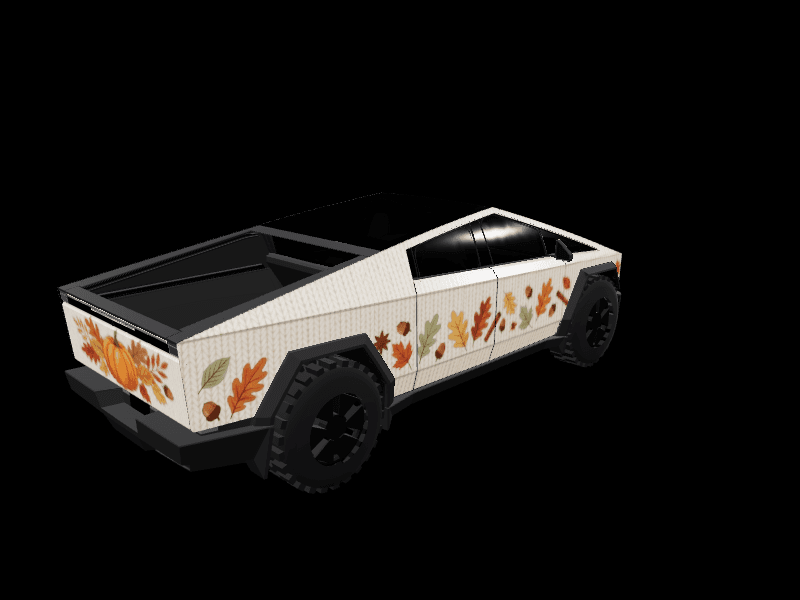


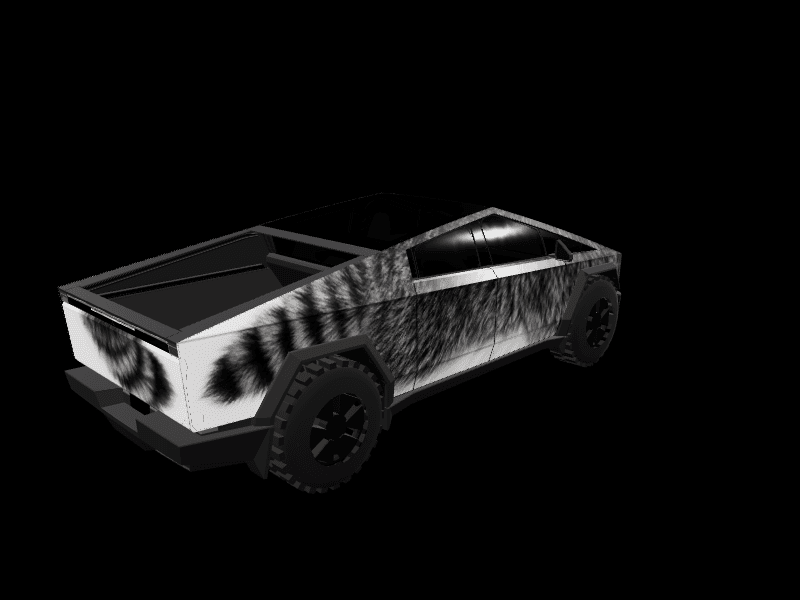

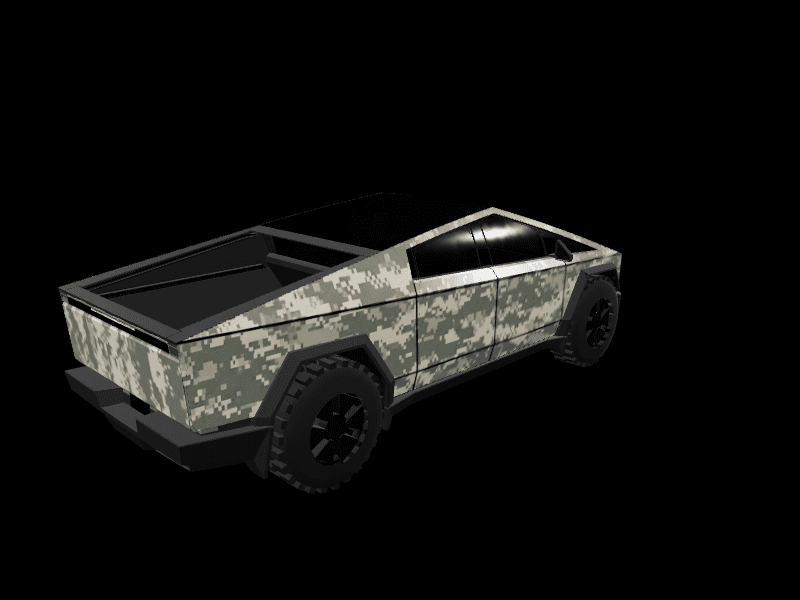
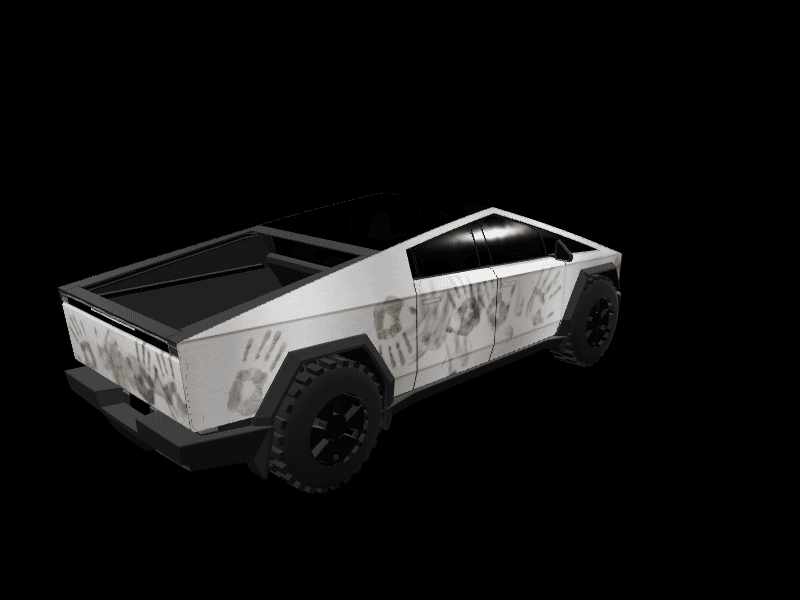
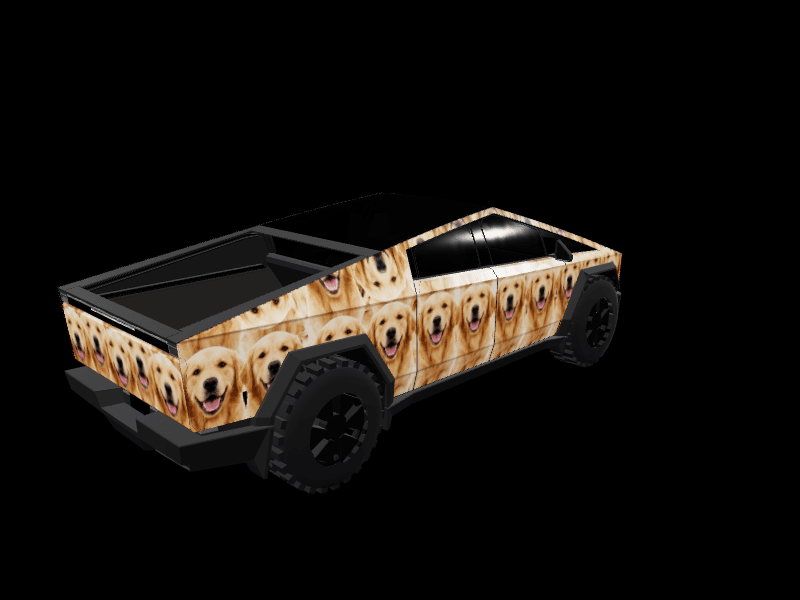
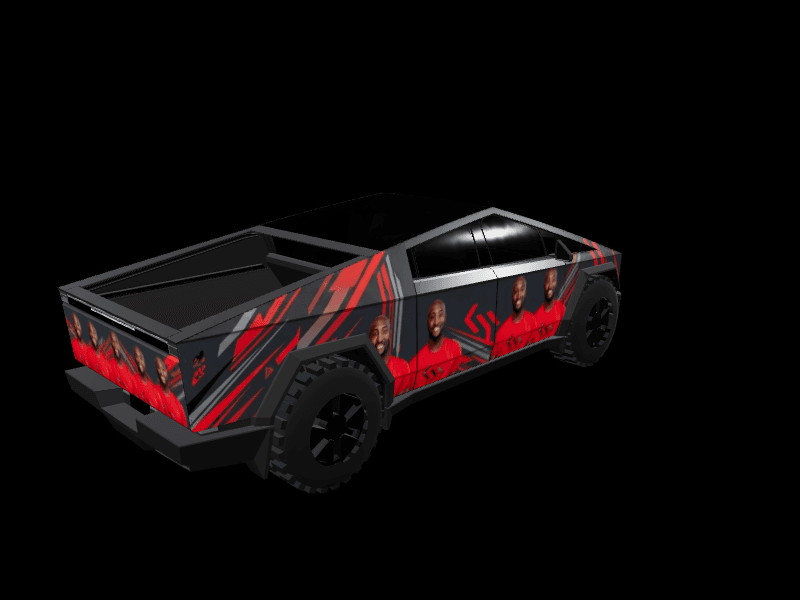
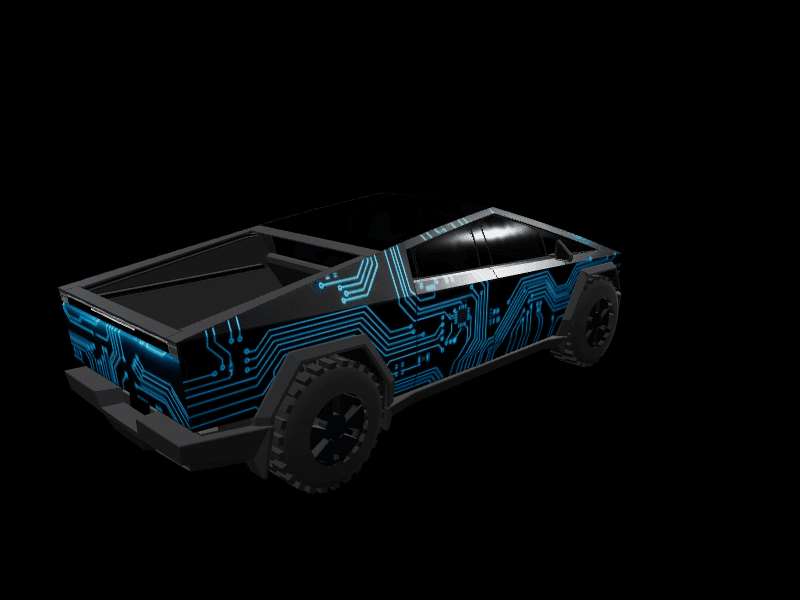
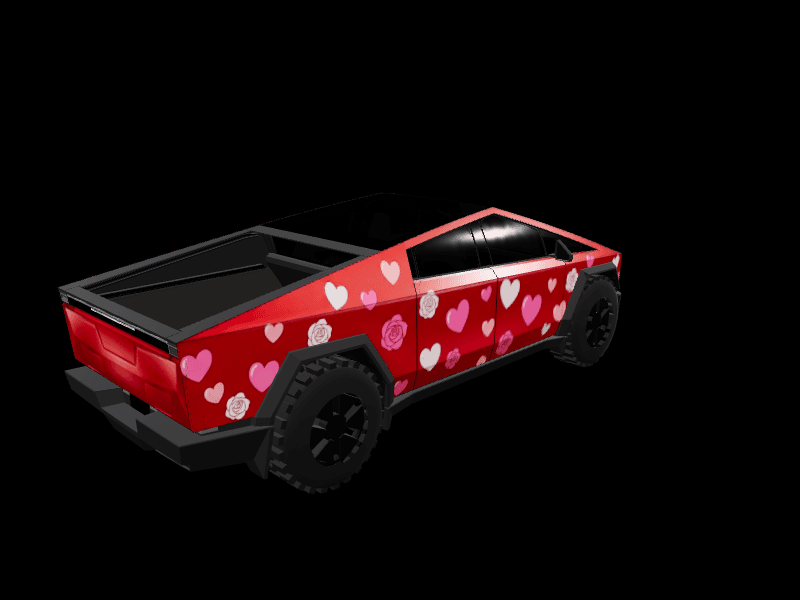
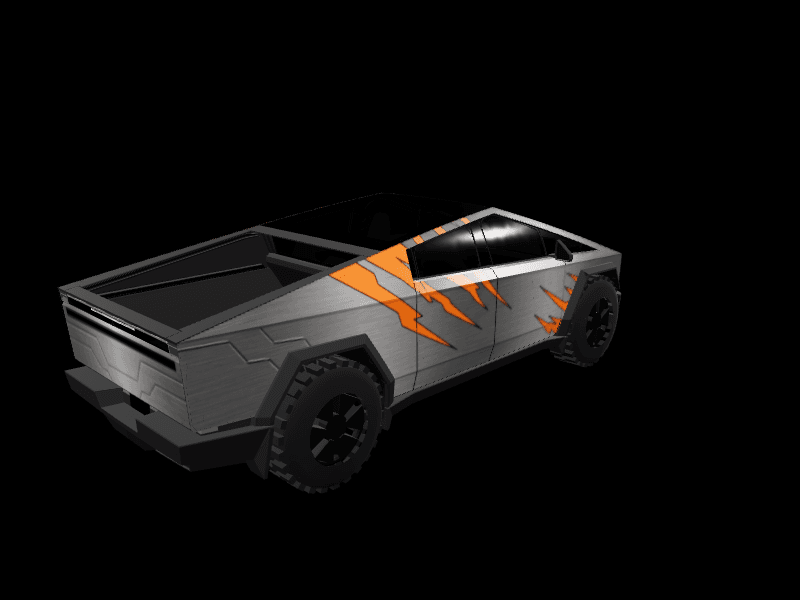
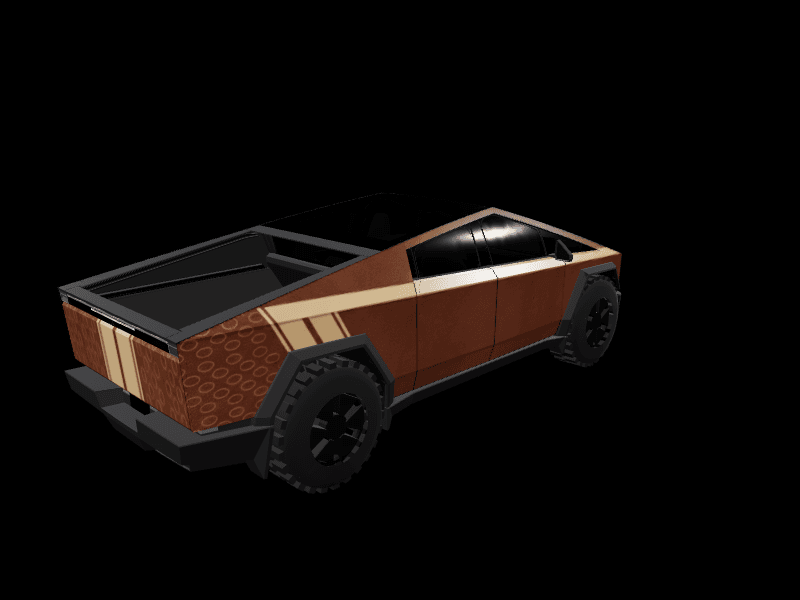
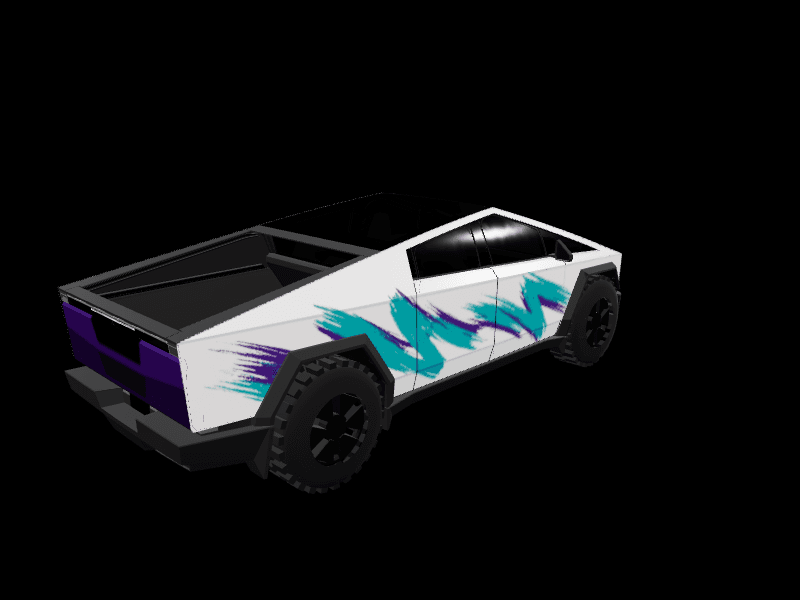


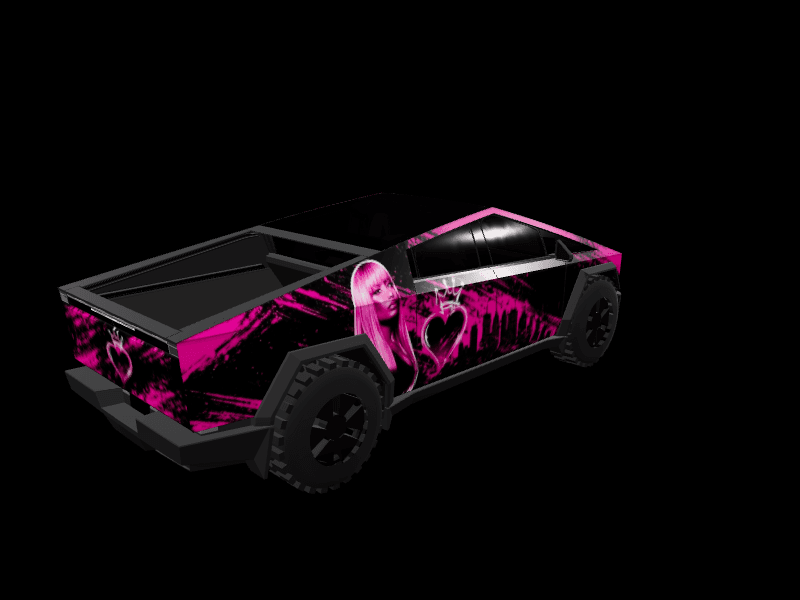
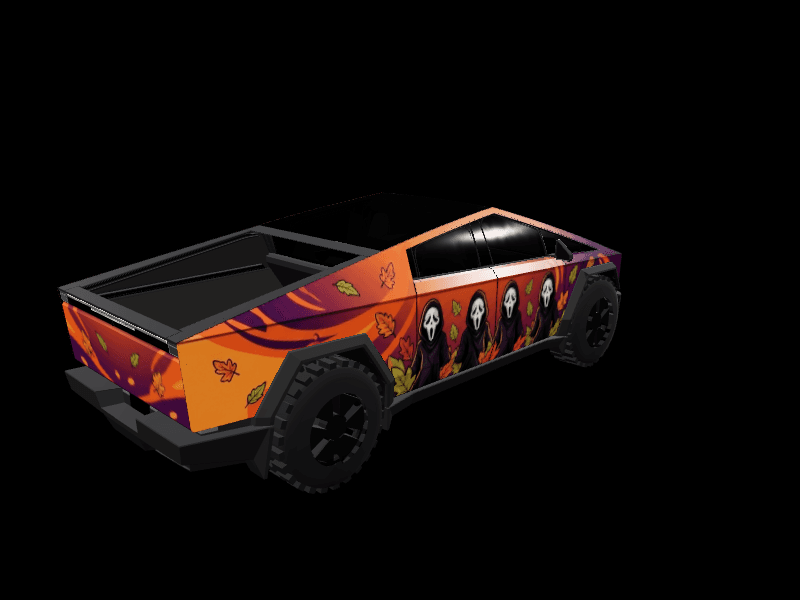
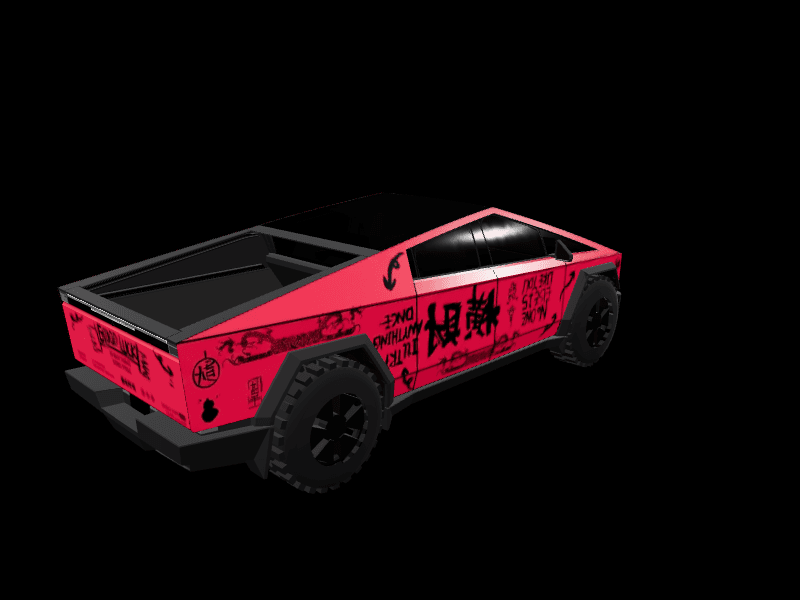
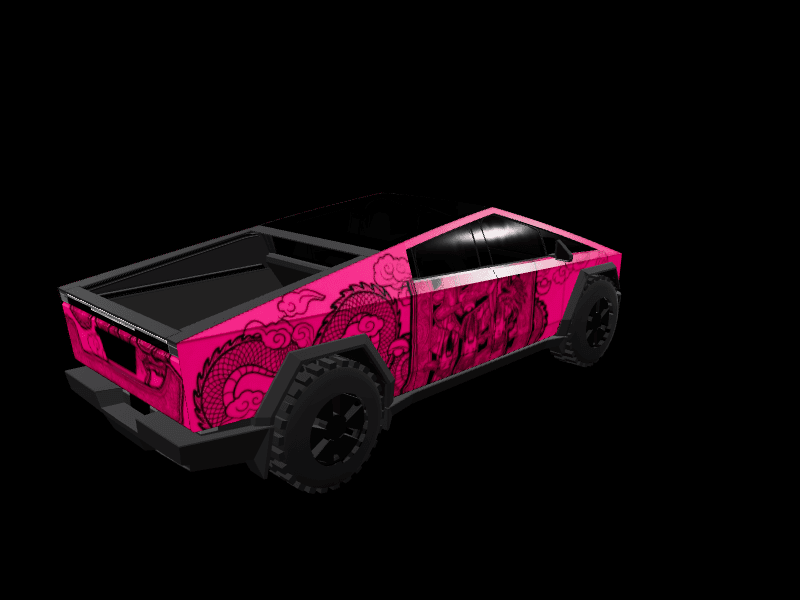
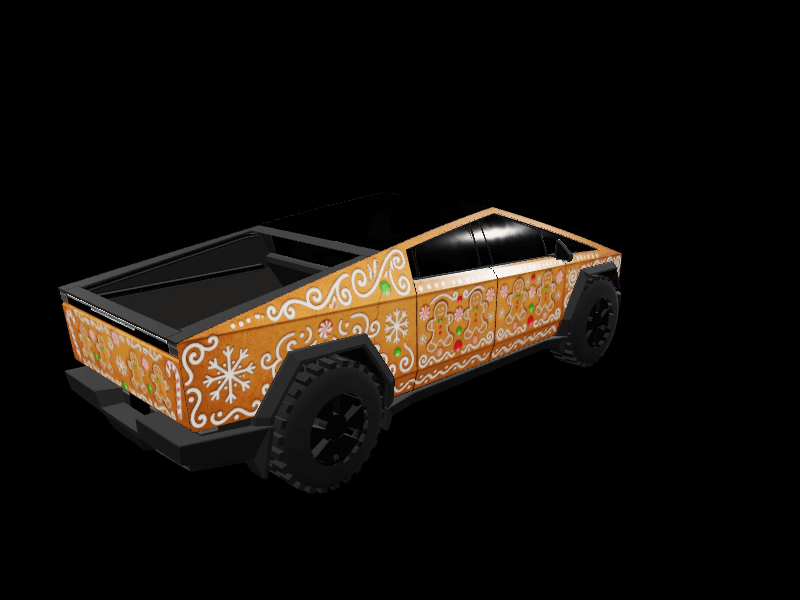
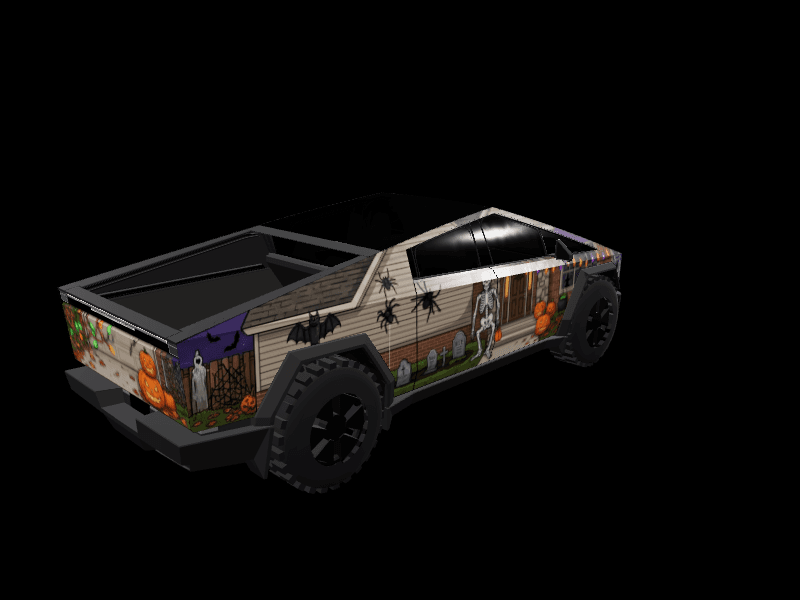
Design your own Cybertruck wrap
Start from any design above or from a blank Tesla Cybertruck template. Draw, drop in images, or describe what you want and let AI generate it. Free, in your browser, no design skills needed.
One Cybertruck template for every trim
Every Cybertruck uses the same Paint Shop template, whichever trim you drive, so any design here fits your truck. The file is a landscape PNG at 1024 by 768 pixels rather than the 1024 by 1024 square the other Teslas use, because from above the truck is a long rectangle.
On that template the truck lies on its side: the nose sits at the left end, the tailgate at the right, and the two flanks run along the top and bottom edges. A wrap made for a square template stretches on it, so start from a Cybertruck design or a blank Cybertruck template.
The most popular Cybertruck wrap styles
Matte and minimal designs lead the Cybertruck collection, because a solid color on flat steel looks finished without any help. Camo and stealth come next: woodland, desert and urban grey patterns suit a truck that already looks like equipment, and the flat panels keep every patch sharp.
Cyberpunk and neon lines follow the hard angles, racing stripes run dead straight from the light bar to the tailgate, and gold luxury wraps lean into how extravagant a stainless pickup can look. The style buttons above split the whole collection by look.
Digital Cybertruck wrap or real vinyl?
A full vinyl wrap on a Cybertruck usually costs $3,500 to $6,500 or more at a professional shop, the most of any Tesla. The stainless body can't be repainted, so film is the only way to change its color, and the big flat panels show every bubble and seam. A digital wrap costs nothing: Paint Shop draws your design on the 3D truck on the touchscreen and in the Tesla app.
That makes the digital wrap the cheap way to settle on a color before anyone quotes you. Live with it on the screen for a few weeks, then take the PNG to an installer as a reference.
How to put a custom wrap on your Cybertruck
Open any design above and tap Download Wrap to save the PNG. In the Tesla app, go to Creations, then Wrap, then Upload, and choose the file. The app upload needs Tesla app 4.59.1 or newer and truck software 2026.26 or newer.
Over USB, put the PNG in a folder named Wraps at the root of a drive formatted exFAT or FAT32 (not NTFS), plug it into the truck, and pick the design in Toybox, then Paint Shop, then Wraps.
Tesla Cybertruck wrap FAQ
Are these real vinyl wraps for the Tesla Cybertruck?
These are digital wraps: Tesla's Paint Shop shows your design on the car drawn on the Tesla Cybertruck's touchscreen and in the Tesla app. Design in the browser, export a PNG, and upload it from the Tesla app or over USB. Swap it anytime.
Why do Cybertruck wraps look extra sharp?
The Cybertruck body is made of large flat panels, so wrap art maps onto it with almost no distortion. What you draw is what you see.
Are Cybertruck wraps free?
Yes. Browsing, designing and downloading wraps on FrunkLab is free. Paid plans add more AI generations per month.
Which Cybertruck wrap styles are most popular right now?
The FrunkLab Tesla Paint Shop wrap stats page answers that from real gallery downloads, with a Cybertruck breakdown by style, refreshed monthly. By collection size, matte and minimal designs make up the biggest share of Cybertruck wraps here.
Can I use a Model 3 or Model Y wrap on a Cybertruck?
No. The Cybertruck template is a different shape, 1024 by 768 instead of a square, and its panels sit in different places. Pick a Cybertruck design, or rebuild the idea on the Cybertruck template in the studio.
What size is a Cybertruck wrap file?
A Cybertruck wrap is a landscape PNG at 1024 by 768 pixels, under 1 MB, with a filename of up to 30 letters, numbers, spaces, underscores or dashes. It is the only Tesla that does not use a square template.