Stories from the FrunkLab garage
Founder notes, behind-the-scenes posts, and our editors showing off the wraps on their own cars.

Top stories
 Editors' garage
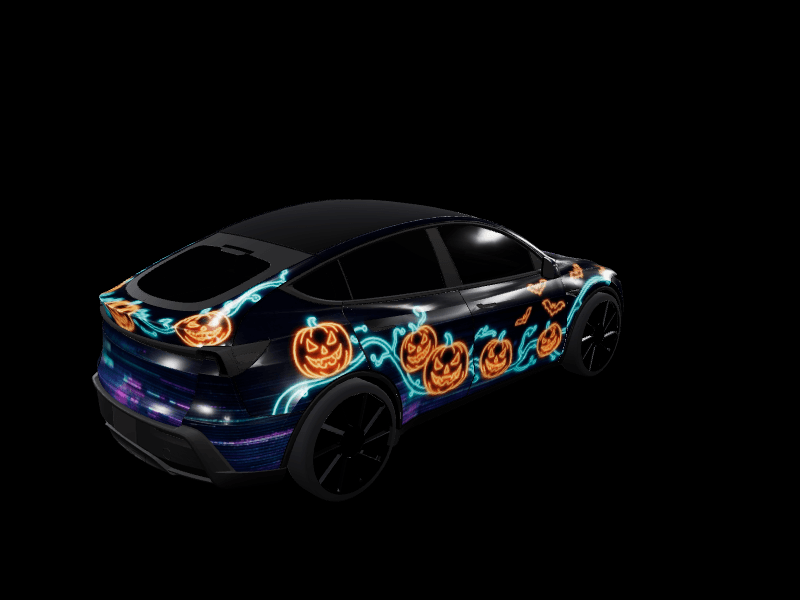
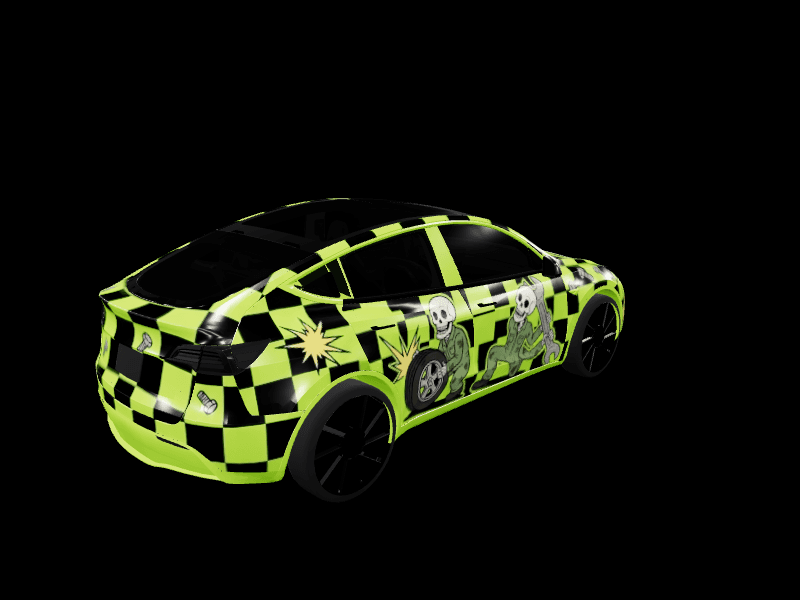
My 2020-2024 Model Y's Halloween and fall wraps: campfire ghosts, skeleton mechanics, a trail map and flannel
 Dex Moreno · Oct 1, 2026
 Editors' garage
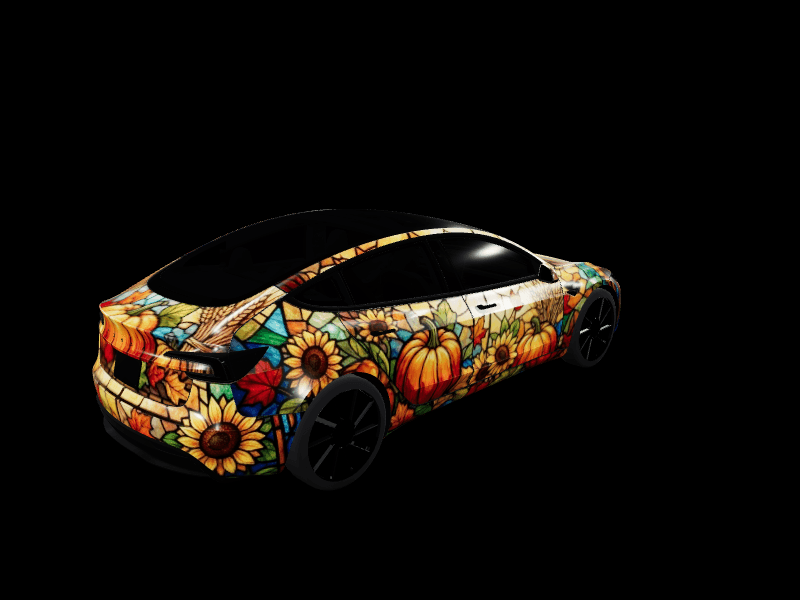
My Model 3 Highland's Halloween and fall wraps: luna moths, comic-book candy corn, a watercolor leaf storm and stained glass
 Sienna Park · Oct 1, 2026
 Community
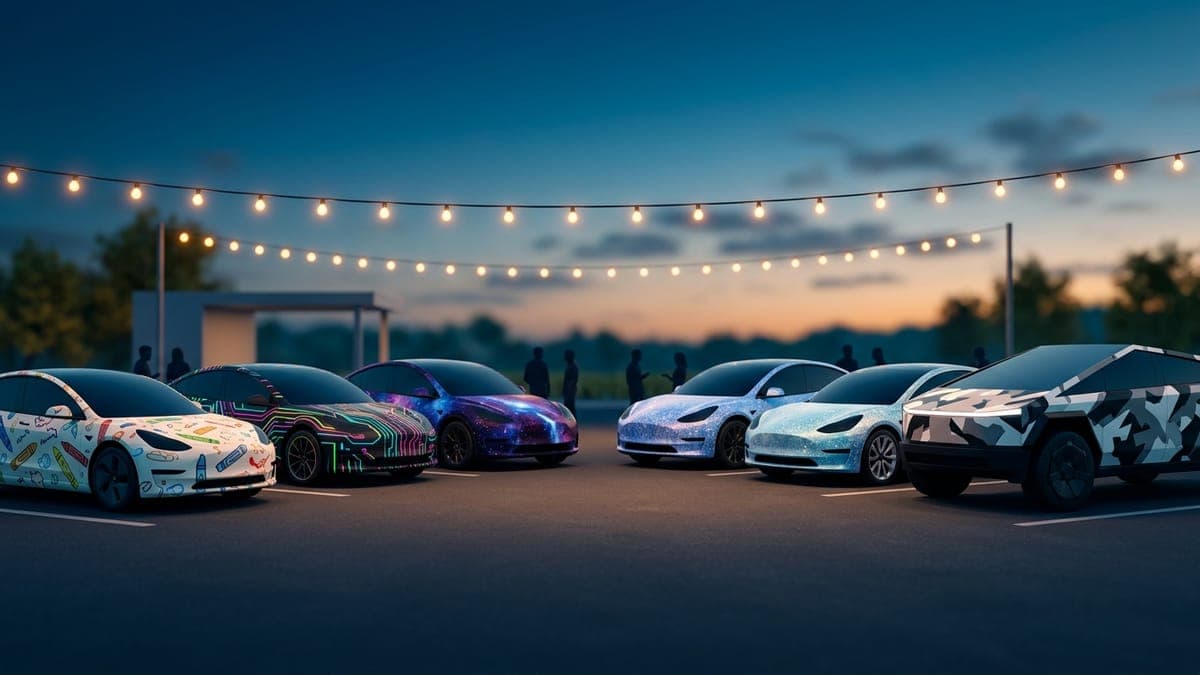
Thank you: the community that is building FrunkLab with me
 FrunkLab · Oct 1, 2026
Latest
 Frunklab
Meet the FrunkLab writers: one byline for each desk
FrunkLab articles now carry one of three house bylines, so you can tell at a glance whether you are reading the news desk, a how-to guide or a design piece. Here is who covers what, and how we write.
FrunkLab · Oct 1, 20263 min- Gallery
What's new on FrunkLab this fall: one-click wraps, lock sound reels and faster gallery reviews
A month of changes in one place. Try community wraps on your car with one click, reels that play your lock sound, gallery submissions reviewed in seconds, new Garage scenes, and free AI wraps for posting to the gallery.
FrunkLab · Sep 28, 20264 min - Gallery
Four new wrap collections for every Tesla: gameday, Halloween, street racing and chrome
This week the gallery gained a ready-made wrap for every Tesla model in four looks people kept asking for. How each one was made, why none of them carry a logo, which style pages opened up because of them, and how to put one on your car from your phone in about a minute.
FrunkLab · Sep 17, 20265 min - Community
Thank you. FrunkLab just had its busiest summer, and September is already bigger.
Sign-ups up more than 60% month over month, visits more than doubled, wrap downloads up almost 9x, and September passed all of August in twelve days. A founder note on what changed, who made it happen, and what's next.
FrunkLab · Sep 12, 20265 min - Garage
Everything we shipped this summer: profiles, reels, chimes, and painting on the car
Creator profiles with follows, a one-click video reel of your wrap, brush and eraser strokes directly on the 3D car, an AI lock chime generator that can literally speak, and more. The summer changelog, translated from shipping notes into things you can use today.
FrunkLab · Aug 13, 20265 min - Garage
Studio or Garage? Picking your FrunkLab editor
FrunkLab now has two wrap editors: the template-first Studio and the 3D-first Garage. Same designs, same gallery, different philosophies. Here's an honest breakdown of which fits how you work.
FrunkLab · Jul 18, 20264 min
More stories
- Garage
Recreating Tesla's USA-250 wrap in the Garage
FrunkLab · Jul 18, 2026 · 4 min read - Garage
7 Garage tricks you probably missed
FrunkLab · Jul 18, 2026 · 4 min read - Garage
The Garage is live. Design your wrap on the 3D car itself
FrunkLab · Jun 12, 2026 · 5 min read - Founder notes
Why I built FrunkLab
FrunkLab · Jun 3, 2026 · 5 min read - Roadmap
What we're exploring next
FrunkLab · Jun 3, 2026 · 5 min read