Guides editor
Dex Moreno
How-to guides: Paint Shop uploads, lock chimes, Boombox, wrap care, costs and fixes
Dex Moreno covers the practical side of owning a Tesla you have made your own. If it involves a file format, a USB stick, a menu path in the car or a step you can get wrong, it lands on his desk.
His guides are built to be followed with the car in front of you: numbered steps, Tesla's exact menu names, and a short list of the things that usually go wrong. When a software update moves a button, he updates the guide and puts the date at the top.
Dex Moreno is one of FrunkLab's house bylines, written as a character with their own car and wraps. Read our editorial standards.
Dex's garage
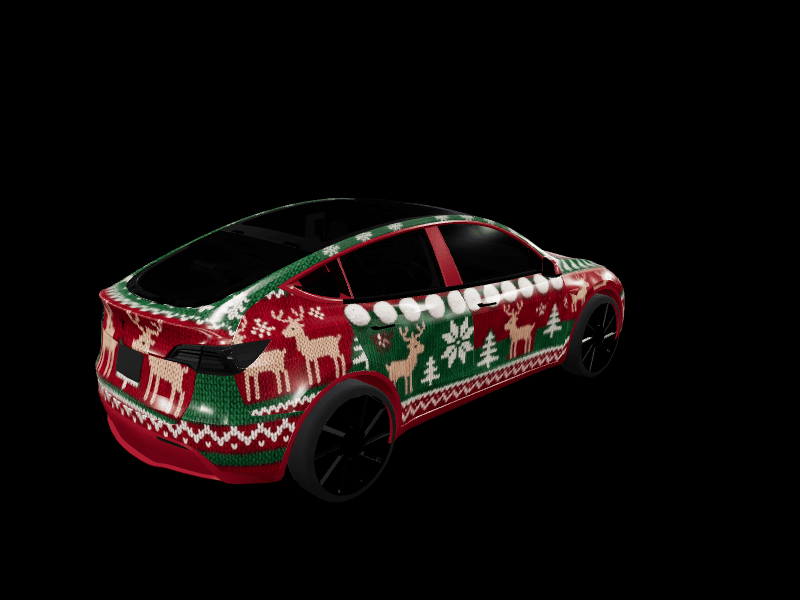
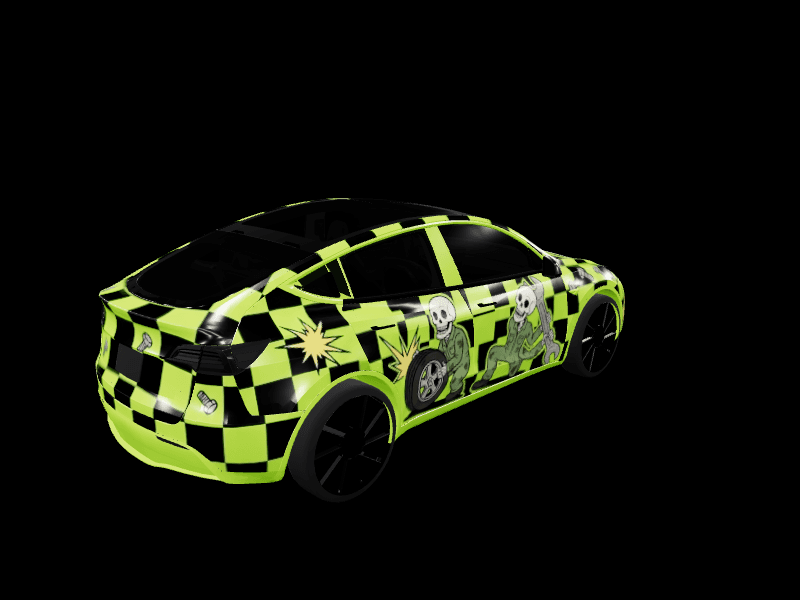
Drives a Model Y (2020-2024). Every wrap below is free to download for Tesla Paint Shop or remix in the studio.




How Dex writes
- Answer the question in the first two sentences, then show the steps.
- Numbered steps with Tesla's exact menu names: Toybox > Paint Shop > Wraps.
- Friendly and plain, like a friend in the garage. No jargon without a definition.
- Always say what can go wrong and how to fix it.
- Garage posts about his own Model Y are first person and practical: what he made, and how you can make one.
Latest from Dex
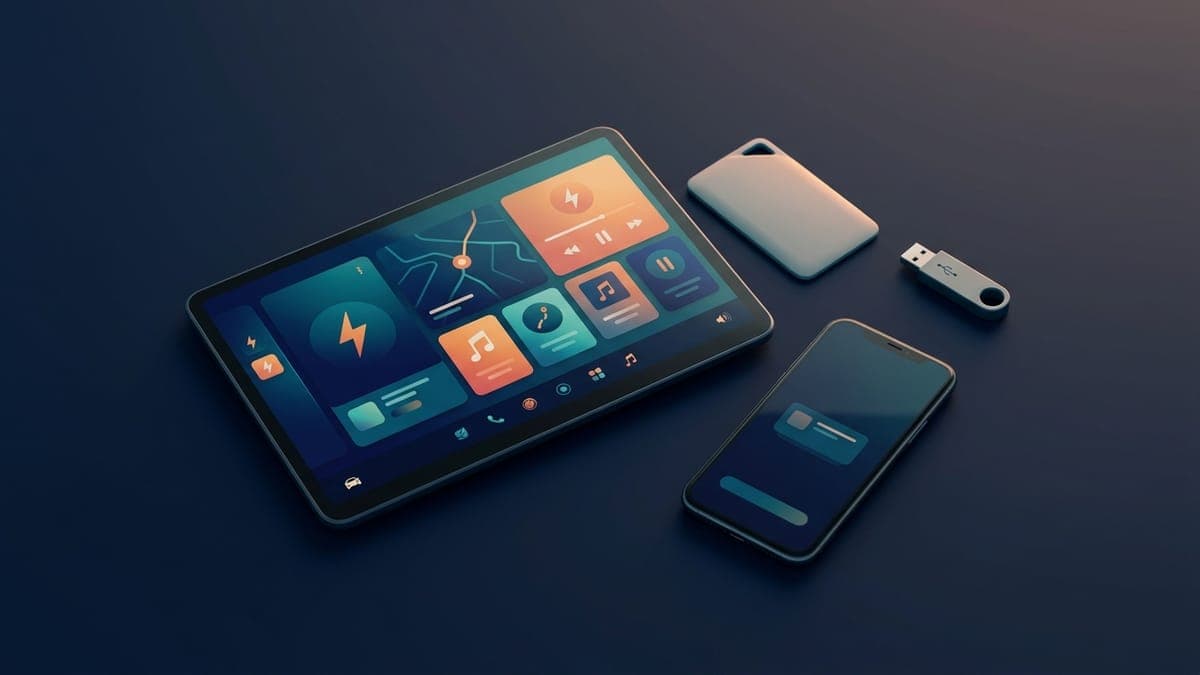
Tesla glossary: Paint Shop, Toybox, Creations, Boombox and 20-plus more terms explained
A plain-English glossary of Tesla terms owners actually run into, from Paint Shop, Toybox and Creations to Boombox, Sentry Mode, FSD (Supervised), Highland and Juniper. One or two sentences each, with links to the full guides.
 Dex Moreno · Oct 1, 20264 min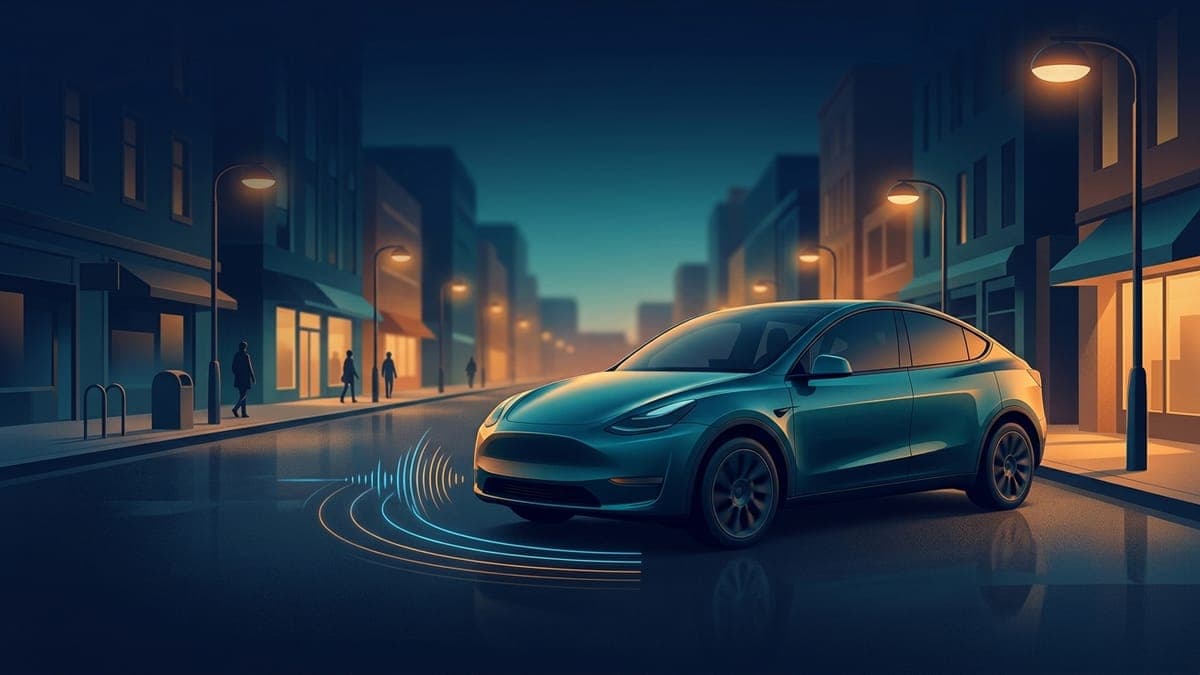
Tesla Boombox: how it works, which cars have it and how to add custom sounds
Boombox plays sounds through your Tesla's external Pedestrian Warning System speaker while the car is in Park. Here is which cars have it, how to load your own WAV or MP3 sounds from a USB drive, and how it differs from a custom lock chime.
Dex Moreno · Oct 1, 20264 min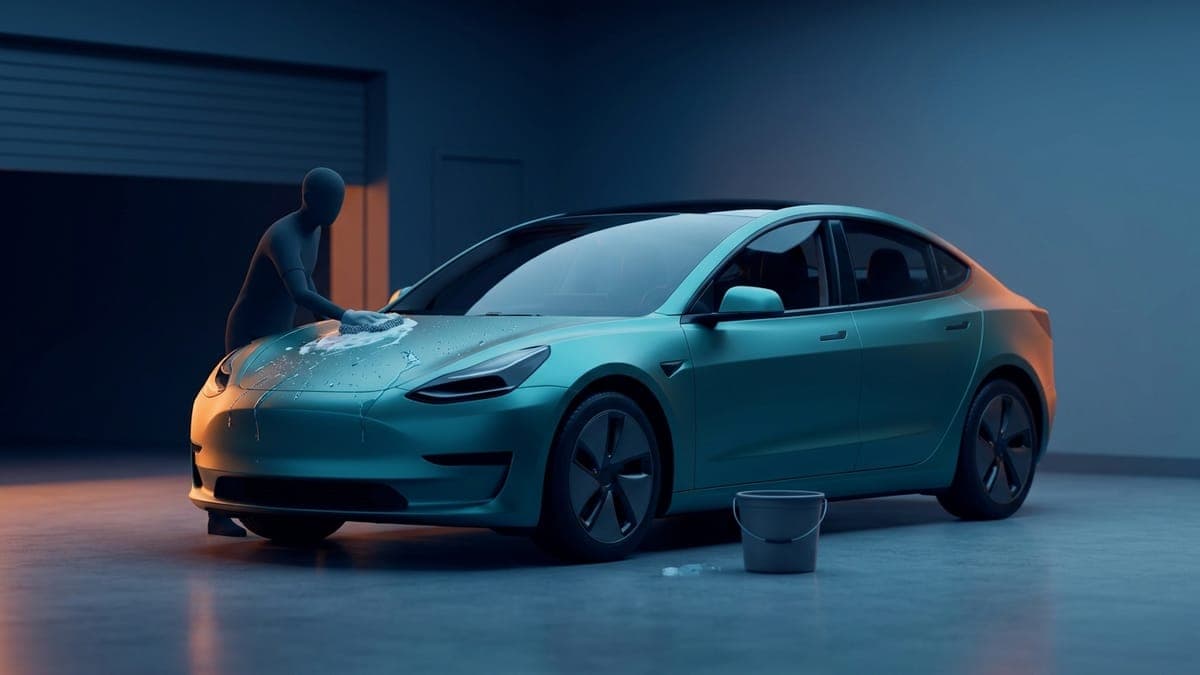
How to care for a wrapped Tesla: washing, pressure washers, coatings and what to avoid
A vinyl-wrapped Tesla needs gentler care than paint. Hand wash with a mild soap, keep a pressure washer at 12 inches or more and under the film maker's limit, never wax a matte wrap, and clean bird droppings fast. The full routine, by wrap brand.
Dex Moreno · Oct 1, 20265 min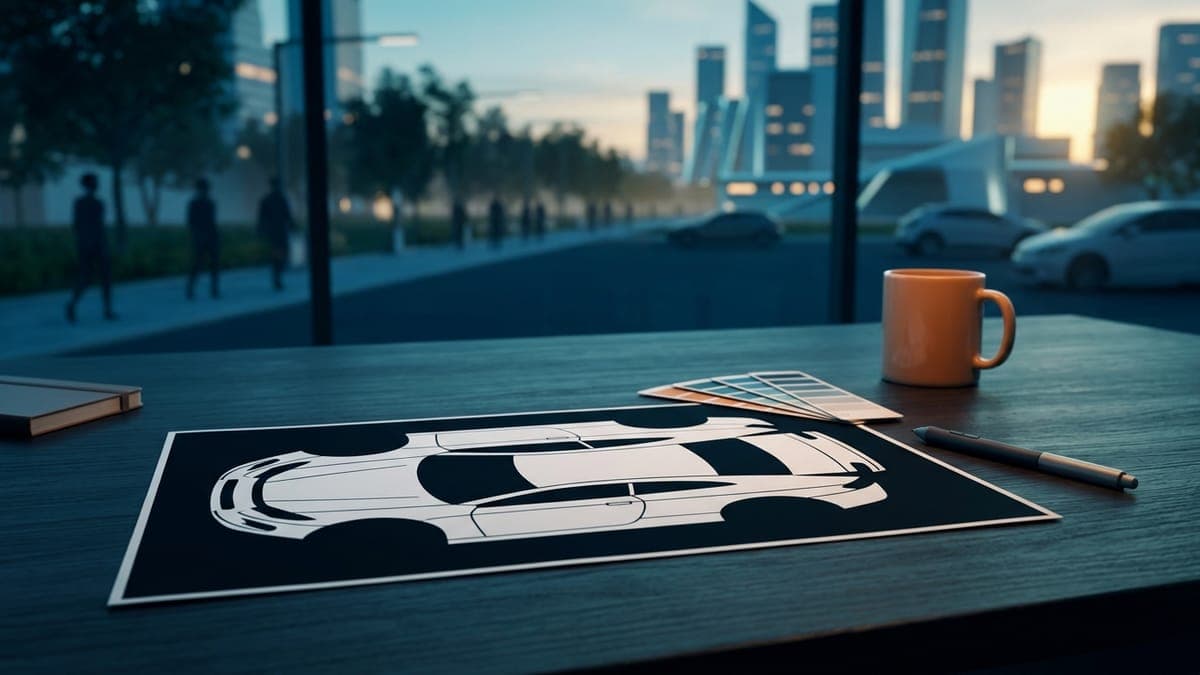
Tesla Model Y wrap template: which one you need and how to use it
Every Model Y has its own Paint Shop wrap template, and using the wrong one is the most common reason a custom wrap lands crooked. Which template matches your Model Y, how the flat layout maps onto the car, and a step-by-step way to go from template to a wrap on your screen.
Dex Moreno · Sep 23, 20266 min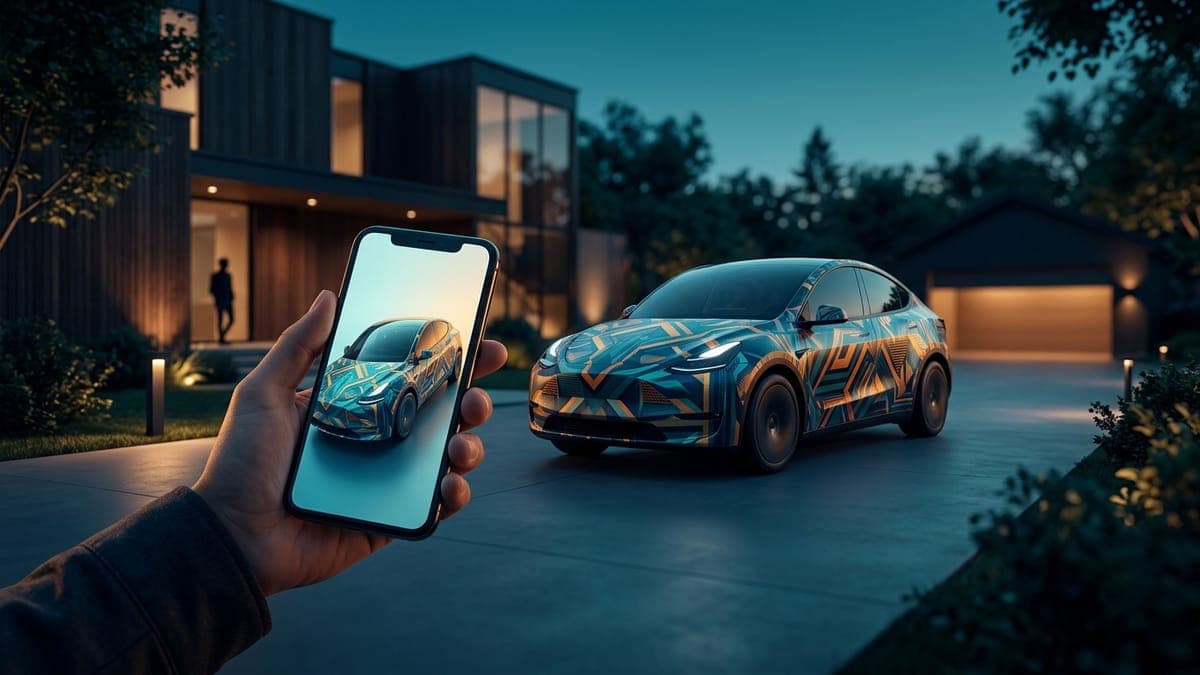
How to send a custom wrap to your Tesla from your phone (no USB, no computer)
Design a Paint Shop wrap on your phone, download the PNG, and upload it through the Tesla app under Creations > Wrap > Upload. The whole loop in five steps, the requirements that trip people up, and when you still need a USB drive.
Dex Moreno · Sep 12, 20267 min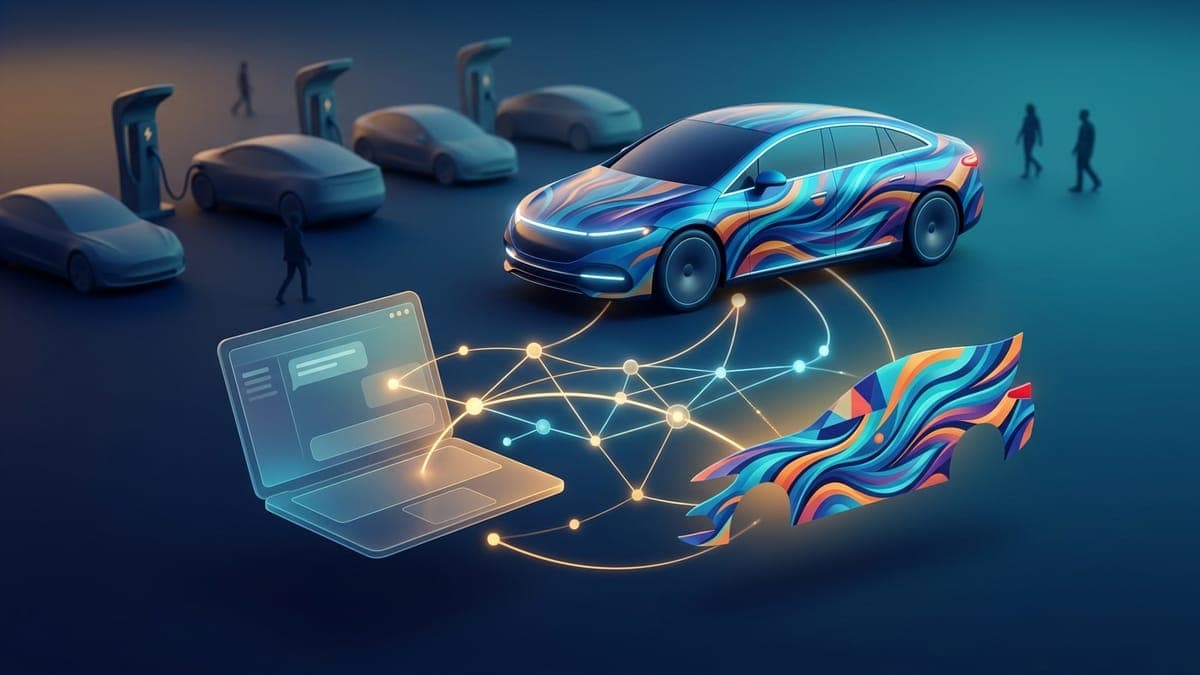
How to design a Tesla wrap from Claude or ChatGPT
Connect FrunkLab to Claude, ChatGPT, Grok, Cursor or Claude Code once, then ask your assistant for a wrap or a lock chime in plain words. The result lands in your FrunkLab account, on the 3D car, ready for Paint Shop. Every step, with what the approval screen means.
Dex Moreno · Sep 10, 20267 min
Tesla Paint Shop not working? Every fix for missing or rejected custom wraps
Wrap tab missing, file rejected, design landing in the wrong place, USB drive ignored. Every reason a Tesla refuses a custom wrap, in the order worth checking, with the exact requirement behind each one.
Dex Moreno · Sep 8, 20268 min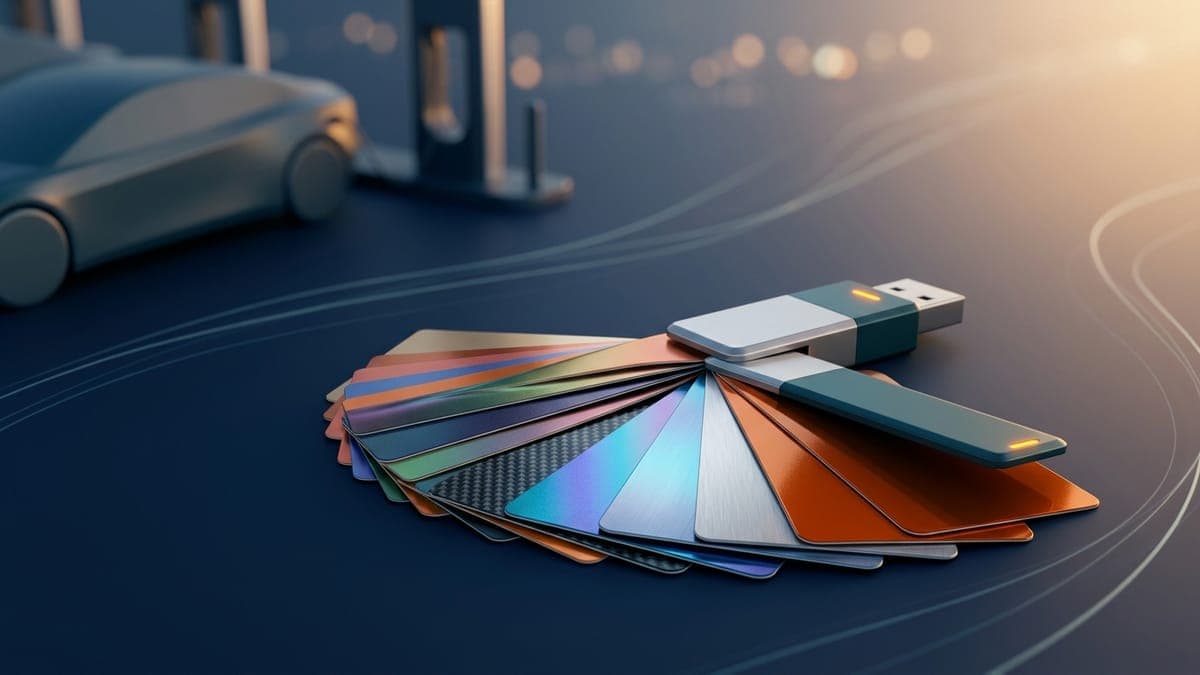
Free Tesla wrap downloads: Paint Shop PNGs for every model
Where to get free custom wraps for Tesla Paint Shop, which file each model needs, and how to load one in under two minutes. Hundreds of community designs, no account, no watermark, no catch.
Dex Moreno · Sep 8, 20267 min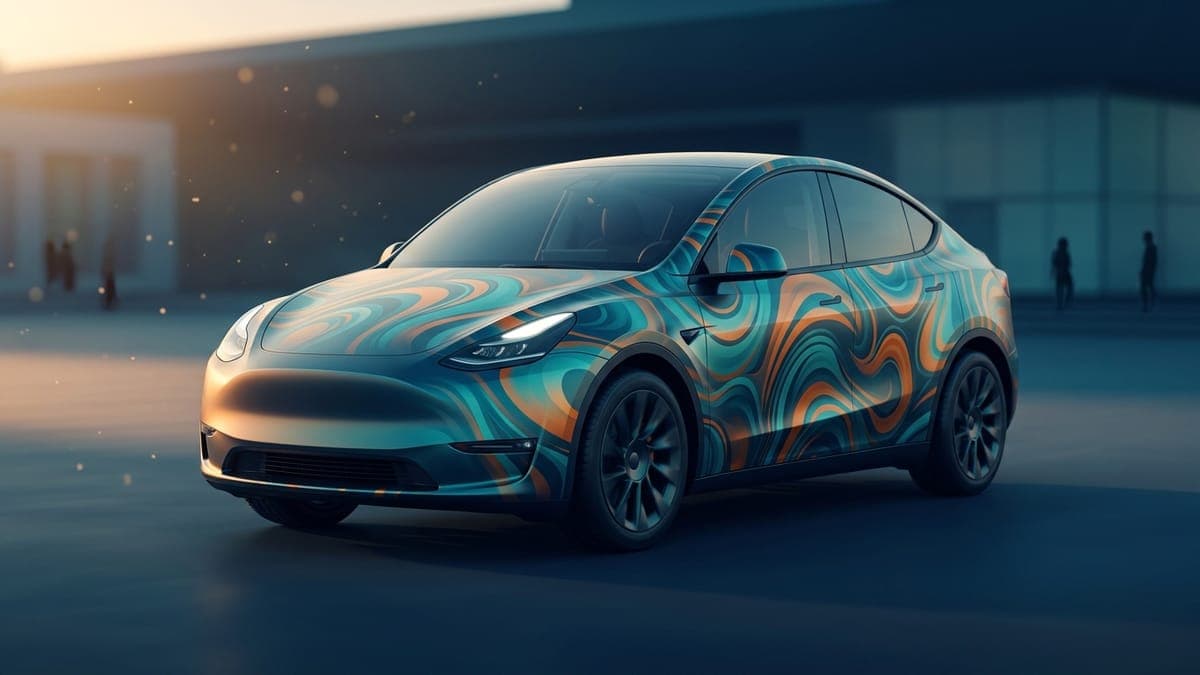
AI Tesla wrap generator: how it works and how to get good results
Describe a look, get a wrap sized for your exact Tesla. What the AI generator does well, what it still fumbles, how reference photos change the output, and the prompt structure that produces something worth keeping.
Dex Moreno · Sep 8, 20267 min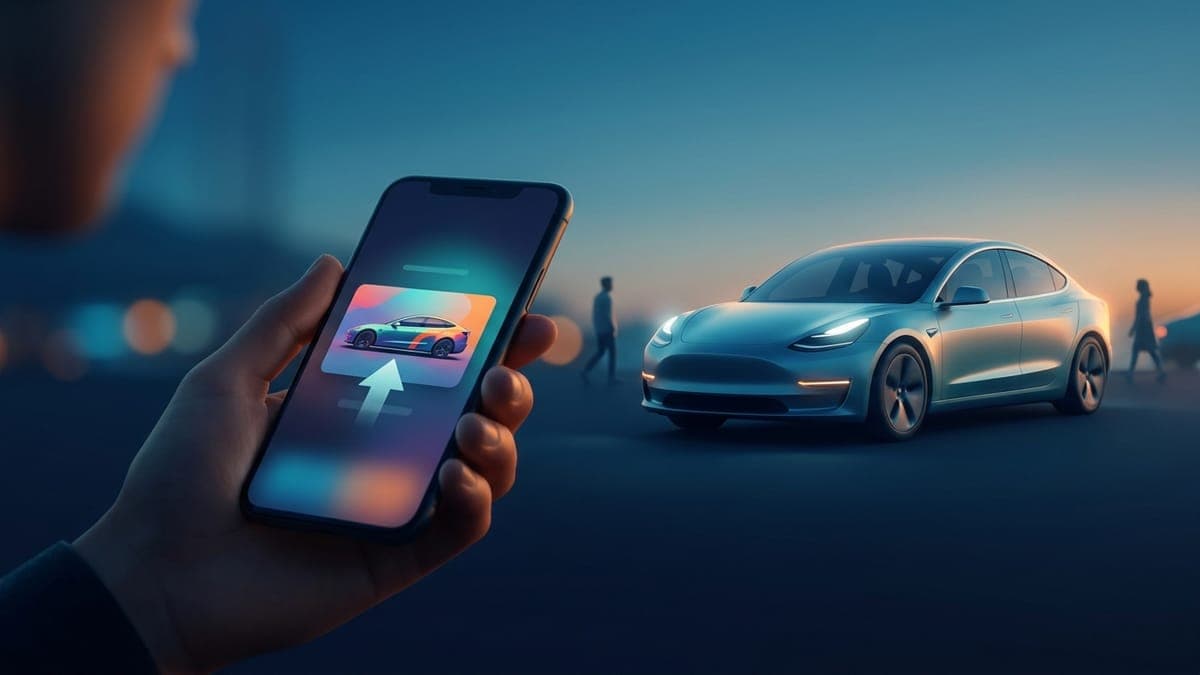
How to upload a custom wrap from the Tesla app (iPhone and Android)
Upload a wrap to your Tesla straight from your phone. Get the PNG onto the device, open Creations > Wrap in the Tesla app, check the 3D preview, and apply it. No USB drive, no computer.
Dex Moreno · Sep 1, 20268 min
How to make a custom Tesla lock chime with AI
Describe a sound in plain words and get a Tesla-ready LockChime.wav in about ten seconds. Here's how the AI chime generator works, how to write prompts that produce great chimes, and how to get your sound onto the car.
Dex Moreno · Aug 13, 20266 min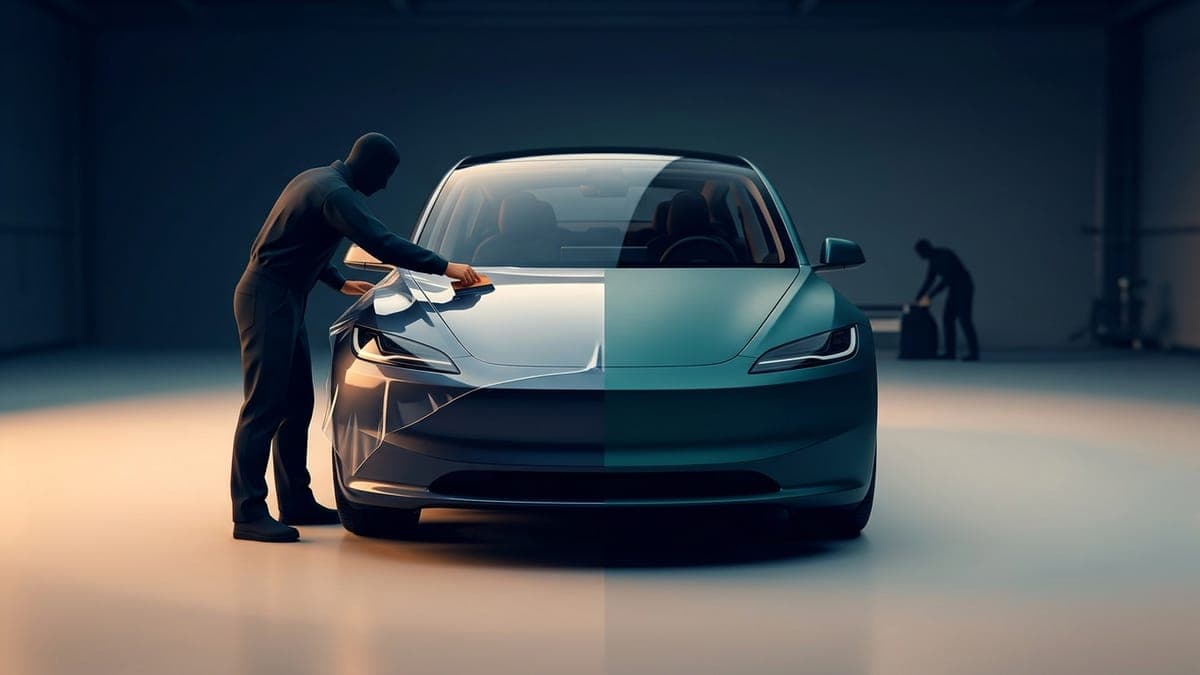
PPF vs vinyl wrap for your Tesla
Paint protection film and vinyl wrap solve different problems. PPF protects, vinyl styles, and a digital wrap lets you test any look for free before spending $2,000 or more on either. Here's how to pick.
Dex Moreno · Aug 11, 20266 min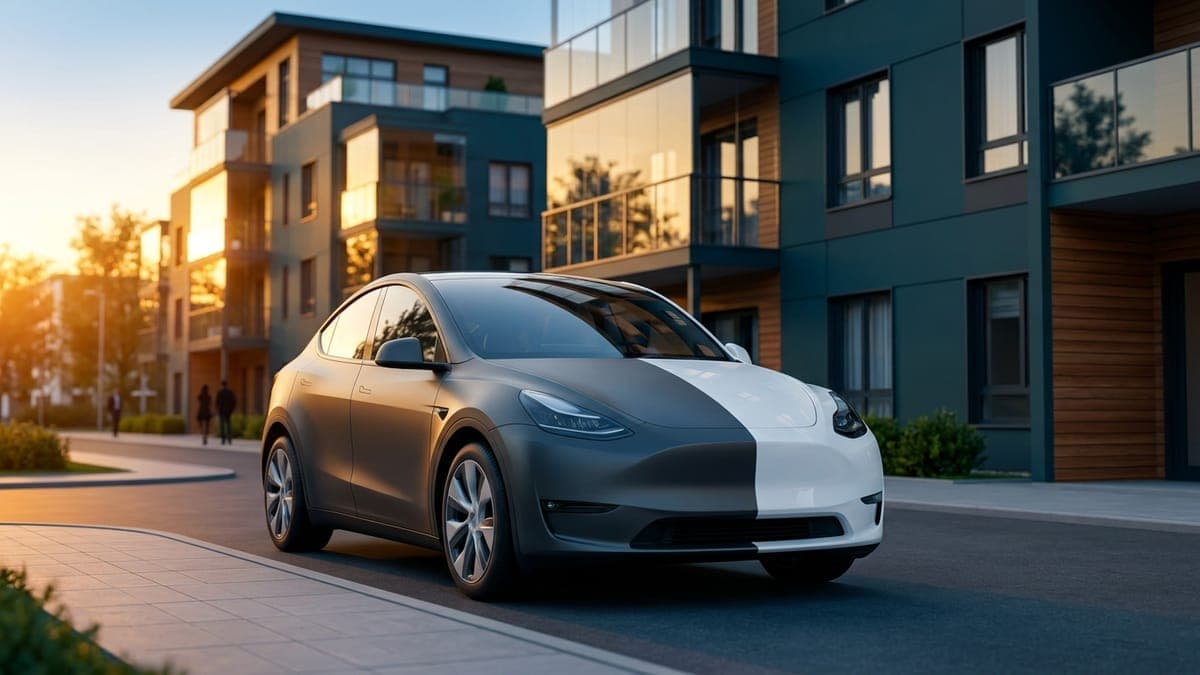
Can you wrap a leased Tesla?
Yes, you can vinyl wrap a leased Tesla as long as it comes off cleanly before return. But the zero-risk option is a digital wrap: free, fully reversible, and displayed on the car's own screens. Here's what each route means for your lease.
Dex Moreno · Aug 11, 20265 min
How to get a custom wrap for your Tesla
Every route to a custom Tesla wrap, in order of cost. Design a free digital wrap your car displays on its own screens, preview any look on a 3D model before spending money, and know exactly what to hand a vinyl shop if you go physical.
Dex Moreno · Aug 7, 20267 min
How to change your Tesla lock chime
Replace the stock Tesla lock sound with any custom chime in about five minutes. The exact file requirements (WAV, 5 seconds, 1MB), the USB steps, where the setting lives in the car, and the mistakes that make it silently fail.
Dex Moreno · Jul 21, 20267 min
Can you design a Tesla wrap online for free?
Yes, and without a credit card. What FrunkLab's free tier actually includes (full editors, 3D preview, Tesla-ready export), what the paid tiers add, and how the free route compares to paying a designer or buying template software.
Dex Moreno · Jul 21, 20267 min
What is the best Tesla wrap visualizer?
Comparing every way to preview a wrap on a Tesla before you commit, from free browser tools with live 3D previews to wrap-shop mockups and DIY Photoshop. What each costs, what each shows you, and which fits your situation.
Dex Moreno · Jul 21, 20268 min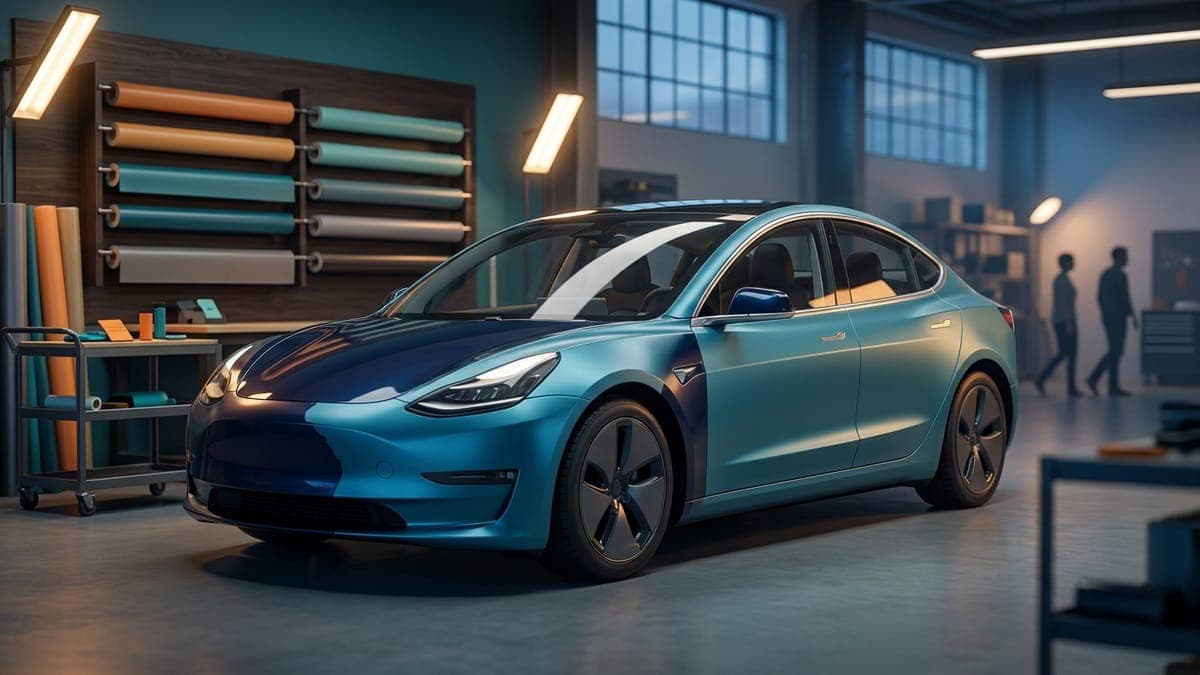
How much does a Tesla wrap cost in 2026?
Real numbers for wrapping a Tesla. Professional vinyl runs $2,000 to $6,000+ installed, DIY material costs hundreds, and the digital wrap your car can already display costs nothing. Here's the full math.
Dex Moreno · Jun 12, 20266 min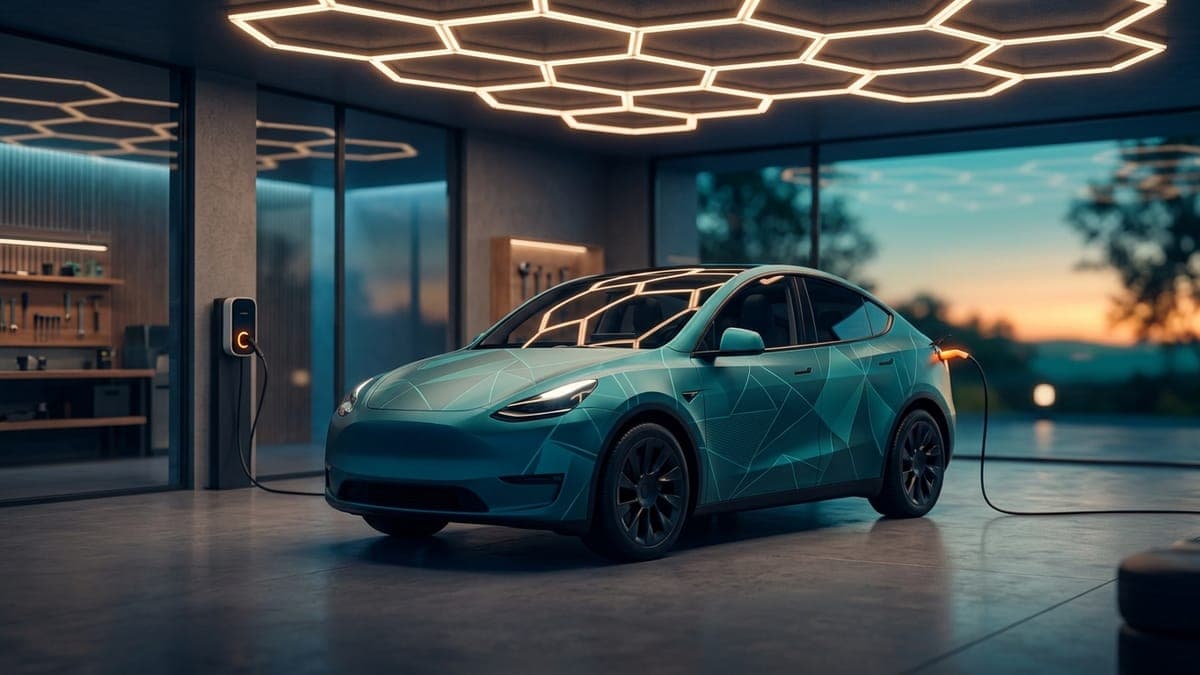
Designing in the Garage, a first lap in the 3D editor
A full walkthrough of the Garage, FrunkLab's 3D-first wrap editor. Pick your Tesla, lay a gradient base, place text and stickers directly on the car, check it under 3 lighting scenes, and save.
Dex Moreno · Jun 12, 20265 min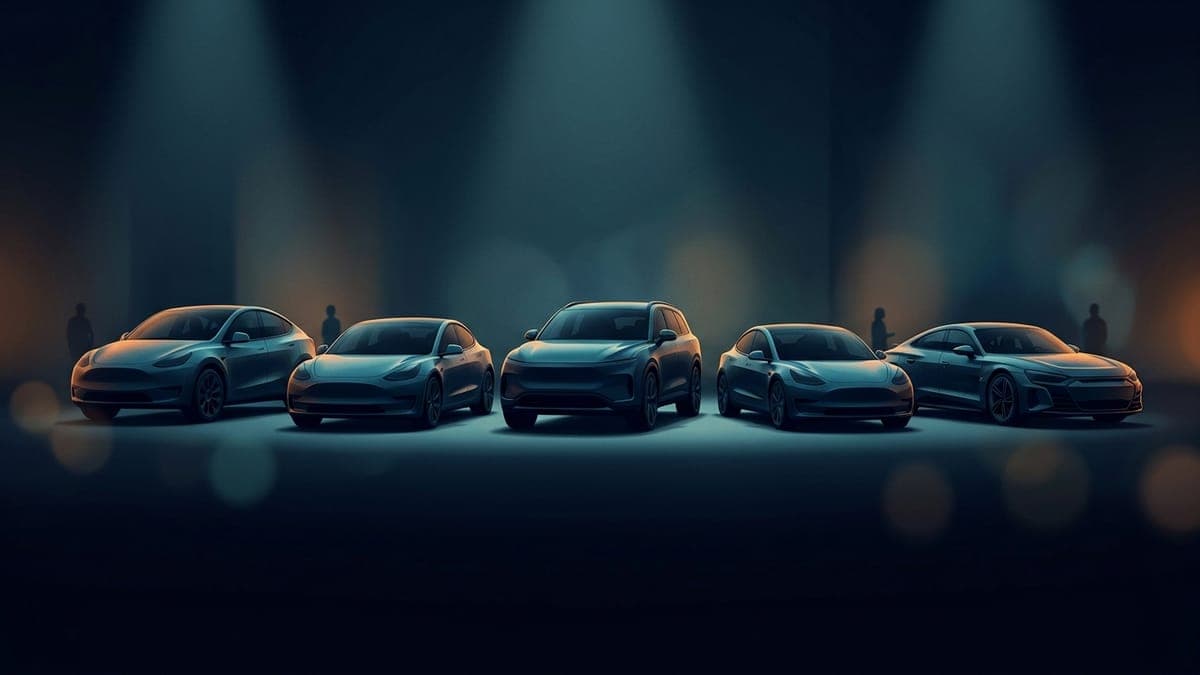
Which Tesla supports digital wraps in 2026 (and which doesn't)
Tesla shipped custom wrap support to specific models on specific software versions. Here's the current matrix: every supported model now gets a full 3D preview, and two ways to load the wrap.
Dex Moreno · Jun 3, 20267 min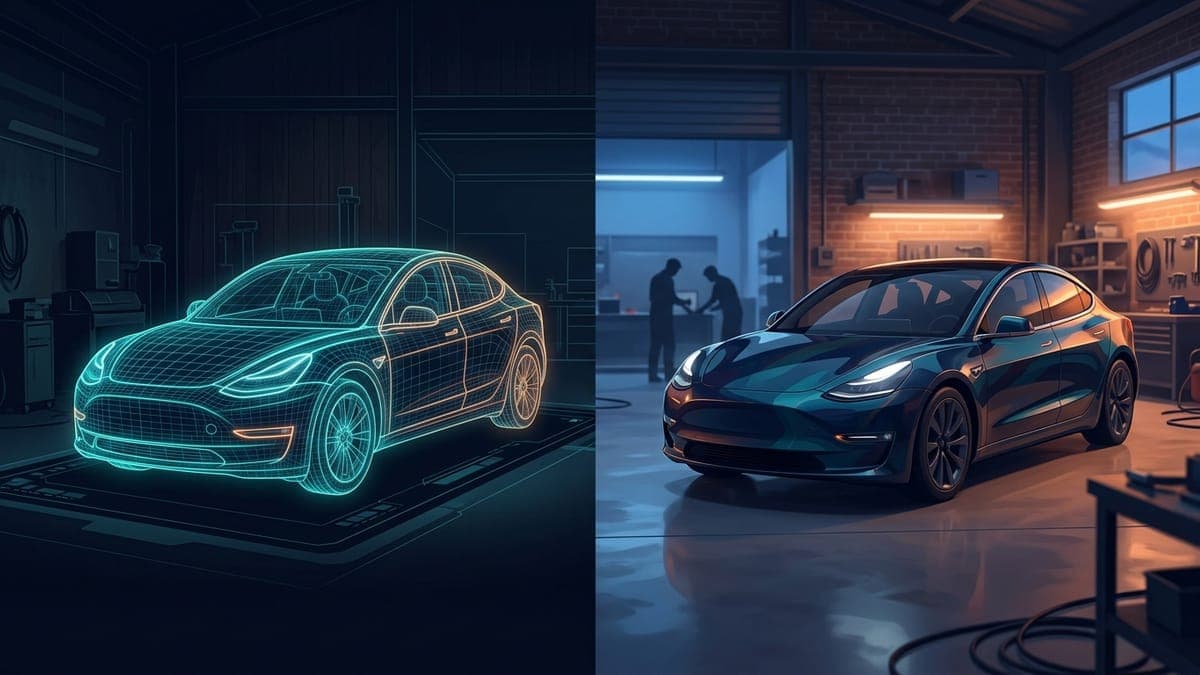
Digital wraps vs physical wraps: the real cost in 2026
A physical vinyl wrap on a Tesla runs $3,000+ and stays on for years. A digital wrap costs nothing and you can swap themes by season. Here's the honest comparison.
Dex Moreno · Jun 3, 20268 min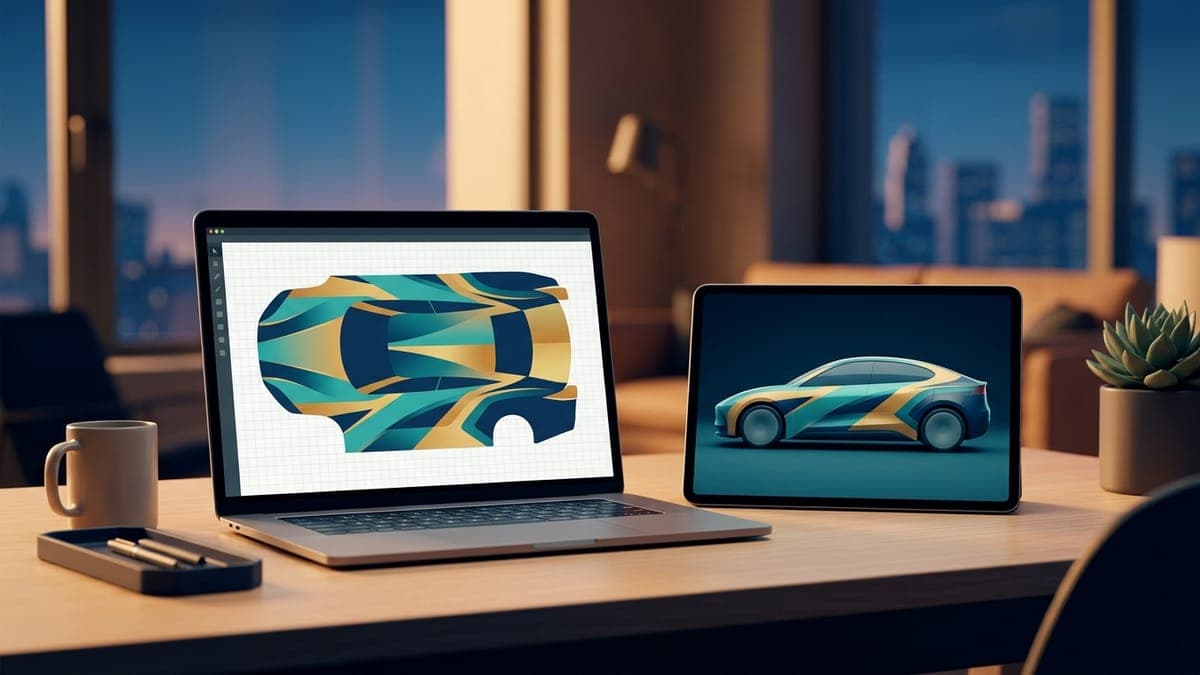
The digital-first car customization workflow
Design digitally, swap themes by season or mood, save physical wraps for the statement you actually commit to. Here's how to think about car customization in 2026.
Dex Moreno · Jun 3, 20267 min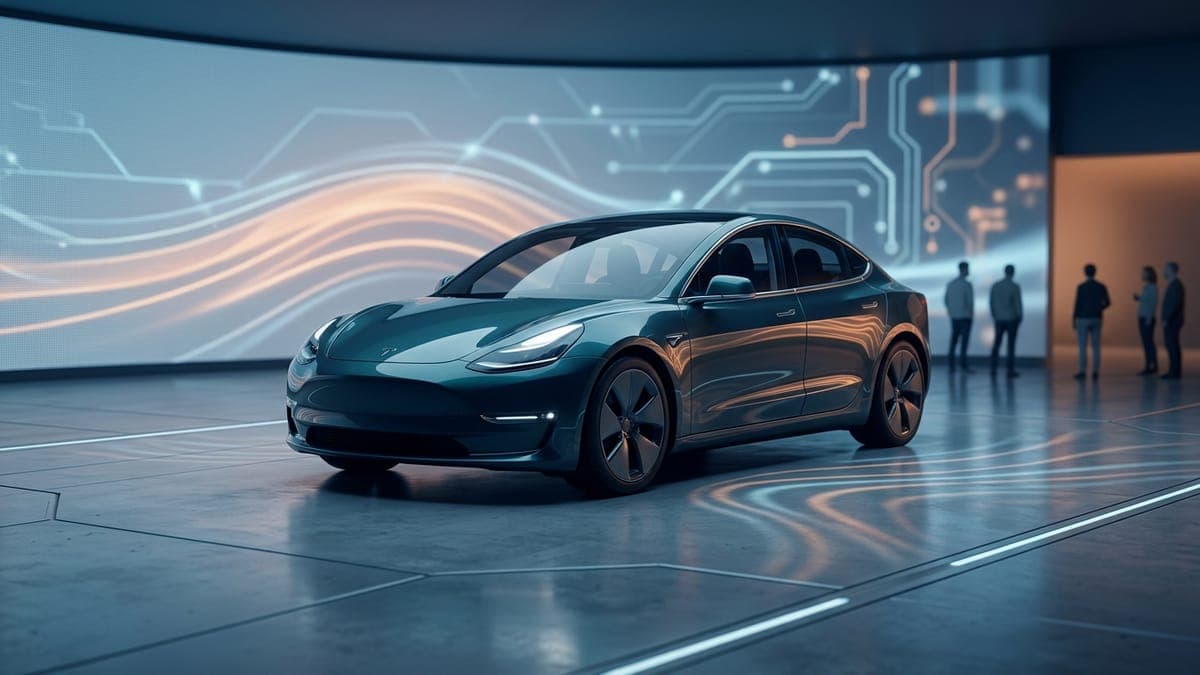
AI in car customization: where it actually helps in 2026
AI image gen is great for textures, patterns, and color schemes. It's mediocre at logos and bad at legible text. Here's what works and what doesn't, with real examples.
Dex Moreno · Jun 3, 20268 min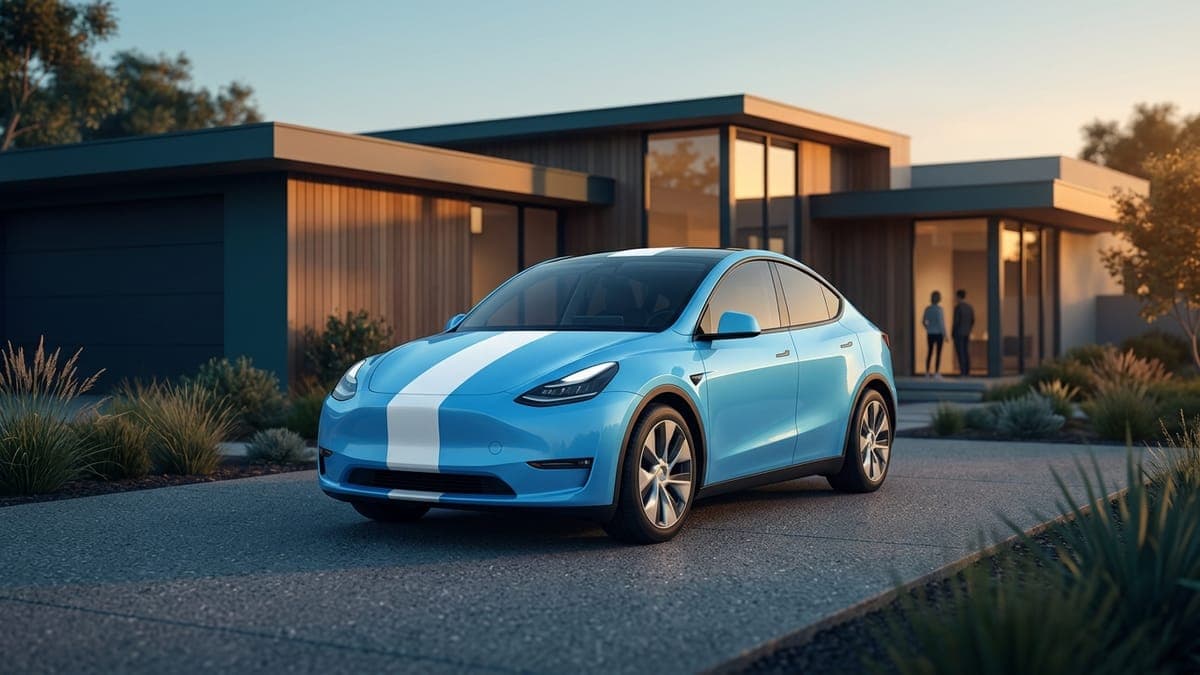
Your first Tesla wrap in 5 minutes
Open the studio, pick your model, drop an image, export a Tesla-ready PNG. Five minutes, no design experience needed.
Dex Moreno · Jun 3, 20266 min