Tesla Santa Mode: how to turn it on, what it changes and how to turn it off
Santa Mode turns the car on your Tesla's screen into a sleigh, the traffic around you into reindeer and the turn signal into sleigh bells. The menu path, the two voice commands, the Spread Cheer toggle, what the last Holiday Update added, and the fixes when it won't show up.
 By Dex Moreno, Guides editor6 min read
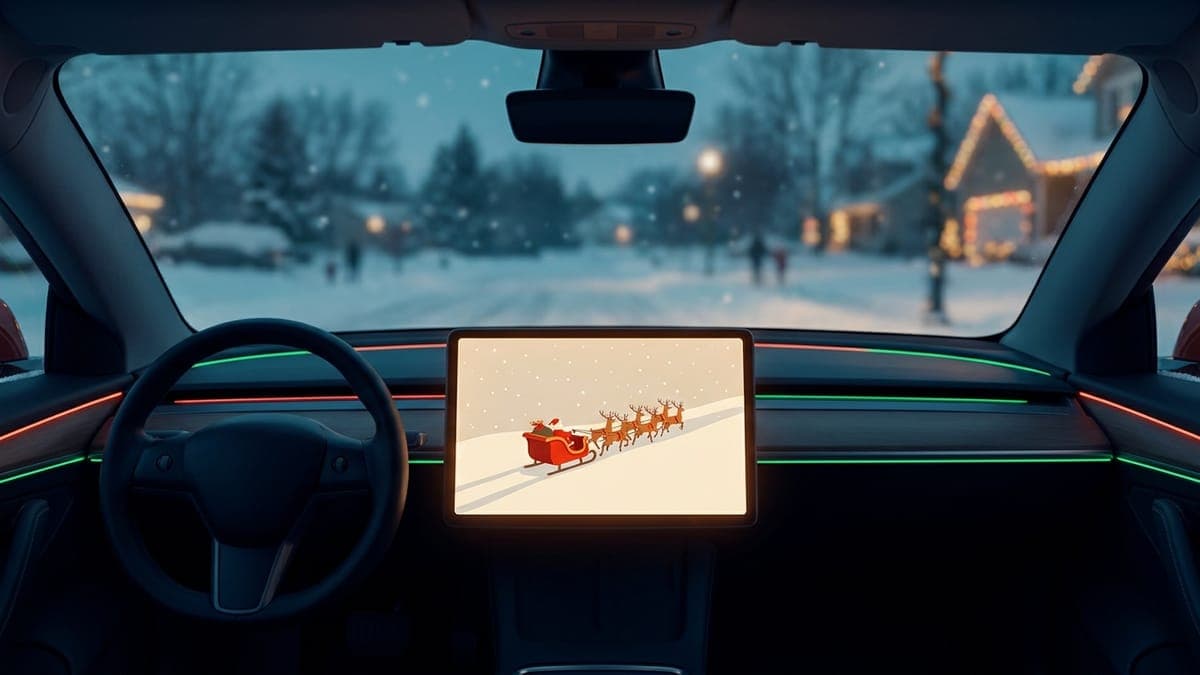
Quick answer: Open the App Launcher, tap Toybox > Santa and switch Santa Mode on, or press the voice button and say "Ho Ho Ho". The car on your screen becomes a sleigh, other vehicles become reindeer, pedestrians become elves and the turn signal plays sleigh bells. To turn it off, switch the slider off or say "Turn Off Santa Mode". It works all year, not only in December.
Santa Mode is one of Tesla's earliest Easter eggs, and it has its own tile in Toybox. It changes what the car draws and plays. It doesn't change how the car drives.
How to turn on Santa Mode
From the touchscreen:
- Tap the App Launcher at the bottom of the touchscreen.
- Tap Toybox, then Santa. Tesla's 2025 Holiday Update release notes give the path as App Launcher > Toybox > Santa, per Not a Tesla App's copy of the 2025.44.25.1 notes.
- Switch on Santa Mode.
By voice:
- Press the voice button on the steering wheel.
- Say "Ho Ho Ho".
Either way the car plays a song when Santa Mode comes on, so read the next section before you try it in a quiet parking garage.
The two voice commands, and the songs they play
Both phrases turn Santa Mode on. The difference is the music. Switching it on from the touchscreen counts as "Ho Ho Ho", so the slider plays "Run Rudolph Run" as well, per Not a Tesla App's Santa Mode guide:
| Say this | The car plays |
|---|---|
| "Ho Ho Ho" | "Run Rudolph Run" |
| "Ho Ho Ho Not Funny" | "Grandma Got Run Over by a Reindeer" |
The song plays once, it plays loud, and the volume control doesn't apply to it. The visuals stay on after the music ends. To cut the song short, turn Santa Mode off.
What Santa Mode changes
Everything here is on the screen or in the speakers:
- Your car becomes a red sleigh with Santa and reindeer in the driving view.
- Other vehicles show as reindeer, and pedestrians show as elves.
- The turn signal plays sleigh bells in place of the usual click.
- Snow falls across the visualization.
- Ambient lighting cycles red, green and white on cars that have it.
The 2025 Holiday Update (2025.44.25.1) added more. Tesla's release note reads "Santa Mode now adds festive snowmen, trees, a lock chime, and snow effects", and it describes the feature as a way to "spread holiday cheer year round".
The Cybertruck gets its own version. Since the 2024 Holiday Update the truck shows as a levitating "Cybersled" with Optimus at the reins, per Not a Tesla App's Cybertruck write-up.
What is Spread Cheer?
Spread Cheer is a second slider next to Santa Mode. It plays the song through the car's external speaker so people outside can hear it. Three things to know, from Not a Tesla App's two Santa Mode articles linked above:
- It needs the Pedestrian Warning System speaker.
- Turn it on while parked, before you switch on Santa Mode.
- It no longer plays while the car is driving.
Be a good neighbor with this one. It's loud, and not everyone on your street wants a reindeer song at 7 a.m.
How to turn off Santa Mode
- Open Toybox > Santa and switch the Santa Mode slider off, or
- Press the voice button and say "Turn Off Santa Mode".
The car goes back to its normal look and the turn signal gets its click back.
Which Teslas have Santa Mode?
Model S, Model 3, Model X, Model Y and Cybertruck, per the 2025 release notes. Tesla's manual says Toybox features vary by region, build date and configuration, so an older car can get a shorter version: the ambient lighting needs the hardware for it, and Spread Cheer needs the external speaker.
What usually goes wrong
- No Santa tile in Toybox. Check Controls > Software and install any waiting update. The Toybox > Santa path comes from the 2025 Holiday Update notes, so a car on much older software may not match this guide.
- The voice command does nothing. Press the voice button first, then say the phrase on its own: "Ho Ho Ho" with nothing after it.
- The song is too loud. That's how it ships. It plays once and stops. Turning Santa Mode off ends it early.
- Spread Cheer is on but nothing plays outside. Put the car in Park, turn Spread Cheer on, then turn Santa Mode on, in that order. If your car has no Pedestrian Warning System speaker, it can't play outside.
- Passengers are tired of sleigh bells. Turning Santa Mode off restores the normal turn signal sound.
Finish the look: a holiday wrap and a lock sound
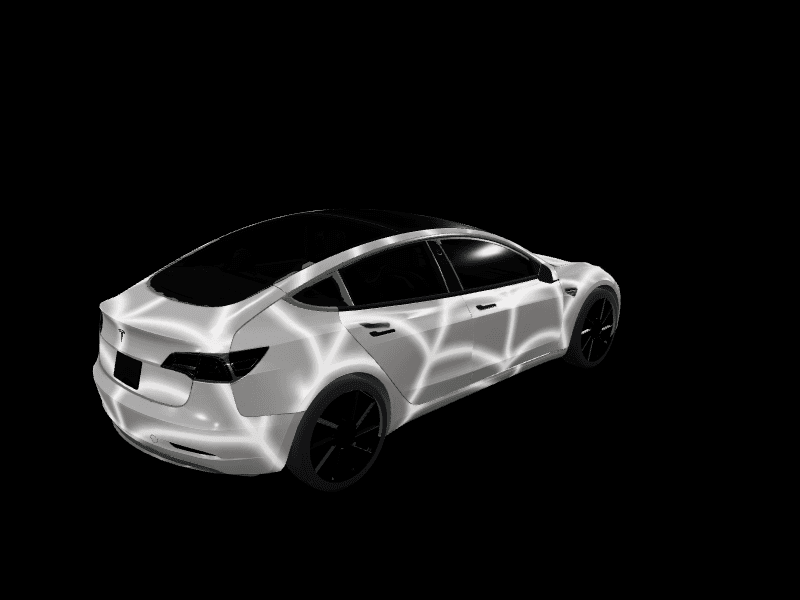
Santa Mode swaps your car for a sleigh in the driving view. Paint Shop is what changes the car itself on the screen and in the Tesla app, and the two work side by side.
A Christmas wrap. Pick a free design from the Model Y Christmas wraps or the Model 3 Christmas wraps, or see the Tesla Christmas wrap ideas guide for every model. To make your own, describe it in the studio: a dark base, candy cane stripes on the doors, a snowy village on the hood. Send the PNG from the Tesla app under Creations > Wrap > Upload (app upload steps) or load it from a USB drive, then pick it in Toybox > Paint Shop > Wraps.
A holiday lock sound. A LockChime.wav on a USB drive replaces the honk when you lock the car, and something short and festive fits the season. Our Christmas Tesla lock sounds guide lists the best free ones, and the lock sounds library has the rest. Turn it on under Toybox > Boombox > Lock Sound and choose USB.
A light show. The 2025 update added a holiday show called "Jingle Rush". Our Tesla Light Show guide covers how to start it and how to load your own.
And if you're waiting on this year's new features, the Tesla Holiday Update guide tracks when it arrives.
Frequently asked questions
How do I activate Santa Mode on a Tesla? Open the App Launcher, tap Toybox, tap Santa and switch Santa Mode on. Or press the voice button and say "Ho Ho Ho".
What does "Ho Ho Ho Not Funny" do in a Tesla? It turns on Santa Mode and plays "Grandma Got Run Over by a Reindeer" in place of "Run Rudolph Run".
How do I turn off Santa Mode? Switch the Santa Mode slider off in Toybox > Santa, or say "Turn Off Santa Mode".
Can I use Santa Mode outside of December? Yes. It stays in Toybox all year. Tesla's own release note says "spread holiday cheer year round".
Does Santa Mode change my wrap or lock sound?
It doesn't remove either. Santa Mode changes the driving view and the turn signal sound, and since the 2025 update it has a lock chime of its own. Your saved Paint Shop wraps and the LockChime.wav on your USB drive stay where they are.
Open the studio and give the sleigh a car worth coming home to.
Get a wrap onto your Tesla
Grab a free community design, then load it in Paint Shop from the Tesla app or a USB drive.