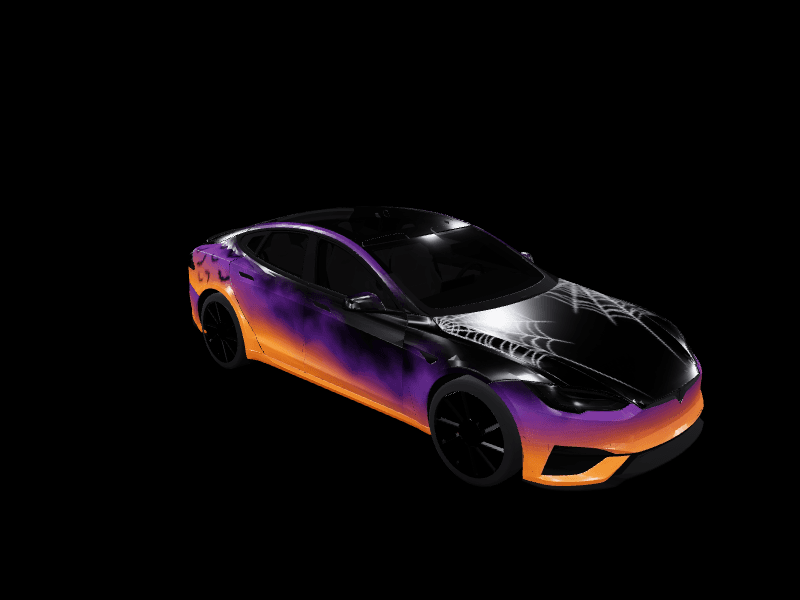
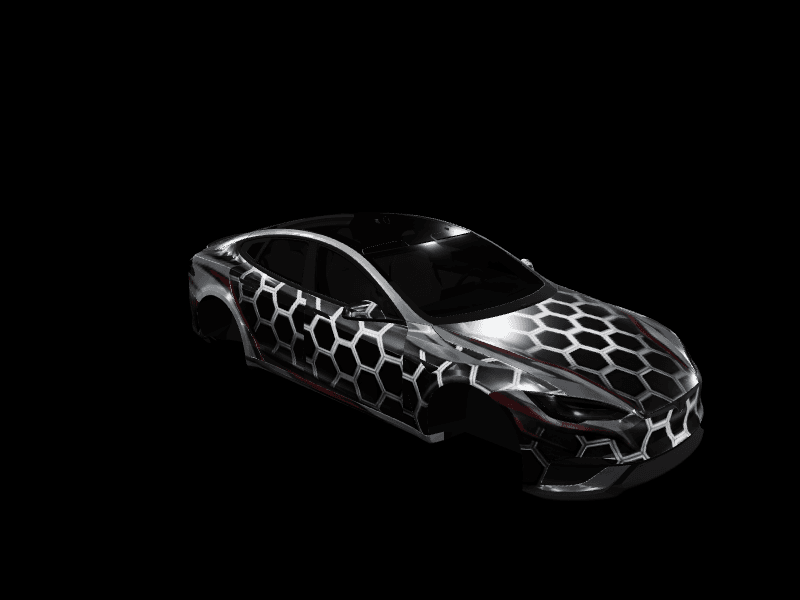
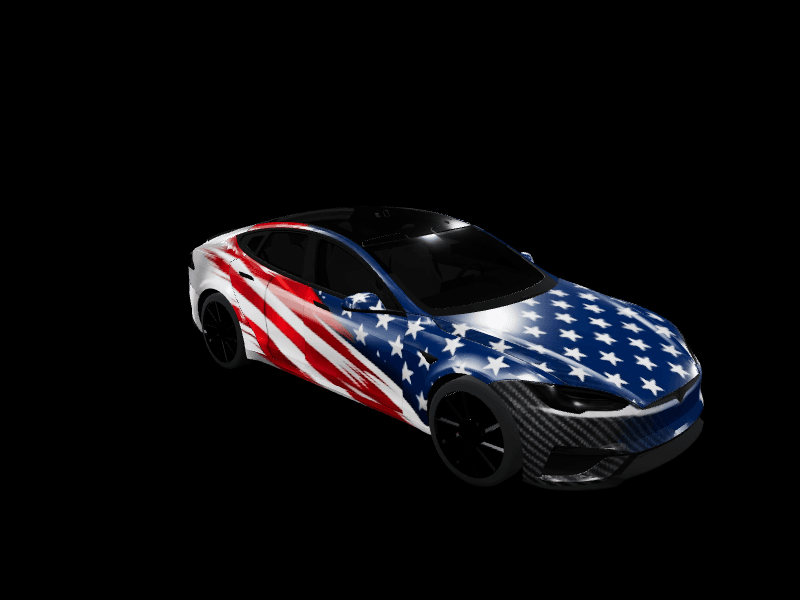
Paint Shop is on every Tesla now, Model S and Model X included
Custom wraps started on the Cybertruck, reached Model 3 and Model Y in the Holiday Update, and arrived on Model S and Model X in the 2026 Spring Update. The Summer Update then removed the USB drive. Here is where every model stands.

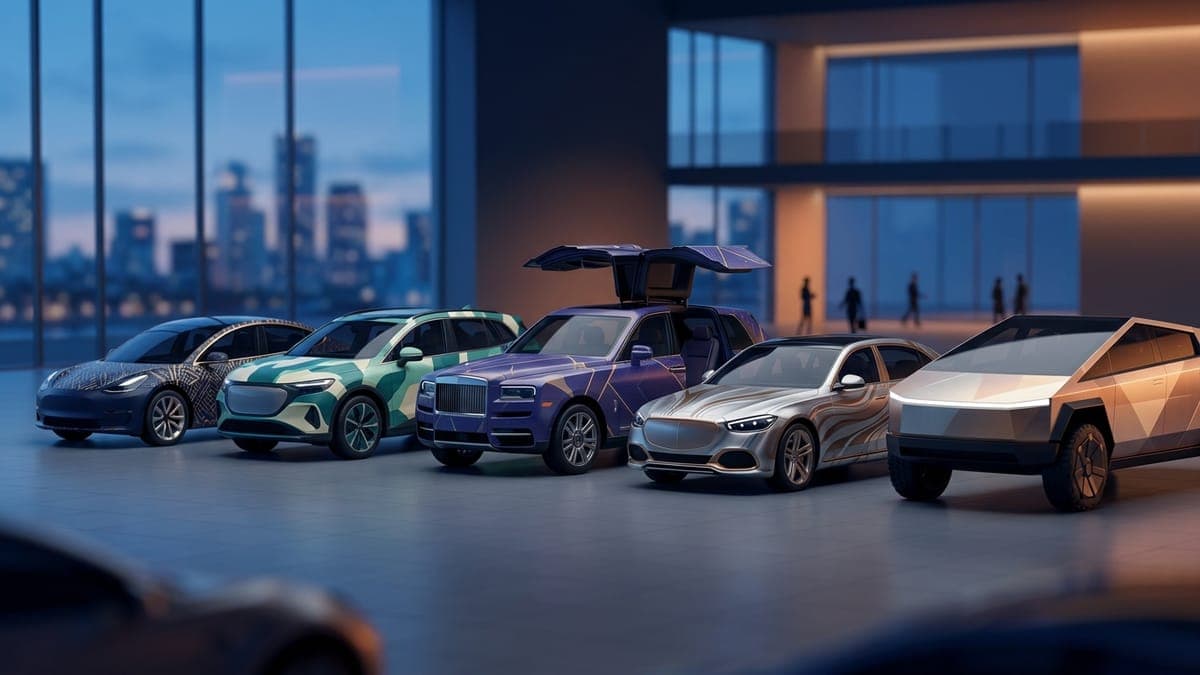
Every Tesla currently sold can wear a custom wrap on its own screens. That took three software updates and about nine months, and the last two gaps closed quietly enough that plenty of Model S and Model X owners still do not know the feature is theirs.
Here is the state of play, and what changed for the two models that waited longest.
Paint Shop, from Cybertruck to the whole lineup
Custom wraps started as a Cybertruck feature. The 2025 Holiday Update turned it into Paint Shop proper, a personalisation screen in the Toybox with wraps, window tints and custom licence plates, and brought it to Model 3 and Model Y across every trim.
Model S and Model X were not in that release. They got the full feature in the 2026 Spring Update, on software 2026.2.9.7, with the same wraps, tints and plates as everyone else. Tesla did not make much noise about it, which is part of why it is worth writing down.
You will find it in the same place on every car: Toybox > Paint Shop, or via the paint button under Controls > Software.
What the Spring Update changed for Model S and X
Nothing about the feature was reduced for the older platform. Model S and Model X owners get the Wraps tab, the same PNG upload path, and the same 10-file storage that Model 3 and Model Y have.
That matters more than it sounds. Both cars have long production runs and a lot of owners who bought before software personalisation was a category at all. A 2021 Model X and a 2026 Model Y now offer the same customisation, which is a strange and pleasant thing about a car company that ships software.
There is a practical upside too. Tesla publishes the wrap templates for every supported vehicle in its own public repository, which is how third-party tools know exactly where each panel sits. When S and X were added to Paint Shop, their templates were published alongside everything else, so tooling support followed within weeks rather than being reverse-engineered.
The Summer Update removed the USB drive
The other half of the story is delivery. Until this summer, putting a wrap on any Tesla meant a USB stick: format it, make a folder named Wraps, copy the PNG in, walk out to the car.
Tesla's 2026 Summer Update, software 2026.26, added wrap uploads to the mobile app. Open Creations > Wrap > Upload in the Tesla app on version 4.59.1 or newer, pick a PNG from your phone, and the app previews it on a 3D model of your car before sending it over the air. You choose Upload & Apply Wrap or Upload Only.
The USB route still works and remains the fallback for cars on older software. But for most owners the loop is now entirely on the phone, and the step-by-step walkthrough covers both platforms.
The file rules are the same on every model: PNG, under 1MB, 512x512 to 1024x1024, and best results come from your model's own template size. That is 1024x1024 for Model 3, Model Y, Model S and Model X, and 1024x768 for the Cybertruck, which uses a landscape template. Filenames are limited to 30 characters of letters, numbers, spaces, underscores and dashes, and the car stores 10 wraps from the app plus 10 from a USB drive.
Those limits sound fussy written down, and they are the reason most failed uploads fail. A design exported from a photo editor at full quality sails past 1MB without warning, and a filename copied from a design tool routinely runs long. If a wrap never appears on the Wraps tab, the file is almost always the reason rather than the car.
Model S and Model X now preview in 3D on FrunkLab too
Our own gap closed in August. Model S and Model X had been designable and exportable here for a long time, but they previewed as a flat top-down template while Model 3, Model Y and the Cybertruck rendered on real 3D bodies. Judging a wrap flat is genuinely harder: a gradient that reads beautifully on a square looks wrong once it wraps around a fastback.
Both now render on their own rotating 3D models, in the studio and in the Garage, with the same lighting scenes as every other car. Designs made against the flat template before the change still work unchanged.
That means a Model X owner can now do the whole loop the way a Model 3 owner has been able to for a year: pick the car, design or generate a wrap, spin the actual body to check it, export, and upload from the app.
Design your first S or X wrap
If you have been ignoring Paint Shop because it looked like a Model 3 feature, it is not, and it has not been since spring.
The Paint Shop guide covers the requirements and the troubleshooting in one place, and which Tesla supports what has the full compatibility matrix by model and year. When you are ready, the studio is free and needs no account to start.
Put a custom wrap on your Model S
Community designs, free to download, or make your own in the browser.