Wrap upload from the Tesla app is live, and it works exactly like you hoped
The Summer Update's headline feature has reached the fleet. Open the Tesla app, tap Creations, tap Wrap, upload a PNG from your phone, and your car is wearing it before you reach the driveway. Here's how the shipped version actually behaves.

When Tesla announced the Summer Update in July, we called the mobile-app wrap upload the best line in the changelog and then had to wait for it like everyone else. The wait is over. The feature is now live across the lineup: it reached Model S and Model X first, and update 2026.26.1 brought it to Model 3 and Model Y, per Not a Tesla App's hands-on look and their model-by-model breakdown of 2026.26.
You need two things: your car on the Summer Update (2026.26 or newer) and the Tesla app at version 4.59.1 or later. If both boxes are checked, open the app and look for the new Wrap tab under Creations.
How the shipped version works
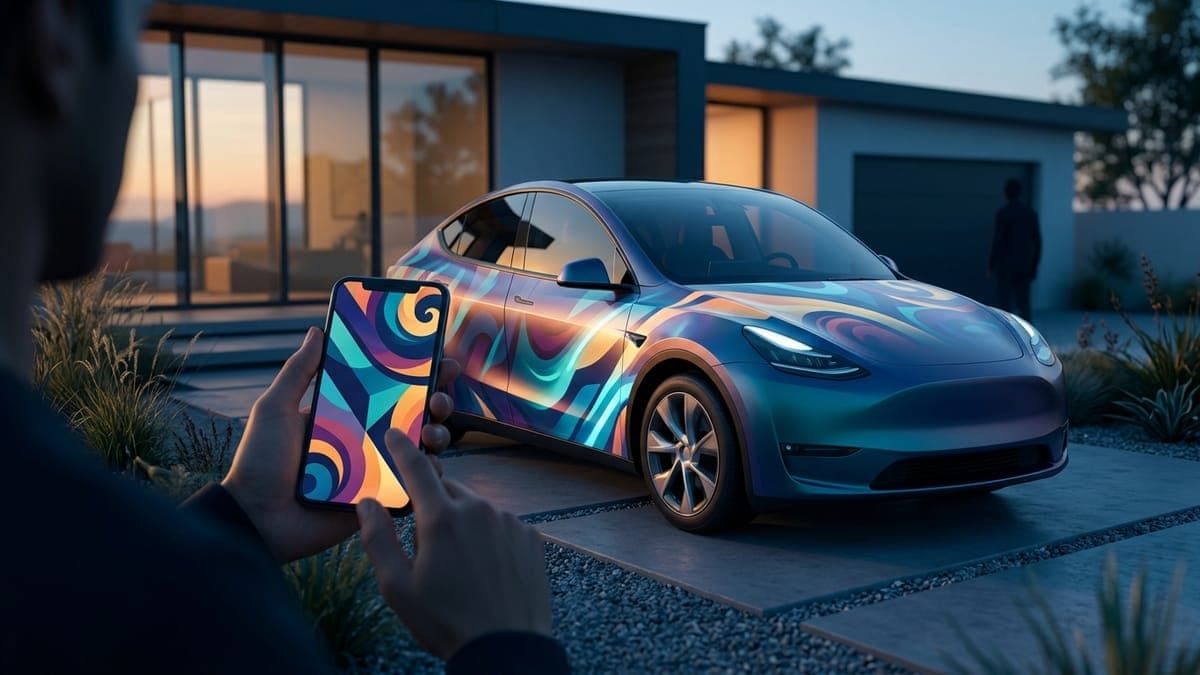
The flow is shorter than the sentence describing it. In the Tesla app, go to Creations, open the Wrap tab, and tap Upload. Pick any image stored on your phone. The app sends it to the car over the air; no USB drive, no folder names, no walk to the driveway with a stick in your hand.
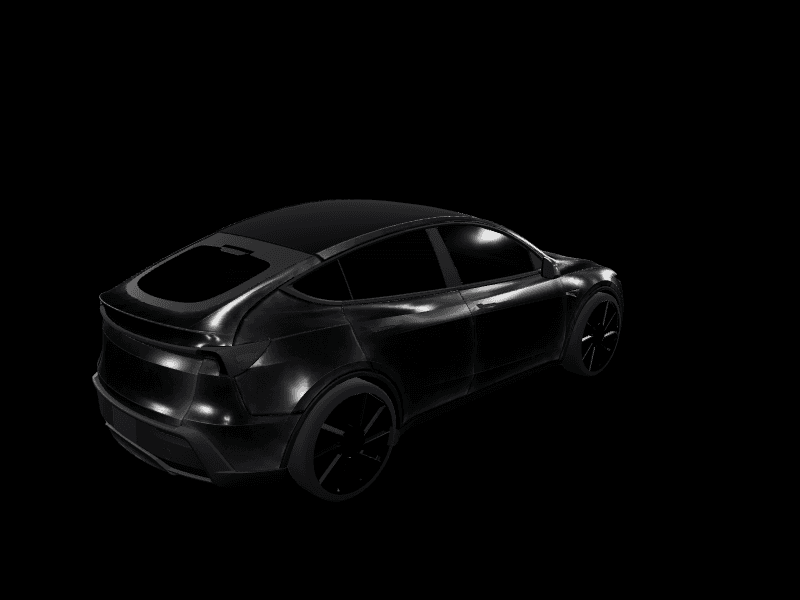
The detail that surprised us in a good way: the app shows your wrap on a 3D model of your car before you commit. You can rotate the preview and check the design from any angle right there on your phone. Tesla then gives you two buttons. "Upload & Apply Wrap" pushes the design to the car and puts it on immediately. "Upload Only" stores it in the car so you can apply it later from the touchscreen, in Toybox under Paint Shop, per Teslarati's coverage.
One more quiet win in the fine print: the feature runs on both AMD and Intel infotainment systems. Owners of older Intel-powered cars have watched Photobooth and Sketchpad stay AMD-only; the Wrap tab is the first Creations feature to reach them. Tesla could have limited this to the newest hardware and few would have noticed. It didn't.
The last hard step is gone
Custom wraps have been a Tesla feature since the 2024 Holiday Update, but the workflow gated them behind a chore: export a PNG, find a USB drive, format it exFAT, create a folder named exactly Wraps, copy the file, plug it into the car, and hope. Every step filtered out people who wanted the result but not the errand.
Now the pipeline matches the feature's actual audience. See a wrap you like anywhere, save the image to your phone, upload it from the app, done. The person who spots a great design in a group chat can be driving it, digitally speaking, two minutes later.
That's precisely the workflow FrunkLab was built for. Every design made in the studio or the Garage exports as exactly the PNG Tesla expects, sized and compressed for the car. Design on your phone or laptop, save the export to your camera roll, and upload it from the app while your coffee is still hot. We wrote a fresh step-by-step walkthrough of the app upload flow that covers the whole path from finished design to applied wrap, including the troubleshooting bits.
The USB route still works, and it remains the answer for cars that haven't received 2026.26 yet. Our USB export walkthrough stays up for exactly that reason. But it's now the fallback, not the front door.
Why this matters more than a convenience feature
Features change behavior when they remove steps, not when they add options. Lock chimes took off when Tesla blessed the LockChime.wav file. Light shows became a community art form when scheduling landed. Wraps just got the same treatment: the distance between "I want that" and "my car has it" collapsed from a weekend errand to an app tap.
Expect the wrap scene to grow accordingly. More people applying wraps means more people designing them, more designs shared, and more remixing. Our community gallery is where that loop already runs: browse what other owners built for the Model Y and every other model, download anything you like, or fork it and make it yours.
If you're brand new to the whole idea, the custom Tesla wrap guide explains the full landscape in one read: what a digital wrap is, what it costs (nothing), and how it relates to physical vinyl.
Check your phone
Rollouts reach different cars on different days, so the honest advice is: update the Tesla app, open Creations, and look for the Wrap tab. If it's there, your car is ready.
And if the tab is staring at you while your car still wears the stock illustration, that's a solvable problem. You can design a Tesla wrap on your phone and run the whole loop without a computer. Open the studio, design something worth uploading, and put the new pipeline to work the same afternoon.
Get a wrap onto your Tesla
Grab a free community design, then load it in Paint Shop from the Tesla app or a USB drive.