Tesla app 4.60.5: wheel covers, a Robotaxi loaner, and the wrap upload that makes the phone the whole workflow
The September Tesla app update adds a one-tap wheel cover toggle and lets service customers ride a Robotaxi instead of taking a loaner. It lands on top of August's passkeys and Wallet V2, and on the Creations > Wrap upload that has made a USB drive optional since July.

The Tesla app keeps absorbing jobs that used to need the car, a service center, or a USB stick. Version 4.60.5 went out on September 4, according to Not a Tesla App's release notes, with two small features that both remove a trip: a wheel cover toggle and a Robotaxi option for service visits. It follows 4.60.0 from August 25, which brought passkeys, a rebuilt wallet, and Powershare updates.
None of it is flashy. All of it is the app becoming the place you run your car from.
Wheel covers on or off, without the service menu
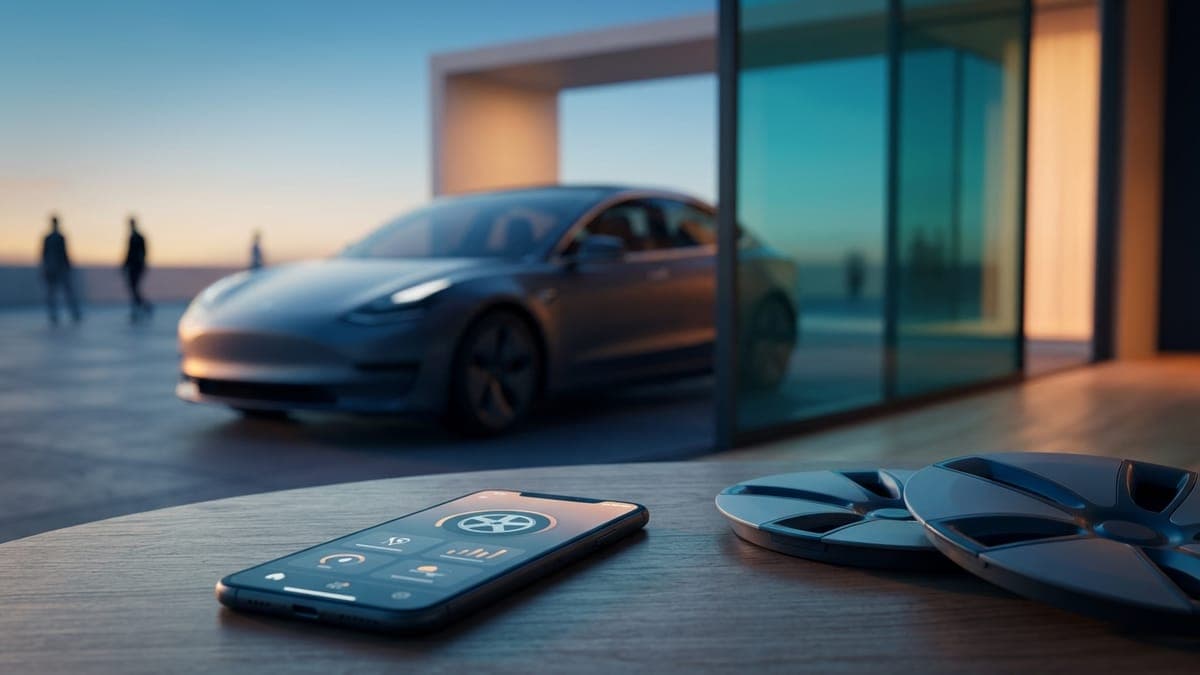
The 4.60.5 headline is small and welcome. Model 3 and Model Y owners who run aero covers know the routine: pull the covers, then dig into the car's service menu to tell it the wheel changed so the range estimate stays honest. Tesla now treats the covered and uncovered versions of the same wheel as one wheel type, so you toggle covers on or off in the app and the expected range adjusts on its own.
If you swap covers seasonally, or take them off for a photo, that is a real annoyance gone.
Use a Robotaxi instead of a loaner
The second feature points at where Tesla is going. In markets where the Robotaxi service runs, customers bringing a car in for service can take a Robotaxi ride instead of a loaner vehicle. Austin riders have had Cybercab rides since September 3, and a service visit is the most natural place to try one. It also means fewer loaner cars sitting in service lots, which is the kind of quiet efficiency Tesla likes.
What 4.60.0 added in August
The late-August release was the larger one. Passkey support means you can sign in to the app with Face ID, a fingerprint, or a device PIN instead of a password. Tesla Wallet V2 rebuilds the payment area to hold cards, Tesla credits, gift cards, and bank details in one place. Powershare updates improve the vehicle-to-home and vehicle-to-load experience on the Cybertruck and Model Y models that support it, which matters more each month as the V2L outlet adapter reaches more owners.
The feature that changed the wrap workflow
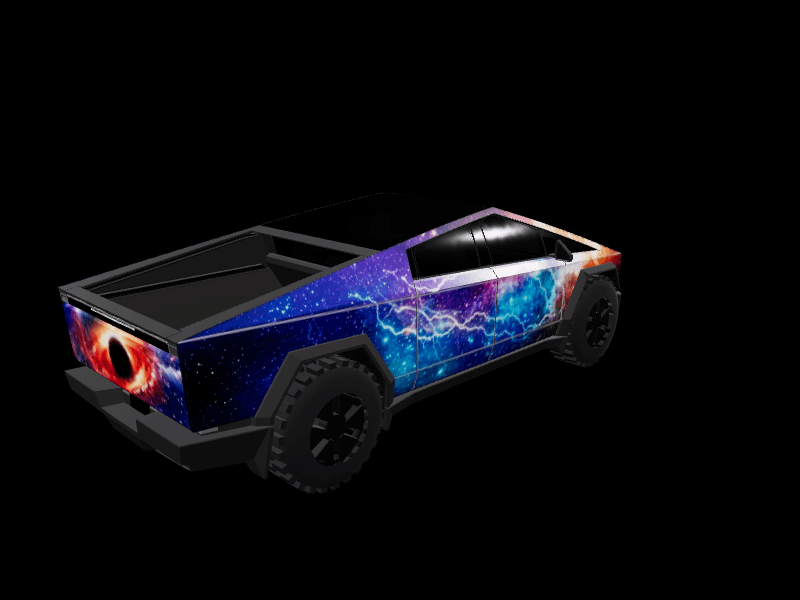
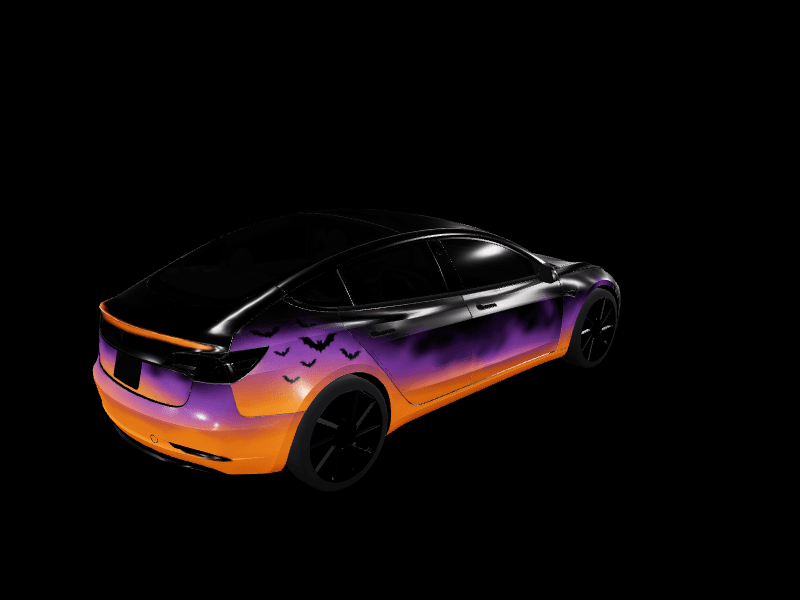
The upload flow itself did not arrive in this release. It shipped in app 4.59.1 on July 25 alongside the 2026.26 Summer Update, and our launch story covered the day it reached the fleet. It belongs in any 4.60 recap anyway, because it is the reason the phone is now the whole workflow for a custom wrap.
Here is the path. Open the Tesla app, pick your car, and go to Creations > Wrap > Upload. Choose a PNG from your phone. The app renders it on a 3D model of your car, then offers Upload & Apply Wrap, which sends it to the car and applies it at once, or Upload Only, which stores it for later. In the car it shows up under Toybox > Paint Shop > Wraps. You need app 4.59.1 or newer and car software 2026.26 or newer, and the car keeps up to 10 wraps from the app plus 10 more from a USB drive.
Two months in, the effect shows in our own numbers: wrap downloads from FrunkLab in August ran almost nine times July's, because the loop is now design, download, upload, look at the screen. You can design a Tesla wrap on your phone with no computer anywhere in the loop, and our tutorial on how to upload a wrap from the Tesla app has screenshots of every tap.
Designing the wrap on the same phone
The upload half of the workflow has a design half, and it lives on the phone too. Open the FrunkLab studio in your phone's browser and pick your Tesla. On a phone the studio opens prompt-first: describe the wrap, pick a style chip if you want one, and tap Generate. The design appears on a rotating 3D model of your car in about half a minute, and Download Wrap saves a PNG that already meets Tesla's file rules.
You do not have to generate anything. The gallery has hundreds of community wraps by model, every one of them a free download, and a tap on Customize opens any of them in the editor first. From there it is Creations > Wrap > Upload, and the car is wearing it before you finish your coffee.
Where to check your version
In the Tesla app, open the profile icon, then About, and look for 4.60.5. Cars update on their own schedule, so if the Wrap tab is missing under Creations, check the car's software version under Controls > Software and make sure it reads 2026.26 or newer. The Paint Shop page has the full requirements list if the car turns a file down.
The app now signs you in with your face, pays for your Supercharging, and paints your car. Give it something to paint: open the studio and design a wrap on your phone.
Get a wrap onto your Tesla
Grab a free community design, then load it in Paint Shop from the Tesla app or a USB drive.