FSD 14.3.12 arrives with the Halloween update: 20% faster reactions, and Halloween Mode reaches FSD cars
Tesla's 2026.38.5 update pairs FSD (Supervised) 14.3.12 for Hardware 4 with 14.3 Lite for Hardware 3, and finally brings Halloween Mode, its four Paint Shop wraps and the new lock sound to cars on the FSD branch. What is in it and who gets it.
 By Max Calder, News editor6 min read
What this means for your wrap or lock chime: if your car is on the FSD software branch, this is the update that brings you Halloween Mode, with Tesla's four Halloween wraps in Paint Shop and its new Halloween lock sound. Your own wraps keep working right next to them: Paint Shop holds up to 10 wraps from the Tesla app plus 10 from USB, and a custom
LockChime.wavstill plays when you pick USB in Toybox > Boombox > Lock Sound.
FSD (Supervised) 14.3.12 is rolling out now, and it rides in with a costume. Tesla's software update 2026.38.5, first released on October 10, pairs the new FSD build for Hardware 4 cars with FSD 14.3 Lite for Hardware 3, and adds Halloween Mode to cars that follow the FSD release branch. A follow-up, 2026.38.5.1, arrived on October 13, according to Not a Tesla App's release notes.
The rollout is moving fast. Tesla Oracle reports that Teslascope tracked a wave of about 1,430 more cars on October 12, 92% of them Hardware 4 cars getting 14.3.12 and 8% Hardware 3 cars getting 14.3 Lite.
What is new in FSD 14.3.12
Tesla's notes for 14.3.12 are among the longest of the 14.3 series. The headline is speed: Tesla says a rewritten AI compiler and runtime make the system react about 20% faster. The rest of the list, per the release notes:
- Better training and vision. Upgraded reinforcement learning across "a wide variety of driving scenarios", and a new vision encoder for rare and low-visibility scenes, 3D geometry and traffic signs.
- Smoother manners. Less unnecessary lane biasing and less minor tailgating.
- Parking. More decisive parking spot selection, with the predicted parking pin now shown on the map as a (P) icon, and parking options on the map when you arrive.
- Tricky road users. Better responses to emergency vehicles, school buses, right-of-way violators, small animals and objects poking into the car's path.
- Traffic lights. Better handling at complex intersections, including stopping for yellow lights.
- Fewer disengagements. The system recovers from temporary degradations on its own more often.
- One model for everything. Actually Smart Summon, FSD and Robotaxi now share a single model, and Smart Summon's top speed rises to 8 mph (13 km/h).
- Feedback and stats. After you take over, you can pick an intervention reason on the screen, and the Self-Driving app shows distance traveled and your longest intervention-free streak.
Tesla also lists what's next: reasoning for more driving behaviors, and pothole avoidance. That last one has been near the top of owner wish lists for a long time.
Hardware 3 gets 14.3 Lite with speed profiles
The Hardware 3 half of the update is just as interesting. FSD 14.3 Lite, per Tesla's notes, distills the Hardware 4 version's training into the older computer, with smoother steering, fewer false slowdowns, steadier lane centering, and better behavior at merges, traffic lights and around pedestrians. It adds parking, unparking and reversing.
It also brings Speed Profiles to Hardware 3 Model 3 and Model Y cars, with a new SLOTH profile that is gentler than CHILL. The scroll wheel now moves between speed profiles instead of nudging a max speed offset, and FSD picks its speed from a mix of the profile, the limit and traffic. Arrival Options let you choose how the car drops you off (parking lot, street, driveway or pull over) and remember it per destination, and a Start Self-Driving button appears from park when you're buckled in.
Our earlier coverage traces how Hardware 3 got here: FSD v14 Lite going wide and the 14.3.9 and 14.3.10 builds that set this up.
Halloween Mode, now on FSD cars too
When Halloween Mode first shipped in 2026.38.3 on October 6, cars on the FSD branch had to wait. 2026.38.5 closes that gap. Per the release notes it brings the full set: a Ghost Costume for the car on the screen, Trick or Treat Mode, which plays spooky sounds and flickers the lights when someone walks up, a scheduled light show, and a photobooth. Our Halloween Mode post covers it all in detail, including Tesla's four Halloween wraps in Toybox > Paint Shop > Wraps.
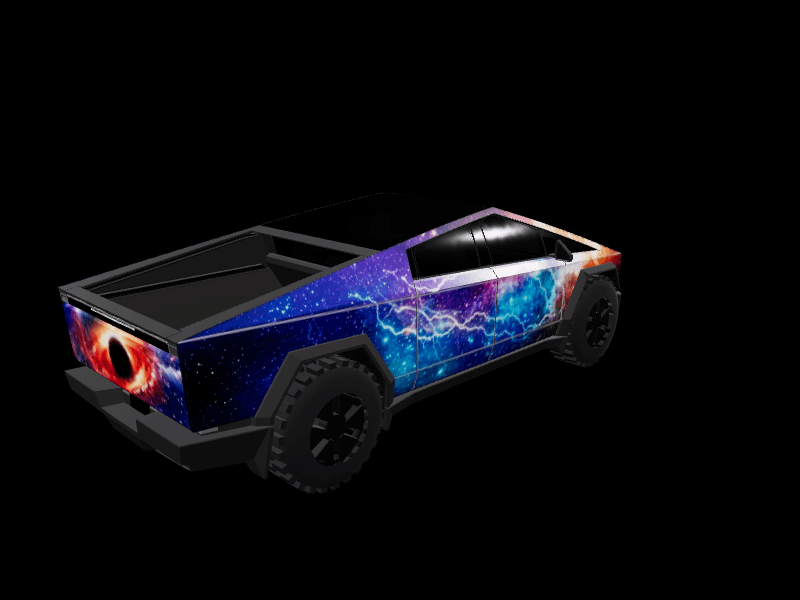
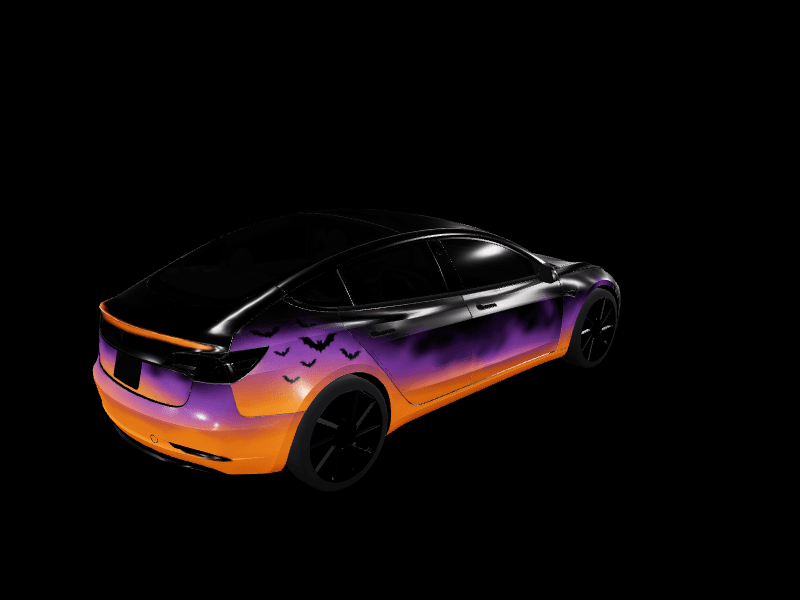
Four wraps is a fun start, but everyone who installs the update gets the same four. If you'd rather have one nobody else on your street has, we just added pumpkin parades, dancing skeletons and friendly ghosts for the Model Y and Model 3 to the gallery. Our Halloween wrap prompts guide has the exact prompts, and the Tesla Halloween wrap ideas guide has a free design for every model.
The rest of 2026.38.5
The update carries the features 2026.38 introduced, so cars jumping straight to it get those too:
- Emergency Drive Away, which lets you shift into Drive with a Supercharger cable still connected in an emergency. Tesla warns it can damage the car and the charger.
- Supercharger Site Maps with live stall status at pilot locations, which we covered in our 2026.38 update post.
- Set Arrival Energy from the Tesla app (app 4.58.0 or newer).
- Dynamic Headlight Leveling on specific Model 3 and Cybertruck builds.
- Visual updates for Hardware 3 Model 3 and Model Y, with sharper car images and a better park scene.
- Automatic Collision Evasion on Hardware 4 cars, first added in 14.3.9.
Who gets it
Tesla Oracle notes that, like the 2026.38 branch, this update goes to Hardware 4 cars and Hardware 3 cars with the AMD Ryzen media computer. FSD 14.3.12 is for Hardware 4 cars in North America, and 14.3 Lite for Hardware 3. Rollouts are staged, so your car may get it days after the first wave. Check Controls > Software to see whether it's waiting, and set Software Update Preference to Advanced to land in earlier waves.
Once it's on your car, try Trick or Treat Mode in the driveway, then open the studio and give your Tesla a Halloween wrap of its own.
Frequently asked questions
What version is FSD 14.3.12? FSD (Supervised) 14.3.12 ships in Tesla software 2026.38.5 and 2026.38.5.1 for Hardware 4 cars. The first release was October 10, 2026, and the 2026.38.5.1 follow-up arrived on October 13.
What is new in FSD 14.3.12? Tesla says reactions are about 20% faster thanks to a rewritten AI compiler and runtime. It also lists better parking, less lane biasing and tailgating, better handling of emergency vehicles, school buses and small animals, and a faster Smart Summon at up to 8 mph.
Does Hardware 3 get FSD 14.3.12? No. Hardware 3 cars get FSD 14.3 Lite in the same update, which adds parking, reversing, Arrival Options and Speed Profiles, including a new SLOTH profile below CHILL.
Does 2026.38.5 include Halloween Mode? Yes. It brings Halloween Mode to cars on the FSD branch, with Ghost Costume, Trick or Treat Mode, a light show, a photobooth, four Halloween wraps in Paint Shop and a Halloween lock sound.
Will my custom wrap still work after the update? Yes. Tesla's Halloween wraps sit next to your own in Toybox, then Paint Shop, then Wraps, and you can still upload new ones from the Tesla app under Creations, Wrap, Upload.
Get a wrap onto your Tesla
Grab a free community design, then load it in Paint Shop from the Tesla app or a USB drive.