Tesla update 2026.38: dynamic headlight leveling, Supercharger site maps and sharper car visuals
Tesla software update 2026.38 started rolling out on September 29, 2026. It brings dynamic headlight leveling to Model 3, Supercharger site maps with live stall status to older cars, a refreshed car render for Model 3, and security fixes.
 By Max Calder, News editor3 min read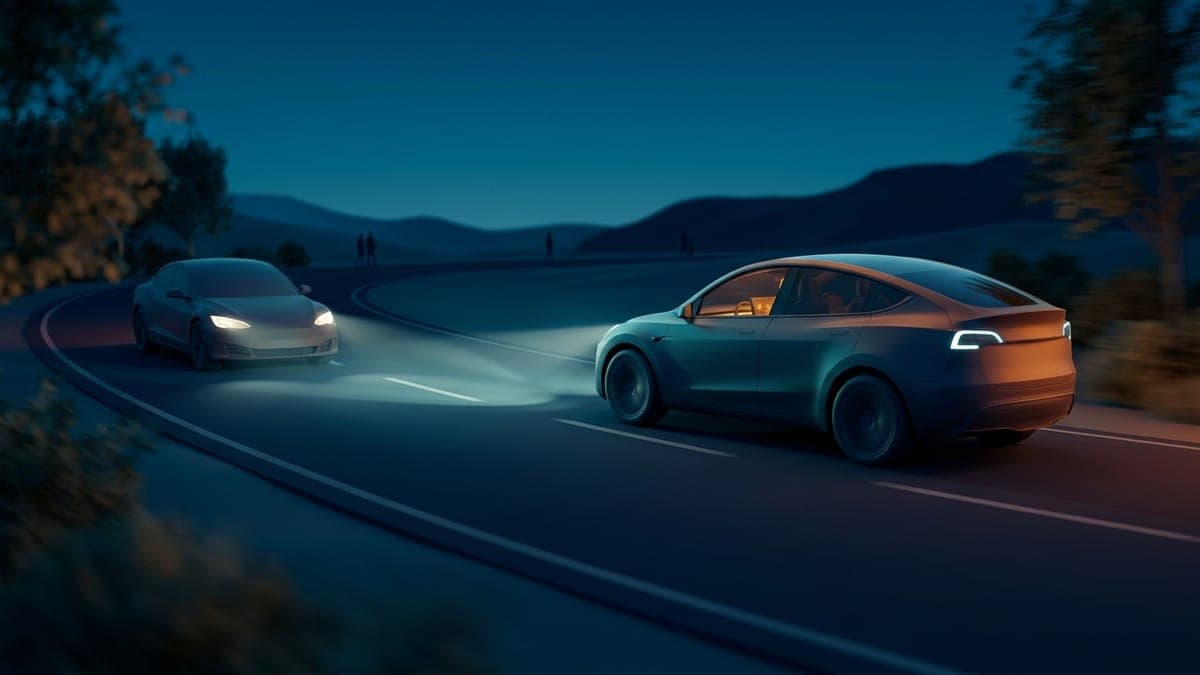
Updated 2026-09-30.
Tesla's 2026.38 software update began its early rollout on September 29, with the first cars in France, the UK, Australia, Norway, Switzerland, Taiwan and Germany, according to Drive Tesla's release notes tracker. It is a short list of features, but every one of them is the kind you notice on your next drive.
Dynamic headlight leveling
On Model 3, the low beams now adjust their aim automatically based on the road and the traffic around you. The goal is two things at once: more light where you need it, less glare for the driver coming the other way. There is nothing to switch on, it just works. Not a Tesla App's release notes list it as Model 3 only for now.
Supercharger site maps
When you navigate to a pilot Supercharger, you can tap View Site Map to see the layout of the site, with each stall marked Available, Occupied or Down when you arrive. Tesla already brought site maps to the Tesla app in version 4.61; 2026.38 brings them to the car's screen on older vehicles that run Intel-based hardware, including the legacy Model S and Model X.
If you have ever pulled into a busy site and circled to find an open stall, you know why this is useful.
Sharper car visuals
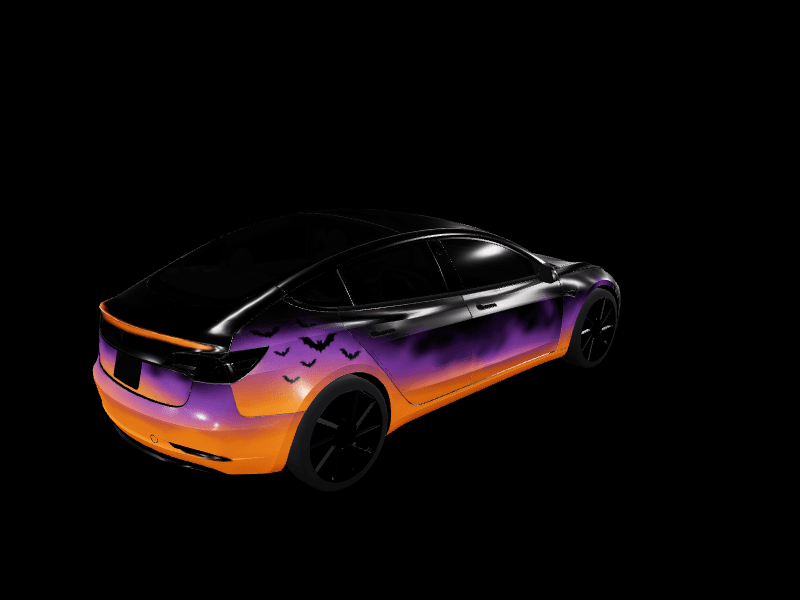
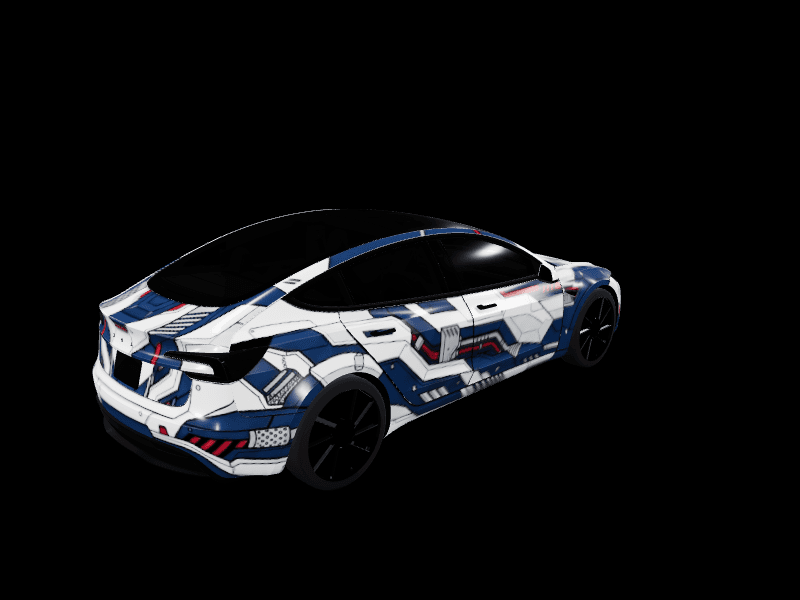
The center display gets higher quality images of your Tesla and an improved park scene. Release notes list this for Model 3 and Model Y on the AMD-based computer, so older 3s and Ys get a fresher-looking car on screen. It is a nice moment for anyone who uses Paint Shop: a custom wrap is only as good as the car it is drawn on, and the render keeps getting better. If you have never set one up, sending a wrap from your phone takes about two minutes.
Security fixes
Every car on the update, including Cybertruck, gets security fixes and improvements. Tesla does not detail these, which is standard practice.
Which cars get what
| Feature | Vehicles |
|---|---|
| Dynamic headlight leveling | Model 3 |
| Supercharger site maps | Model 3, Model Y, legacy Model S and Model X with Intel hardware |
| Higher quality car visuals | Model 3 and Model Y with the AMD computer |
| Security fixes | All models, including Cybertruck |
Feature lists can differ by region and hardware, and early rollouts reach a small share of cars first. If you do not see 2026.38 yet, it is usually a matter of days.
FAQ
When did Tesla update 2026.38 come out? It started its early rollout on September 29, 2026, with wider availability following over the next days.
Does dynamic headlight leveling need to be turned on? No. The low beams adjust automatically on supported Model 3 cars.
How do I see a Supercharger site map? Navigate to a pilot Supercharger and tap View Site Map. Stall status shows when you arrive.
Does 2026.38 change Paint Shop wraps? No changes to Paint Shop are listed, and existing wraps keep working.
Want your car to look its best in that sharper render? Design a wrap in the studio or grab one from the gallery.
Put a custom wrap on your Model 3
Community designs, free to grab — or make your own in the browser.