All lock sounds
Funny
Air Horn
A loud, blaring air horn blast that pumps up any big hype moment.
Free. A plain audio file, no app or account needed.
- Length
- 1.7 seconds
- File size
- 146 KB
- Format
- WAV, 44.1 kHz, 16-bit mono
- Saves as
- LockChime.wav
Checked against Tesla's lock sound limits (WAV, under 5 s, under 1 MB)
- #meme
- #hype
- #loud
- #air horn
- #celebration
Install it in your Tesla
- 1Download. The file already has the right name: LockChime.wav.
- 2Put LockChime.wav at the top level of a USB drive, not inside any folder. Format the drive exFAT, FAT32, ext3 or ext4 (not NTFS).
- 3Plug the drive into a front data port. On many cars built since late 2021 the console ports only charge, so use the glovebox port.
- 4In the car, open Toybox > Boombox, turn on Lock Sound and choose USB.
Lock Sound plays through the external Pedestrian Warning System speaker, which most Teslas built since late 2019 have.
Full guide with screenshotsPair it with a wrap
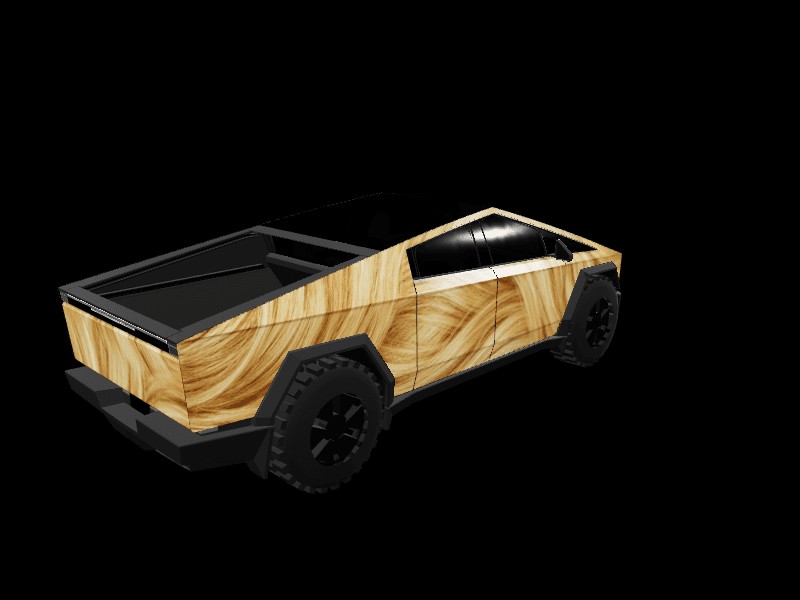
Design a wrap in the Studio or the Garage and attach this sound to it. It plays with your design in the gallery, and anyone who downloads your wrap gets the matching lock sound too.



Similar sounds
Short Airhorn
A single quick airhorn blast that adds loud, playful emphasis to any moment.
#meme#airhorn#hype
2.3s
WAV · Tesla-ready
Hype Airhorn Blast
A repeated blaring airhorn blast used to hype up an epic gaming play.
#meme#airhorn#hype
2.9s
WAV · Tesla-ready