Tesla update 2026.32.3: pick your wheels on the screen, plus Apple Music
Tesla's 2026.32.3 update is rolling out worldwide to every model with a redesigned Wheel Selection screen, an Apple Music library tab, security fixes and a browser ad blocker. Here is what changed, and how wheel choice pairs with a custom wrap in Paint Shop.

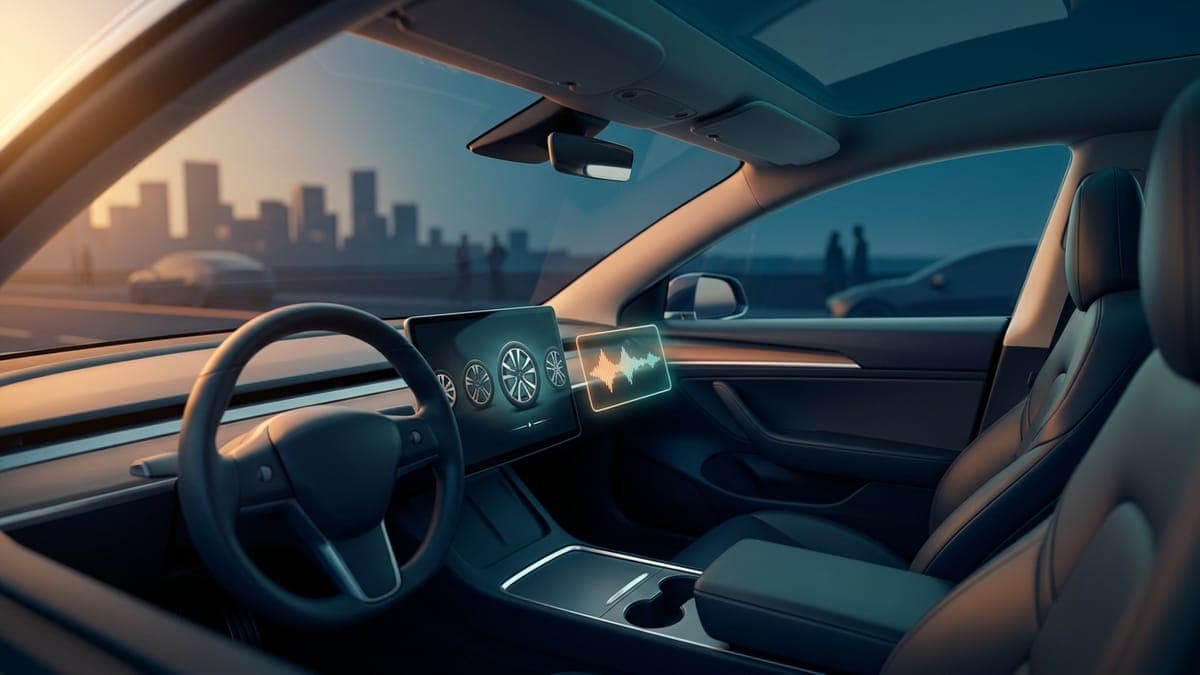
Tesla's 2026.32.3 update started reaching cars on September 9 and is now past a fifth of the fleet. It is a small release with one change that matters to anyone who cares how their car looks: a redesigned Wheel Selection screen that lets you pick new wheel options on the touchscreen, so the car draws itself with the wheels you actually have, or the ones you are thinking about.
Alongside it come an Apple Music library tab, a round of security fixes, and an undocumented browser ad blocker. The rollout covers Model S, Model 3, Model X, Model Y and Cybertruck worldwide, per the official release notes.
Wheel Selection, rebuilt
The wheel and tire configuration screen lives under Controls, then Service, and it has looked the same for years: a short list, a small preview. In 2026.32 it is a full makeover. Not a Tesla App's first look shows large renders of each wheel on your car, with new options added to the list.
The release note reads simply "Choose from new wheel options to customize the appearance of your Tesla." The practical use is twofold. If you swapped wheels, the car's on-screen model finally matches. And if you have not, it is the cheapest way to see what a different set would look like before you buy any.
The wheel choice affects more than the avatar. The car uses it for range estimates and for the visualization while you drive, so picking the right one is worth a minute after the update lands.
Wheels and wraps, together
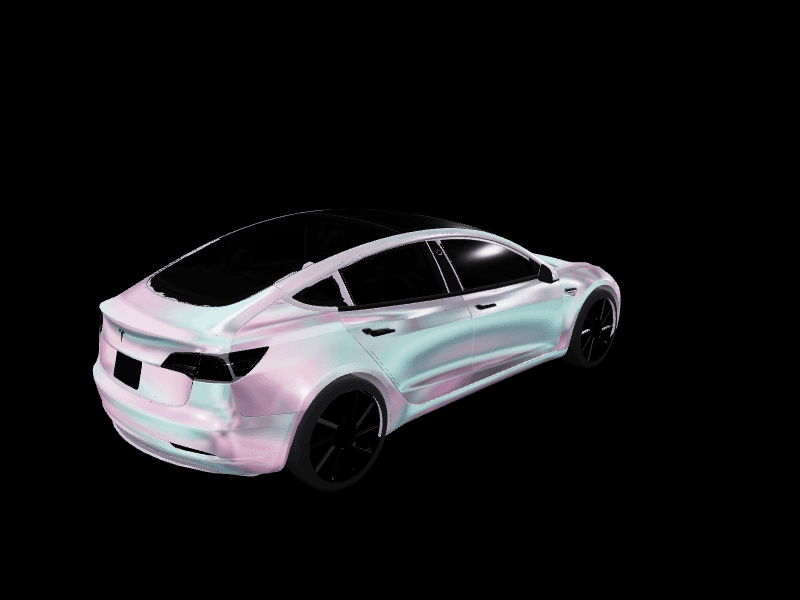
Tesla now lets you change two things about how the car looks on its screens: the wheels, and the wrap. Wheel Selection is under Controls, then Service. Custom wraps live in Toybox, then Paint Shop, then Wraps, where the car shows any PNG you have loaded from the Tesla app or a USB drive.
The two combine well. A dark wheel under a bright wrap reads very differently from a silver one, and it is easy to test both now without leaving the driver's seat. Our Tesla wrap color guide covers which colors flatter each model. If you want to try the combination before it reaches the car, the Garage editor has a wheel picker of its own next to the 3D model, so you can put a wrap on the car and cycle wheels under it in one view. The wrap you settle on downloads as the exact PNG Paint Shop accepts, and our tutorial shows how to upload a wrap from the Tesla app.
Apple Music gets a library tab
Apple Music has been in the car since late 2022, but searching it meant searching the whole catalogue. 2026.32.3 adds a Library tab: go to Search, select Apple Music, and tap Library to reach the songs, albums and playlists you have saved, without the global results getting in the way. Teslascope's notes list it as available on every model worldwide.
It is a quality-of-life fix, and the kind that owners who use Apple Music every day will notice within a week.
Security fixes and an ad blocker
The release notes mention "important security fixes and improvements" without detail, which is normal for Tesla. Install it; that line is the reason not to wait.
The undocumented change is a browser ad blocker. Basenor's rundown reports that the in-car browser now blocks ads, which cuts bandwidth and makes pages load faster on the car's connection. It is not in the notes, and there is no toggle, so the first sign you will see is pages that render cleaner than they used to.
Europe: a recall remedy over the air
For Model 3 and Model Y in the EU, 2026.32 also delivers the fix for EU recall submission 2026_103555, restoring compliance with UNECE Regulation 135 on side-impact standards. It is a software remedy, so no service visit. If you have been holding a recall notice in Europe, this is the update that clears it.
How to get it
Check Controls, then Software. Updates roll in waves, and the fifth batch went out this week. If your car is on the Advanced update preference it tends to arrive sooner. Once it lands, spend the first minute in Wheel Selection and the second in Paint Shop, and if the wrap slot is still empty, the studio can fill it before your next drive.
Get a wrap onto your Tesla
Grab a free community design, then load it in Paint Shop from the Tesla app or a USB drive.