Press and creator kit
Updated
Writing about FrunkLab, or making a video with it? Everything you need is on this page. For anything else, renders of a wrap on a specific car, or a quote, email hello@frunklab.com.
FrunkLab in one paragraph
FrunkLab (frunklab.com) is a free web studio for Tesla Paint Shop wraps. Owners describe a wrap to Frunky, the AI wrap helper, or design one by hand, and see it on a 3D model of their exact Tesla before downloading a PNG that is ready for the car. It works for the Model 3, Model Y, Cybertruck, Model S and Model X, and also makes custom lock sounds. FrunkLab is independent and not affiliated with Tesla.
Free to copy as is, in an article or a video description.
Quick facts
- What it is
- A free web studio for Tesla Paint Shop wraps and lock sounds. Nothing to install: it runs in the browser on a phone or a computer.
- Cars
- Model 3 (including Highland), Model Y (including Juniper), Cybertruck, Model S and Model X, each on its own Tesla template.
- Price
- Designing by hand and downloading gallery wraps is free. Every account gets 2 free AI wraps a month; more come in one-time packs that never expire. No subscription.
- The file
- A PNG under 1 MB on Tesla’s template for that model, ready to send from the Tesla app (Creations > Wrap > Upload) or a USB drive.
- On the car
- Toybox > Paint Shop > Wraps. It changes how the car looks on its own screen, not the real paint.
- Community
- A public gallery of free wraps made by owners, creator pages at frunklab.com/@handle, and the Wrap Cup, a free wrap contest.
- Spelling
- FrunkLab, one word, capital F and capital L. Frunky is the AI wrap helper.
Making a video? Three shots that work
- 1.
Describe a wrap to Frunky
Type an idea such as "candy-cane stripes on pearl white" and pick your exact car.
- 2.
Film it landing on the 3D car
While the AI paints, drones scan the car and spray the wrap on. This is the shot most viewers remember. Spin the car, then switch scenes.
- 3.
Download and send it to the car
Download the PNG, open the Tesla app, Creations > Wrap > Upload, then Toybox > Paint Shop > Wraps on the car. The before and after on the real screen closes the video.
From December 1 the outdoor scenes have snow, and the Winter Wonderland scene (a chalet, a decorated tree and a sleigh crossing the moon) is in the scene menu until January 15. Start in the studio.
AI wraps for your video
If you are making a video, a post or an article about Tesla wraps, email hello@frunklab.com with a link to your channel and the email you signed up with, and we will add AI wraps to your account so you are not limited to the free 2. No payment, no script and no approval of what you say.
Post your wraps to the gallery and your own page at frunklab.com/@handle shows you how many of your viewers visited and downloaded them. Link that page in your description so your audience lands on your wraps first.
Holiday links worth sharing
- Christmas wrap ideasFree Christmas wraps for every model, with the right file for each.
- Winter wrap ideasSnow, icicles and northern lights wraps that last until spring.
- Christmas wraps in the galleryEvery Christmas wrap the community has posted.
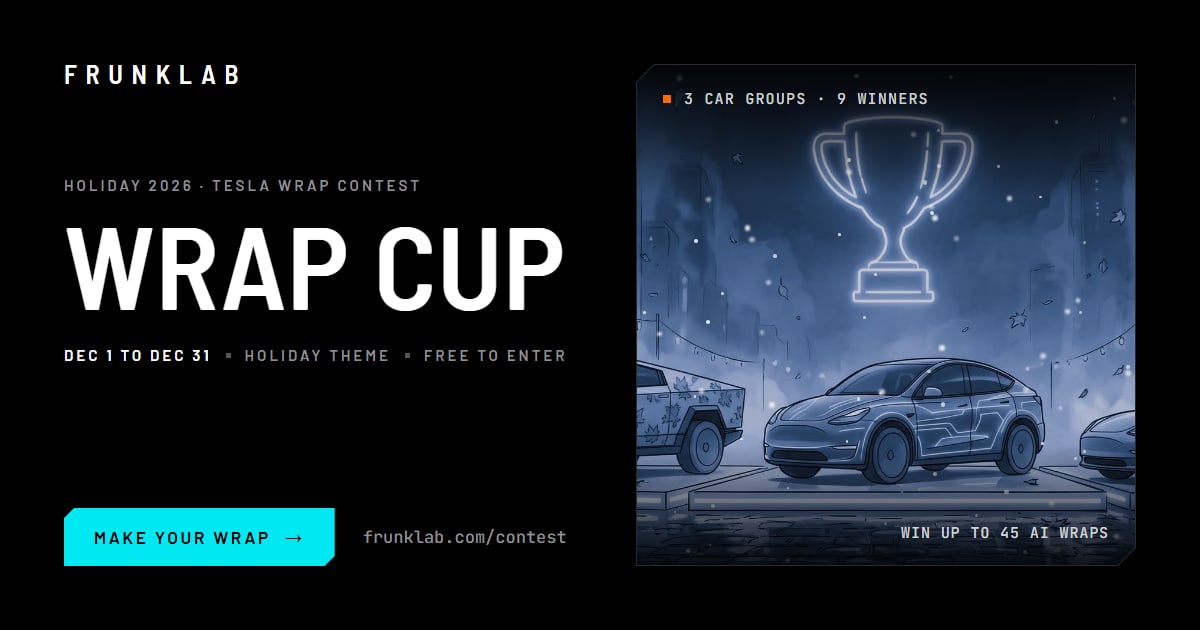
- The Holiday Wrap Cup (Dec 1 to Dec 31, 2026)A free holiday and winter wrap contest with a podium for each car group. First place wins 45 AI wraps.
- Christmas lock soundsFestive lock chimes and how to install one in two minutes.
- Santa ModeHow to turn on Tesla’s Santa Mode.
- Paint Shop wrap statsOriginal data on which models and styles owners design and download.
Logos and images
- FrunkLab icon (PNG, 512x512)For thumbnails, overlays and link cards.
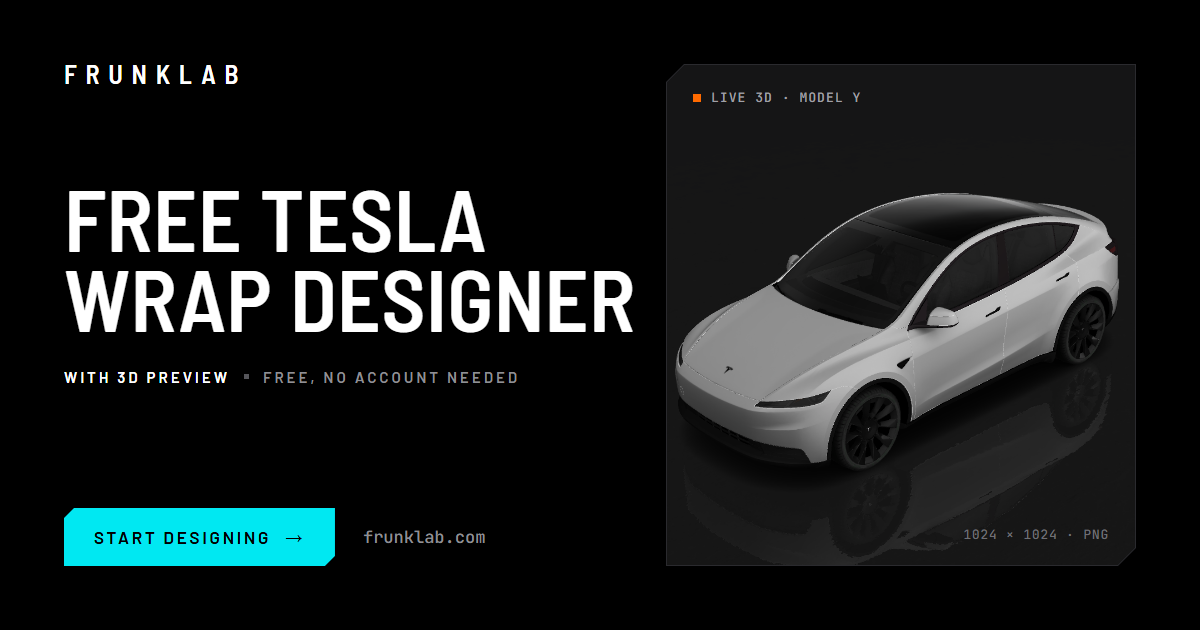
- FrunkLab social card (PNG)The card shown when a FrunkLab link is shared.
- Holiday Wrap Cup card (JPG)For a mention of the December contest.
Every wrap in the gallery has shareable shots (three angles at 2560x1440) and a short video of the car in its scene. Please credit the wrap's creator by their @handle.
Tesla
FrunkLab is independent and is not made, endorsed or sponsored by Tesla. Tesla, Paint Shop, Toybox, Cybertruck and the model names are Tesla's trademarks. Please don't describe FrunkLab as an official Tesla tool.