Santa Mode and custom wraps in FSD v15: why they don't show in Reality View yet
On cars running FSD (Supervised) v15, Reality View doesn't draw your Paint Shop wrap, your real paint color, Santa Mode or Halloween Mode on the car yet. What changed, what Tesla's engineers have said, how to switch views, and what to do with your wraps until it's fixed.
 By Dex Moreno, Guides editor7 min read
Quick answer: On a Tesla running FSD (Supervised) v15, the new Reality View draws the car in a plain 3D model. Your Paint Shop wrap, your real paint color, Santa Mode and Halloween Mode don't show on it yet. Your wraps are still in Toybox > Paint Shop > Wraps, and a Tesla UI engineer says the team is "working on it". Cars that aren't on v15 are not affected.
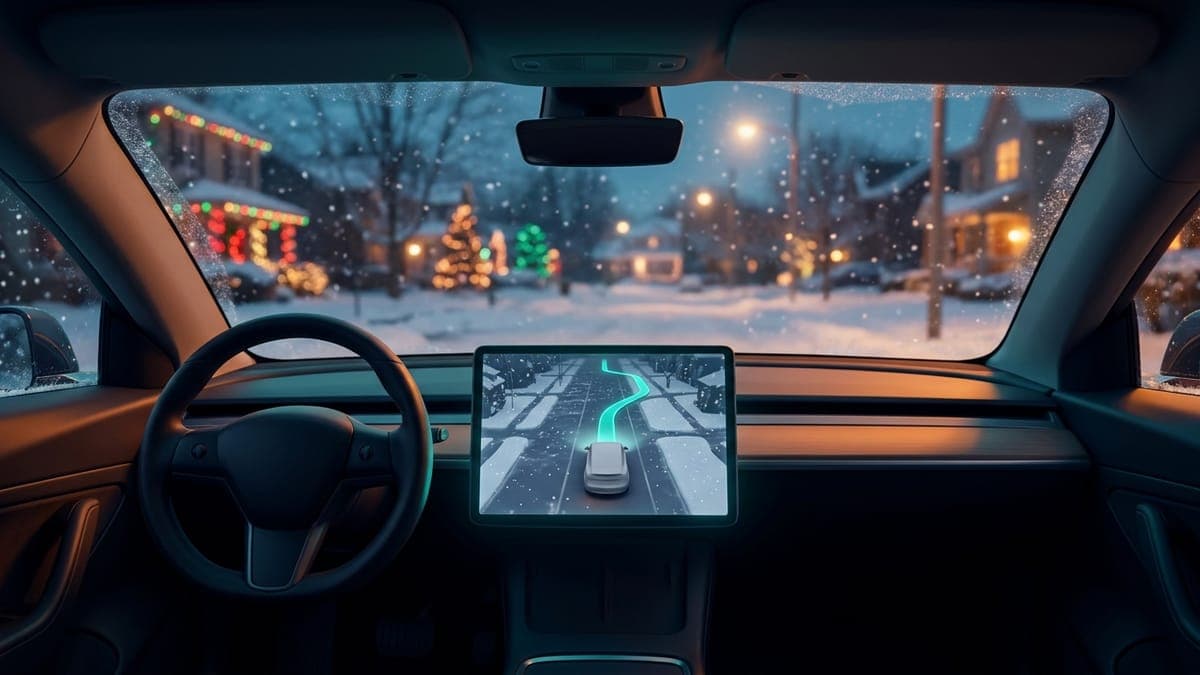
Reality View is the new driving visualization in FSD (Supervised) v15. It replaces the old display, which drew your car and the cars around it from separate pieces of the software, with one rendered scene seen from a camera above the car. Tesla began sending it to the first owners on November 21, 2026, on software 2026.38.6.11, and Elon Musk says it goes wide with the Holiday Update in December. Our FSD v15 news post covers the rest of the release.
The new view is a big step for the driving display. It also arrived without some of the personal touches the old one had, and those are the ones wrap owners notice first.
What doesn't show in Reality View yet?
Four things, all of them about how your own car looks on the screen:
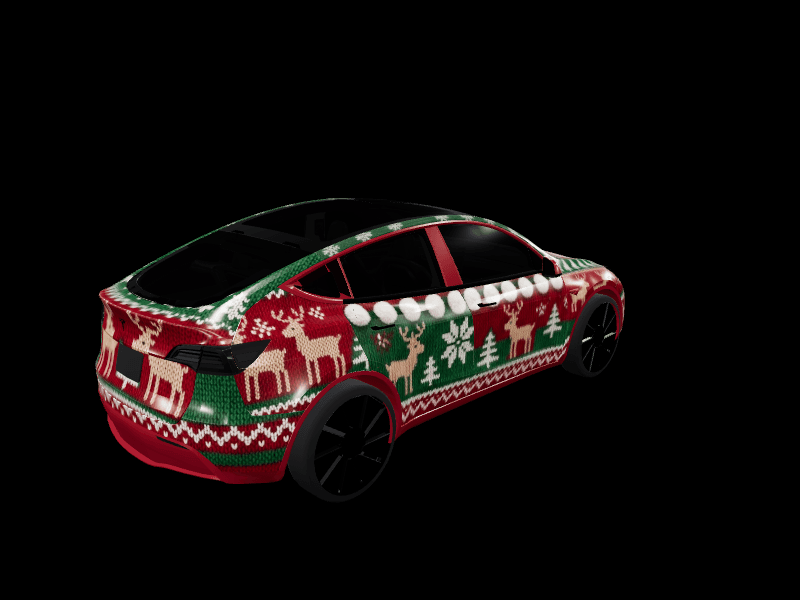
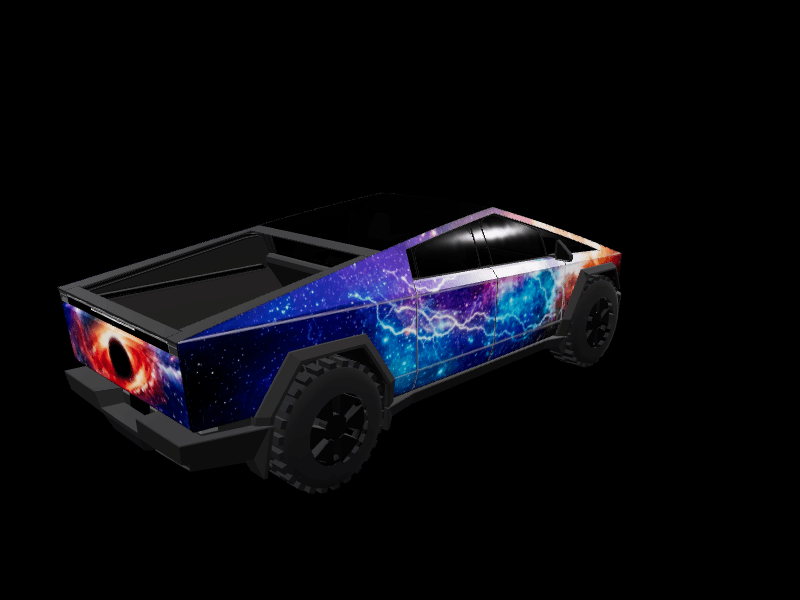
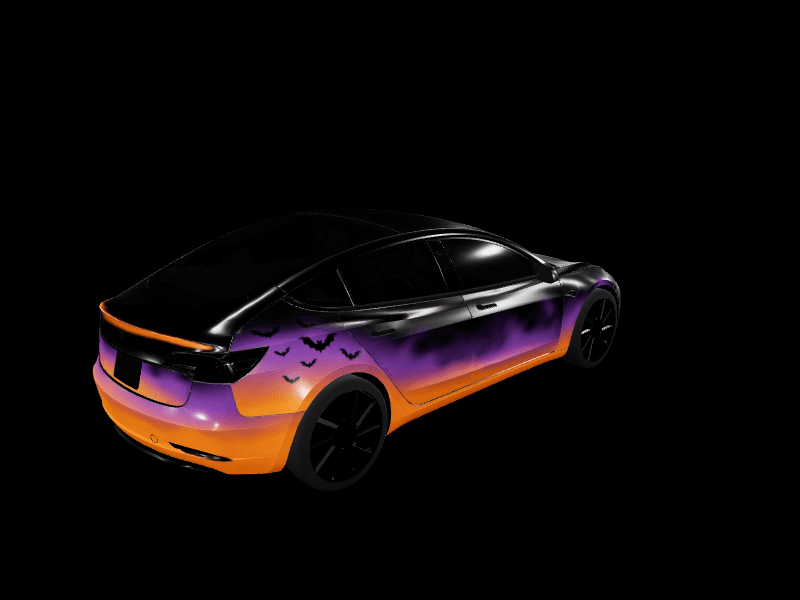
- Your Paint Shop wrap. The car on the driving view isn't drawn in the custom wrap you picked in Paint Shop.
- Your real paint color. The car isn't drawn in its factory color either.
- Santa Mode. Turning it on no longer changes the driving view: no sleigh, no reindeer.
- Halloween Mode. Same story, no costume on the car or the traffic.
Not a Tesla App found on November 23 that Santa Mode and Halloween Mode no longer change anything in the driving visualization. A day later, Not a Tesla App and The Electric Viking added custom wraps and accurate paint colors to the list.
Why did it happen?
The old visualization and Reality View are built differently. The old one placed ready-made 3D models in a scene, so Tesla could swap your car's model for a sleigh, a ghost or a wrapped version of itself. Reality View renders the whole scene in one pass from what the cameras see.
The cameras can't see your own car, though. So Reality View still draws the car as a 3D model, and that model hasn't been taught your wrap, your color or the holiday costumes yet. Not a Tesla App points out that this makes the car itself the natural place for those touches to come back first. That's their read, not a Tesla promise, but it's a reasonable one.
Are my wraps gone?
No. Nothing in the reports says saved wraps are removed. They stay in Toybox > Paint Shop > Wraps, up to 10 from the Tesla app plus 10 from a USB drive, and you can still upload, pick and delete them as before. The change is in how the driving view draws the car, not in Paint Shop.
You can also still see a wrap on a 3D car before it goes anywhere near the screen. The Tesla app shows a 3D preview when you upload a file under Creations > Wrap > Upload, and our 3D preview tutorial shows how to check every angle in the studio before you export.
Which Teslas are affected?
Only cars running FSD (Supervised) v15 with Reality View. As of November 27, 2026, that's a small early wave of Hardware 4 (AI4) cars: about 0.7% of the cars the TeslaFi tracker follows, per Not a Tesla App. On November 25 the rollout reached Hardware 4 Model Ys built before the 2025 refresh, Not a Tesla App reports, and Model 3 owners are still waiting.
Cars on Hardware 3 got FSD v14.3 Lite in update 2026.44.1, not v15, so their visualization hasn't changed. Intel-based Model S and Model X won't get v15 or Reality View, and Not a Tesla App expects the classic Santa Mode and Halloween Mode to stay on those cars.
What has Tesla said?
When an owner on X asked how Santa Mode, Halloween Mode, wraps and paint colors would come back, Tesla UI engineer Evan replied that the team is "working on it", and later that they have "a concept of a plan", per Not a Tesla App. There's no date.
Two reports say a Reality View version of Santa Mode may arrive with the Holiday Update. Tesla hasn't confirmed that, and the Holiday Update itself hasn't been announced. Our Tesla Holiday Update guide tracks what's known and gets updated when Tesla posts the release notes.
Tesla is moving fast on the rest of Reality View. Musk said the view's half-second lag comes from compute limits and that Tesla can cut roughly 35% of it, and a Tesla engineer said a fix is coming for the purple tint some owners saw at night.
How do I switch between Reality View, the map and Calm Mode?
FSD v15 lets you hide the visualization, which is handy if the plain car bothers you or the view is too busy. Neither option is in the release notes, but both are in Tesla's promo video, per Not a Tesla App and Teslafix.
- Use the buttons at the bottom left of the driving screen to switch between the full-screen map, Reality View and Calm Mode.
- Or swipe down from the top of the screen with three fingers to open Calm Mode. It hides the visualization and the map and keeps the speed, the speed limit, the next turn and the arrival time.
- Swipe up from the bottom of the screen with one finger to leave Calm Mode and go back to Reality View or the map.
These don't bring your wrap back. They just swap the driving view for something else. No one has reported a way to switch back to the old visualization on a v15 car.
Should I keep making wraps?
Yes. A wrap is a PNG that sits in Paint Shop, and nothing about v15 changes the file rules: PNG, 512x512 to 1024x1024 (1024x768 on the Cybertruck), under 1 MB, and a filename of up to 30 letters, numbers, spaces, underscores or dashes. Your files stay in Paint Shop, ready for whenever Tesla brings wraps back to the car in Reality View.
Most owners aren't on v15 yet either. Until the wide release, the old visualization still shows your wrap on the driving screen, in the charging view and in the app. If a wrap doesn't show on a car without v15, that's a different problem, and the Paint Shop troubleshooting guide has every fix we know.
For the holidays, the Tesla Christmas wrap ideas guide has free designs for every model, and our Tesla app upload tutorial gets one onto the car in about two minutes. Or open the studio and make one of your own while Tesla finishes the job.
Frequently asked questions
Why is Santa Mode not working on my Tesla? If your car is on FSD (Supervised) v15, Reality View doesn't show Santa Mode yet: turning it on no longer changes the driving view. A Tesla UI engineer says the team is working on it. On a car without v15, check that Santa Mode is switched on under Toybox > Santa.
Does FSD v15 delete my Paint Shop wraps? No. Your wraps stay in Toybox > Paint Shop > Wraps. Reality View just doesn't draw the car in its custom wrap yet.
Will custom wraps come back in Reality View? Tesla says it's working on it and has "a concept of a plan", but hasn't given a date. Not a Tesla App expects wraps and real paint colors to return on the car's own 3D model first.
Can I turn off Reality View? You can hide it. Switch to the full-screen map or Calm Mode with the buttons at the bottom left, or swipe down with three fingers for Calm Mode. No one has reported a way back to the old visualization on a v15 car.
Does this affect cars on Hardware 3? No. Hardware 3 cars got FSD v14.3 Lite, not v15, so they keep the old visualization with wraps and Santa Mode.
Get a wrap onto your Tesla
Grab a free community design, then load it in Paint Shop from the Tesla app or a USB drive.